55
6 The Fat Channel
6.6 EQ Mode (Dynamic Fat Channel)
StudioLive™ Series III
Owner’s Manual
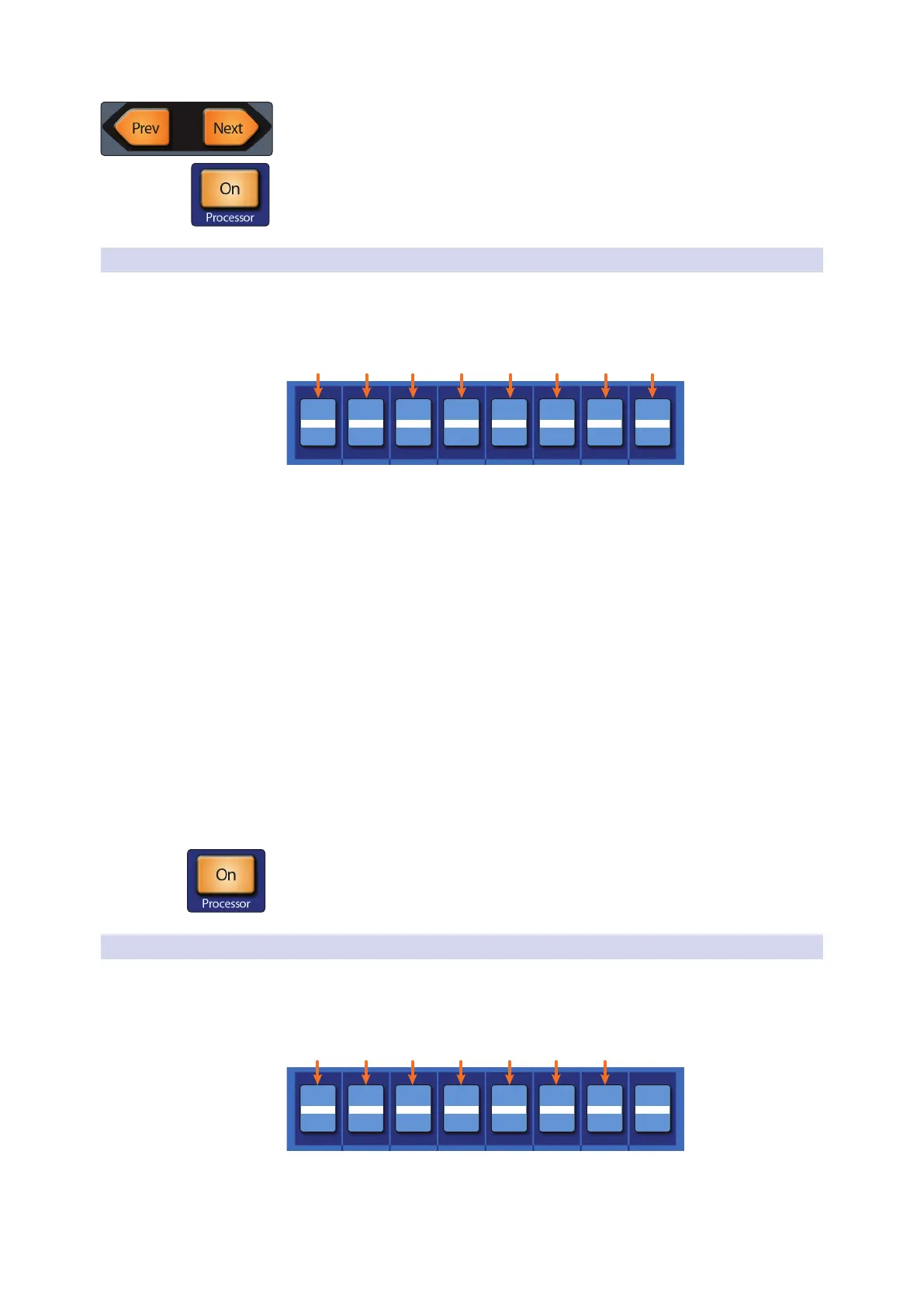
When a bus is selected, the EQ has six bands. Use the Page navigation buttons to
navigate between Bands 1-4 and Bands 5-6.
Press the Processor button to turn the EQ on or off.
6.6.2 Passive Program EQ
Dynamic Fat Channel Controls
When the Passive EQ is selected, the following controls are available in the
Fat Channel:
HIGH
HIGHHIGHLOWLOWLOW
Boost Atten Freq Boost Bndwdth Freq Atten Select
HIGH ATTN
0.00 10 kHz5 kHz0.060.0230 Hz0.000.00
1. Low Boost. Sets the level of boost applied around the chosen low frequency.
This control interacts nicely with the Low Attenuation control, allowing for
boosts in apparent bass energy while keeping overall bass energy within
optimal limits.
2. Low Attenuation. Sets the level of attenuation applied around the chosen low
frequency. This control interacts nicely with the Low Boost control, allowing
for boosts in apparent bass energy while keeping overall bass energy within
optimal limits.
3. Low Frequency Select. Sets the center frequency of the band covered by the
Low Boost and Low Attenuation controls.
4. High Boost. Sets the level of boost applied around the chosen high frequency.
5. High Bandwidth. Sets the Q (or width) of the effect of the high EQ band.
6. High Frequency. Sets the center frequency of the high EQ band.
7. High Attenuation. Sets the amount of attenuation applied in a shelving fashion
to frequencies at and above the chosen high frequency.
8. Attenuation Select. Sets the frequency at and above which the High
Attenuation control attenuates treble content.
Press the Processor button to turn the EQ on or off.
6.6.3 Vintage 1970s EQ
Dynamic Fat Channel Controls
When the Vintage 1970s EQ is selected, the following controls are available in the Fat
Channel:
H-MID
H-MIDL-MIDL-MIDLOWLOW
Gain Freq Gain Freq Gain Freq Gain
HIGH
0.004.8 kHz0.00 dB700 Hz0.00 dB60 Hz0.00 dB
1. Low Gain. Sets the amount of boost or cut to apply the low-frequency band of
this EQ.
2. Low Frequency. Sets the shelving frequency of the low-frequency band of this EQ.










 To Next Page