117
12 Home
12.3 Audio Routing and the Digital Patching Screen
StudioLive™ Series III
Owner’s Manual
Press the reset button to repatch the default routing.
You can route any of the following mixes to physical mix outputs on your StudioLive
mixer:
• FlexMixes
• FX Send Mixes (pre-effects processor)
• Subgroups A-D (32-channel models only)
• Main L/R Mix
• Main Mono/Center bus (StudioLive 64S only)
• Solo L/R Bus
Press Reset Sends while Analog Sends is active to revert to the default settings.
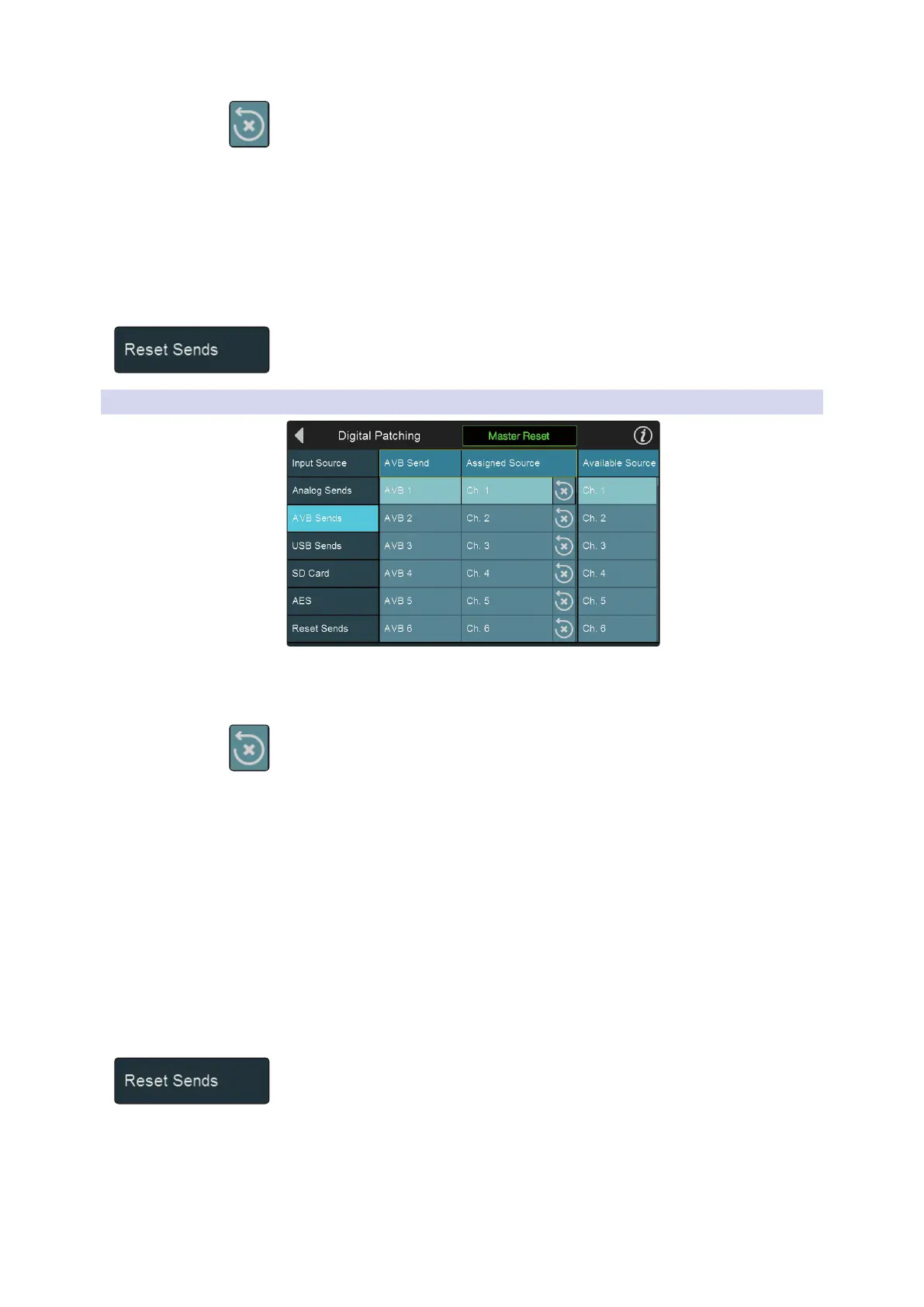
12.3.3 Digital Patching: AVB Sends
Selecting the AVB Sends menu will allow you to patch any channel send or mix to any
AVB send. Select the send to which you’d like to route your audio first. Then select the
channel or mix from the Available Source list to the right.
Press the reset button to repatch the default routing.
The following local StudioLive sources can be sent out to the AVB Network:
• Inputs
• Aux In A L and R
• Aux In B L and R
• Tape In L and R
• Talkback
• FlexMixes
• FX Send Mixes (pre-effects processor)
• Subgroups A-D (32-channel models only)
• Main Mix L and R
• Mono bus (StudioLive 64S only)
• Solo L and R
Press Reset Sends while AVB Sends is active to revert to the default settings.










 To Next Page