- 102 -
Setting the time that elapses before entering the auto power off mode
The following time can be set. The factory default setting is 4 hours.
1 hour, 2 hours, 3 hours, 4 hours, 8 hours, 12 hours, 18 hours, and 24 hours
1
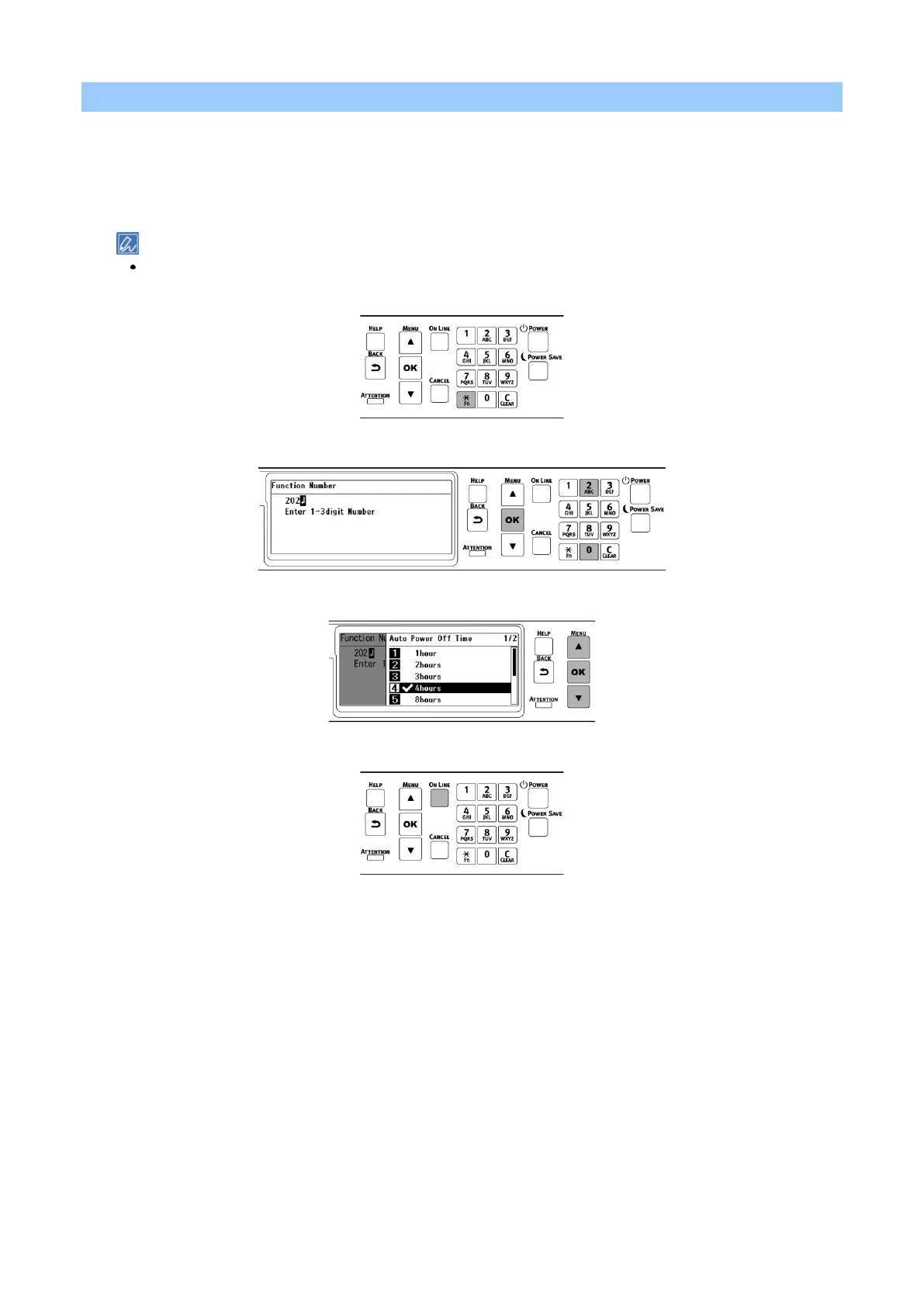
Check that "Ready To Print" appears on the display.
If the machine is in the power save mode, press «POWER SAVE» to restore.
2
Press «Fn» on the operator panel.
3
Input «2», «0» and «2» using the numeric keypad, and press «OK».
4
Press the scroll button ▲ or ▼ to select the time to set, and press «OK».
5
Press «ON LINE» to return to the standby screen.















 To Next Page