EasyManua.ls Logo

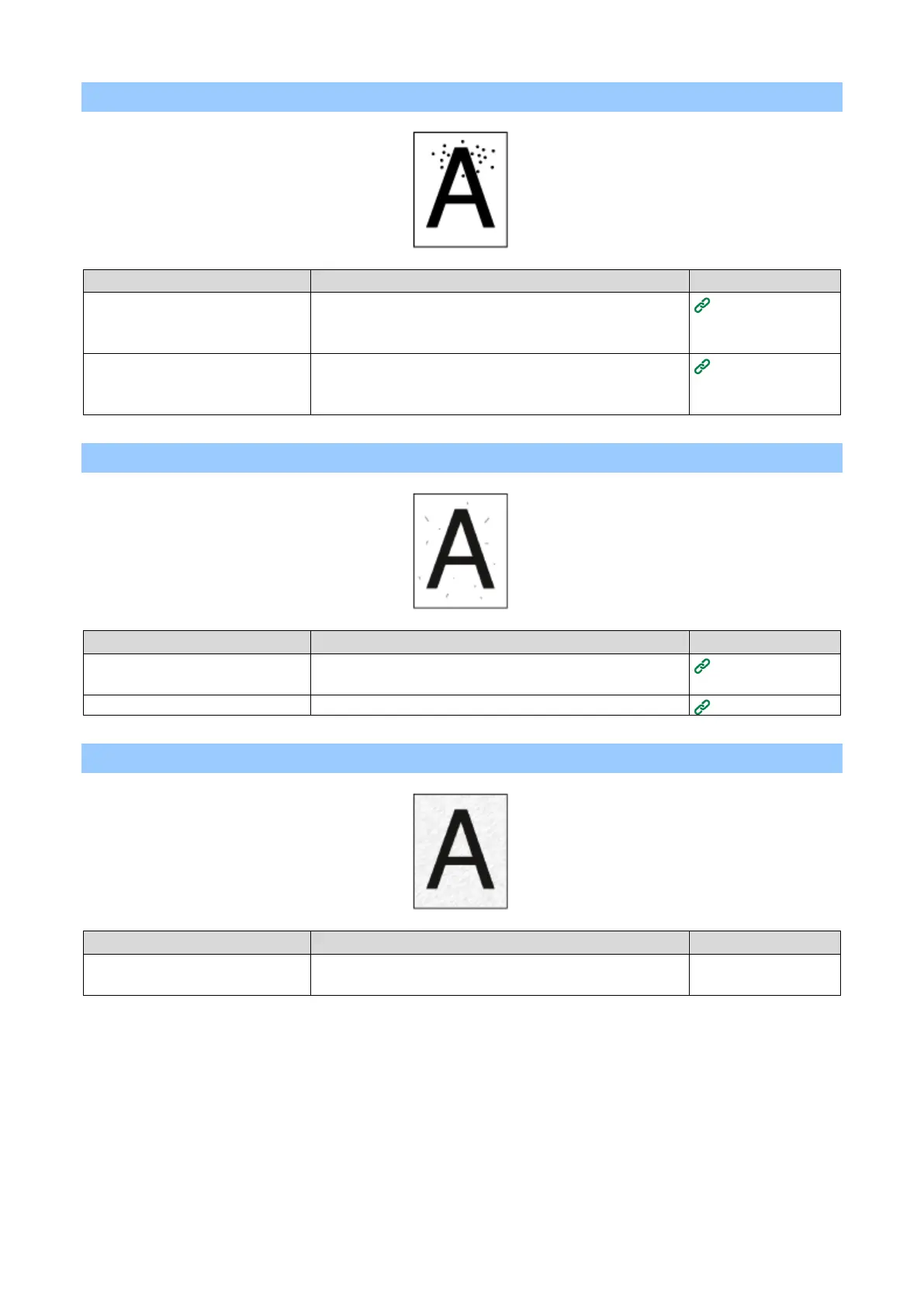
Printronix LP654C - Point Stains Appear; Stains Are Printed; The Entire Paper Is Printed in Black

Printronix LP654C
393 pages
Print Icon
To Next Page IconTo Next Page
To Previous Page IconTo Previous Page
Loading...
- 370 -
Point stains appear
Cause
Solution
Reference
The paper is not supported.
Use recommended paper.
If the paper has a lot of paper dust, load the paper after
shuffling it well.
Applicable paper
If the intervals are approx. 75 mm,
the green tube of the image drum
is scratched or dirty.
If the image drum is scratched, replace it with a new one.
Replacing the
image drum
Stains are printed
Cause
Solution
Reference
The paper is moist.
Use the paper stored at appropriate temperature and
humidity.
Storing paper
The paper is not supported.
Use recommended paper.
Applicable paper
The entire paper is printed in black
Cause
Solution
Reference
The machine may have broken
down.
Please contact your dealer.
-

Table of Contents

Related product manuals