- 369 -
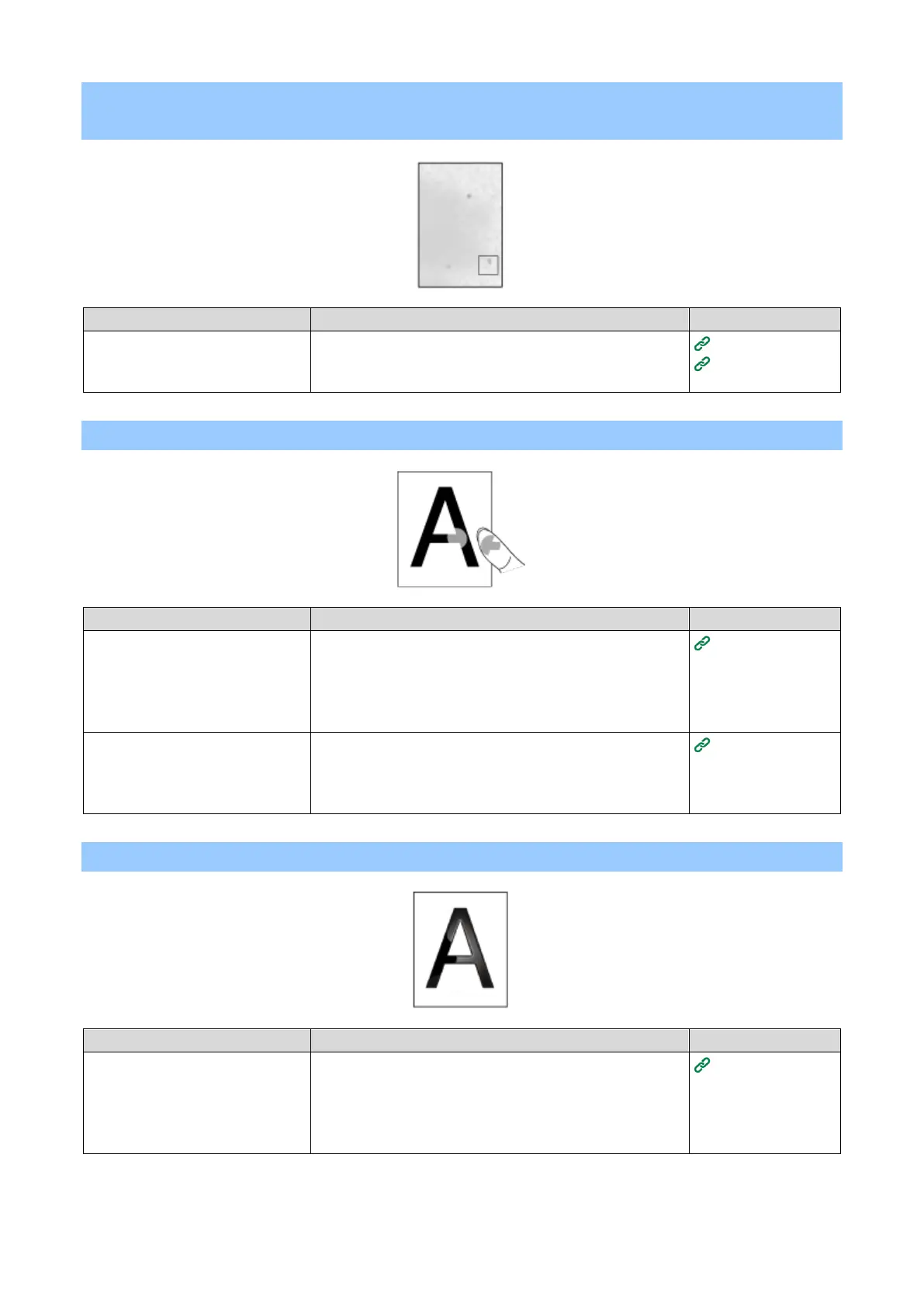
When envelopes or coated paper is printed, the whole area is thinly
stained
When envelopes or coated paper
is printed, toner may adhere
(cover) to the whole area.
This is not a malfunction.
Do not use coated paper as much as possible.
Toner comes off when rubbed
The media weight is set
incorrectly.
Press the scroll buttons on the operator panel several times
to select the paper tray you are using from [Menus] - [Tray
Configuration], and set an appropriate value for [Media
Weight]. Or, change [Media Weight] to a thicker value than
the present value.
Setting paper
information on
the operator
panel
Press the scroll buttons on the operator panel several times
to select the paper tray you are using from [Menus] - [Tray
Configuration], and set a thicker value for [Media Weight].
Setting paper
information on
the operator
panel
The media weight is set
incorrectly.
Press the scroll buttons on the operator panel several times
to select the paper tray you are using from [Menus] - [Tray
Configuration], and set an appropriate value for [Media
Weight]. Or, change [Media Weight] to a thicker value than
the present value.
Setting paper
information on
the operator
panel















 To Next Page