- 256 -
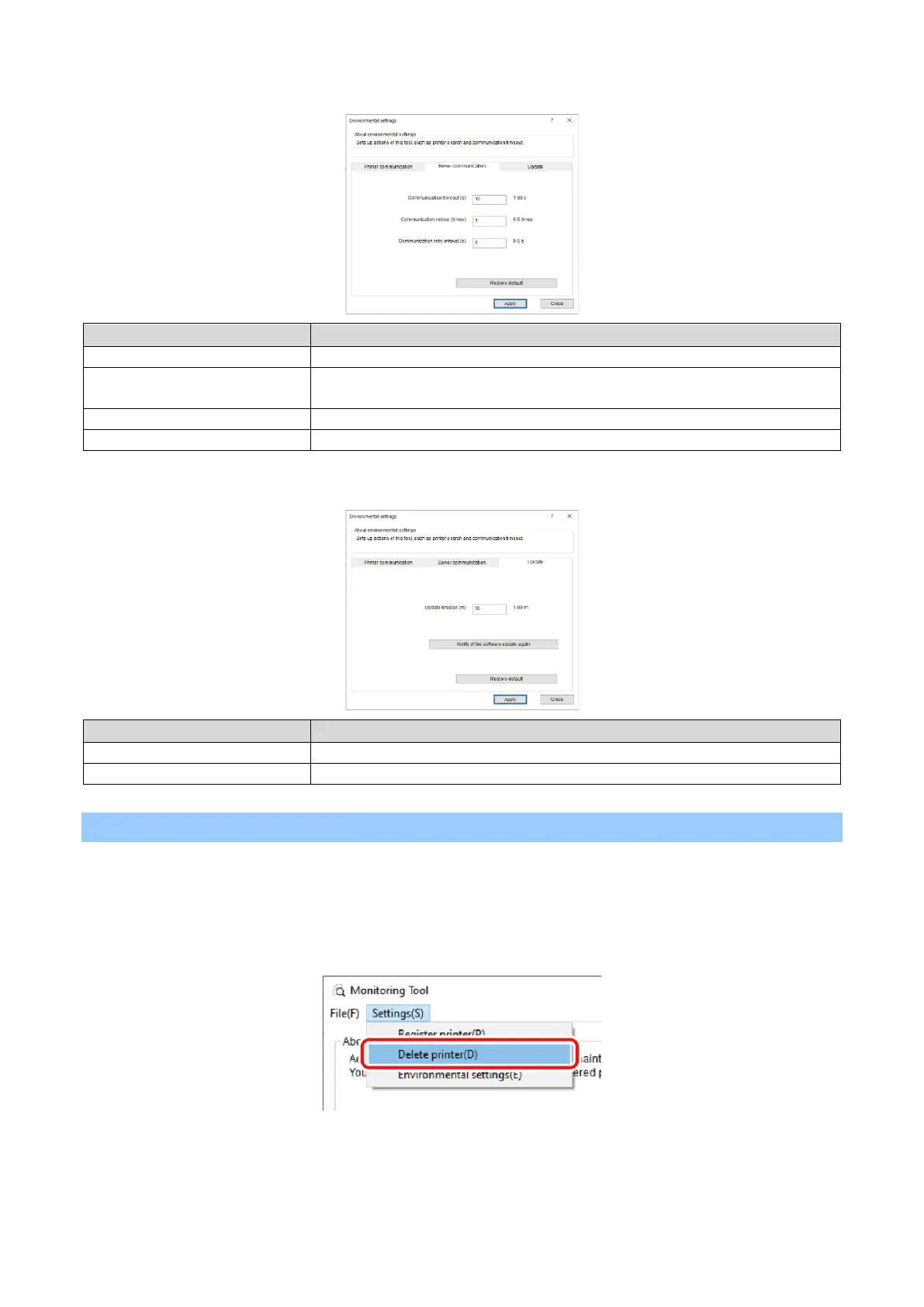
[Server Communication] tab
Communication timeout (s)
Sets the timeout time for communication with the website.
Communication retries (times)
Sets the number of retries when an error has occurred to communication with the
website.
Communication retry interval (s)
Sets the interval for retrying communication with the website.
Returns all settings to default values.
Sets the timeout limit for the firmware update.
Returns all settings to default values.
Deleting the printer
Delete a printer registered with the Monitoring Tool.
1
Select [Start] - [Printronix] - [Monitoring Tool] to start the Monitoring Tool.
2
Select [Delete printer] from the [Settings] menu.















 To Next Page