- 349 -
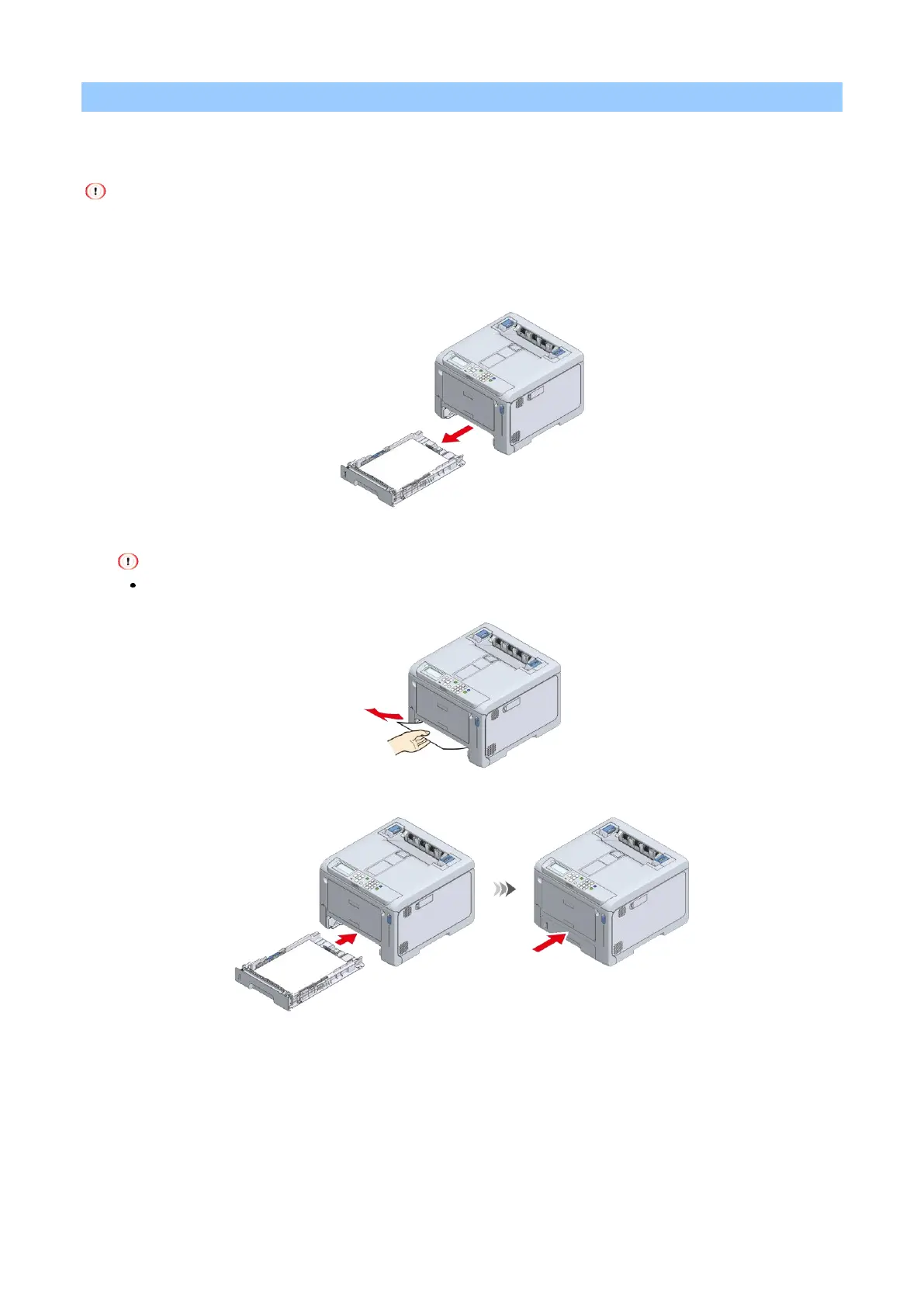
For the error code 391, 392, 393 or 394
This section takes the error code 391 (indicating that the paper is jammed in Tray 1) for example. For the error
code 392, 393 or 394, remove the jammed paper by following the same procedure.
If paper jams occur frequently, clean the paper feed roller. Please see "Cleaning paper feed rollers (Trays 1-4)" for
details.
1
Pull out the paper cassette.
2
Remove the jammed paper.
If no paper is jammed, feeding has failed. Reduce the number of paper loaded in the paper cassette. Also,
make sure that the paper stopper position matches the paper size.
3
Return the paper cassette to this machine.















 To Next Page