- 134 -
Printing from a PC
For Windows PCL printer driver
1
Open the file to be printed.
2
Select [Print] from the [File] menu.
3
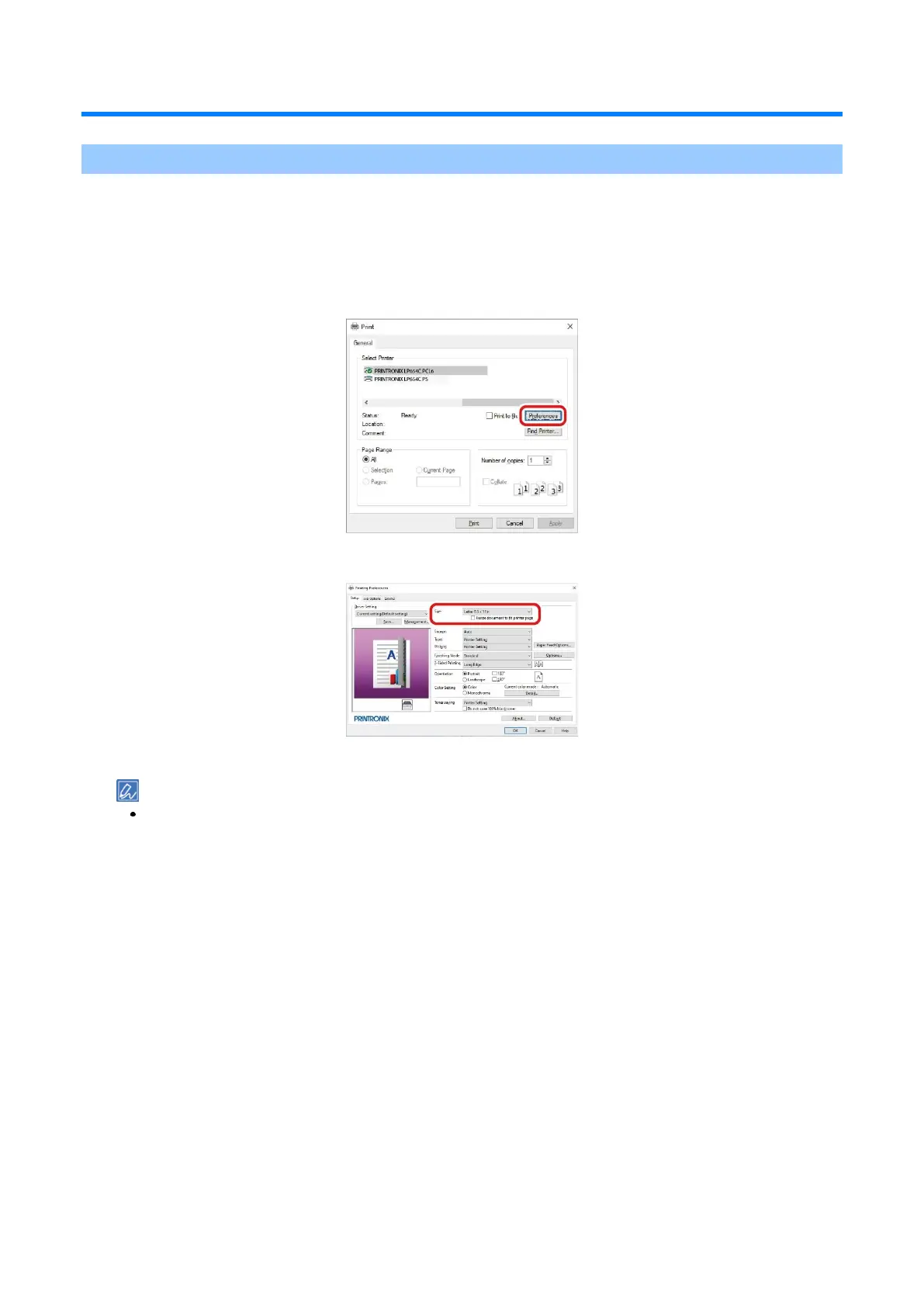
Select [PRINTRONIX LP654C PCL6] from [Select Printer].
4
Click [Preferences] (or [Properties]).
5
Select the loaded paper size from [Size] in the [Setup] tab.
6
Select the tray to be printed from in [Source].
If you cannot select Tray 2/3/4, see "Setting the printer driver ".
7
Set [Type] and [Weight].
8
Set other necessary items.
9
Click [OK].
10
Printing starts.















 To Next Page