- 315 -
3
Remove the paper from the paper cassette.
4
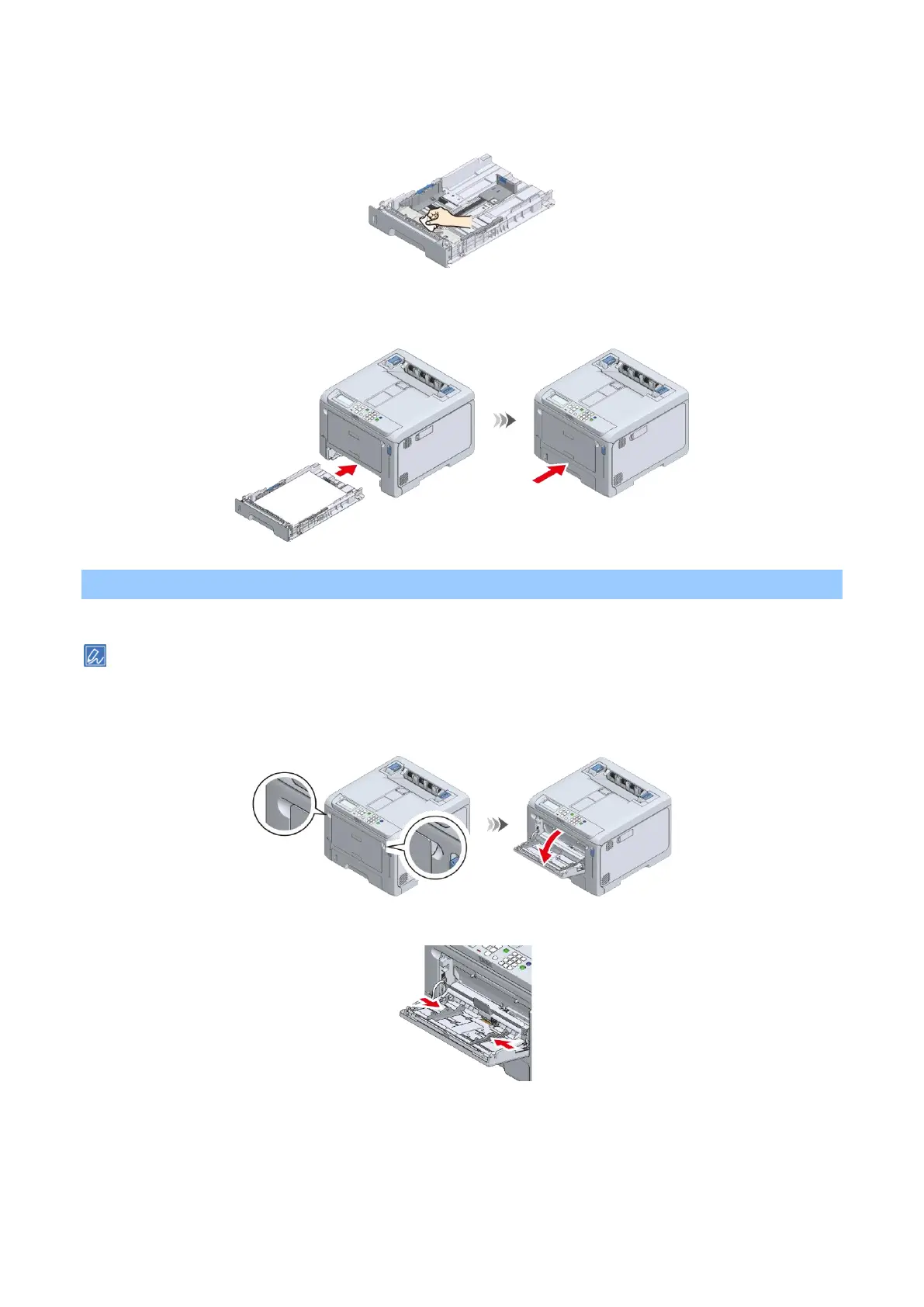
Wipe the separation roller of the cassette with a cloth slightly moistened with water.
5
Load the paper in the paper cassette.
6
Return the paper cassette to this machine.
Cleaning the paper feed roller (MP tray)
If paper jams occur frequently, clean the paper feed roller.
If paper jams persist even after the paper feed roller is cleaned, it is recommended to replace the paper feed roller.
1
Place your fingers in the front recess and pull to open the MP tray towards you.
2
Slide the manual feeder guide inward.















 To Next Page