- 103 -
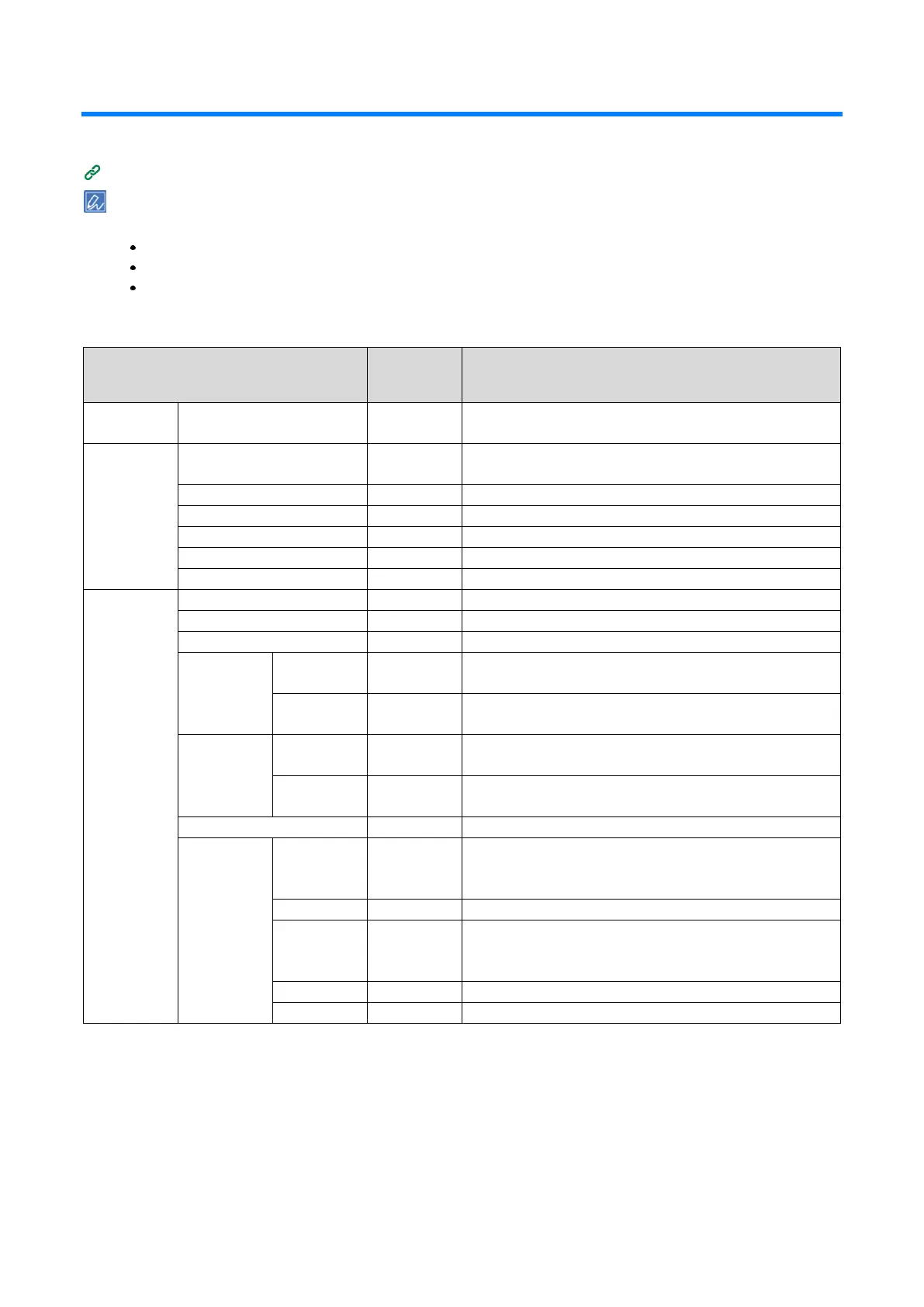
Menu list
You can print to check the menu list.
Printing the menu map (configuration)
The following items are displayed when the wireless LAN module (optional) is installed.
AirPrint
Wireless(Infrastructure) Setting
Wireless(AP Mode) Setting
Print From USB Memory
Select the file to be printed.
Specifies the paper feeding tray.
(xx) is the size of the paper loaded in this tray.
Sets the number of copies to be printed.
Sets whether or not to implement duplex printing.
Sets the binding method for duplex printing.
Specifies whether to fit to the paper.
Selects whether to print in color or mono.
Sets the number of copies to be printed.
Sets the number of rows on each page.
Sets the number of columns on each page.
Sets the X coordinate of the start position (i.e. the direction
perpendicular to the paper travel direction).
Sets the Y coordinate of the start position (i.e. the direction
parallel to the paper travel direction).
Sets the X spacing of the scheduled printing range of
barcodes.
Sets the Y spacing of the scheduled printing range of
barcodes.
Sets the type of barcodes.
Sets the error correction level of QRCode.
Sets the module size of QRCode.
Sets the attributes of 1D barcodes.
*1 Factory default setting values are different according to the country or region.















 To Next Page