- 372 -
The color of images does not come as expected
When "Toner Low." or "Toner Empty. Replace with a new
toner cartridge." is displayed, replace the toner cartridge.
Replacing the
black(K) toner
cartridge and the
waste toner box
The setting of [Black Finish] is not
suitable for the application.
In [Black Finish] of the printer driver, select [Composite
Black (CMYK)] or [True Black (K)].
Screens and
functions of the
printer driver
Color tuning has been changed.
Perform color matching in the printer driver.
Color matching in
the printer driver
Color balance is not adjusted.
Press the scroll buttons on the operator panel several times
to select [Calibration], adjust density, or adjust the color
balance.
Adjusting the
density manually
Adjusting the
color balance
(density)
Color misregistration is not
corrected.
Open and close the front cover. Or, press the scroll buttons
on the operator panel several times to select [Calibration] -
[Adjust Registration].
Adjusting
registration
manually
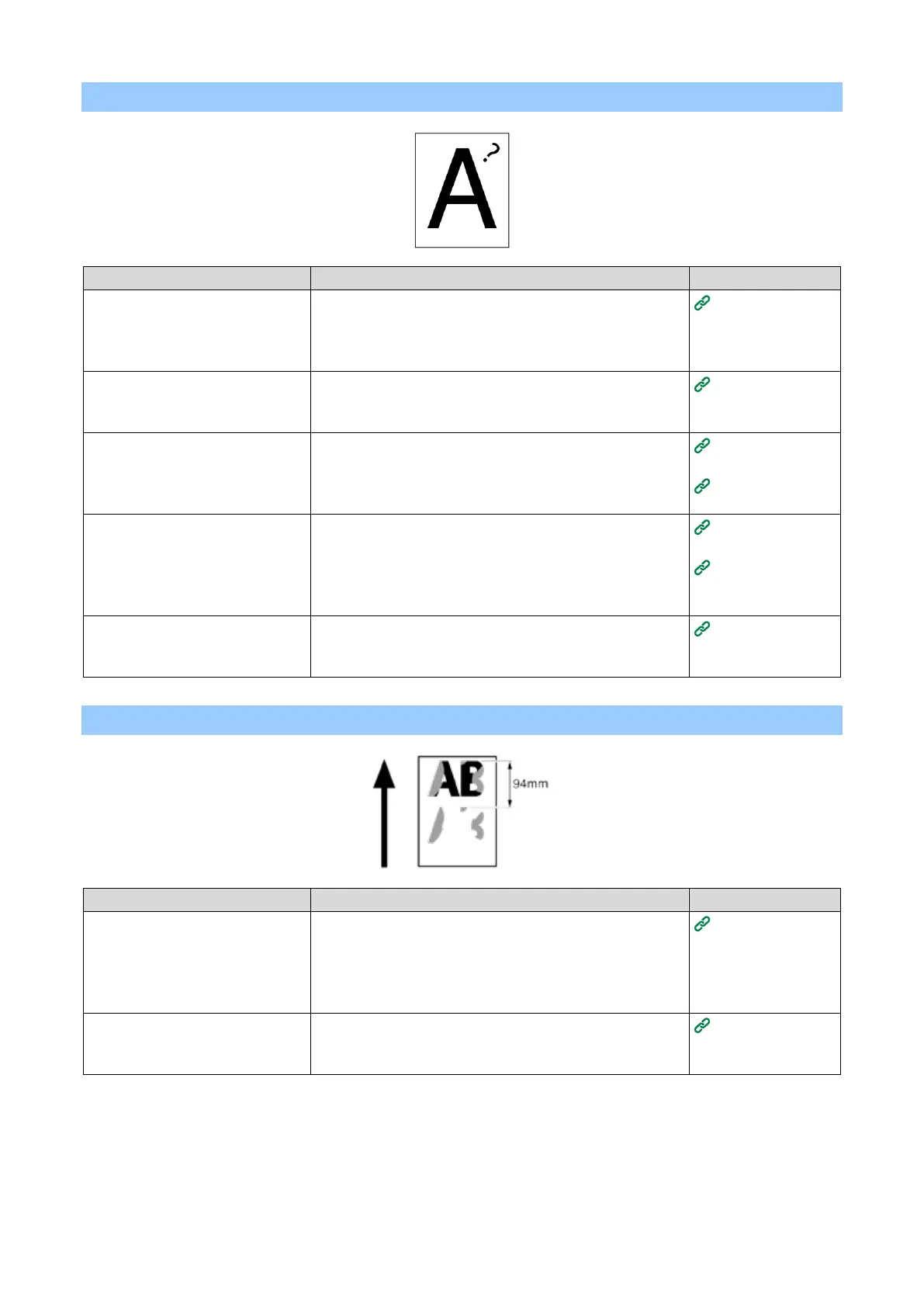
An afterimage printed on the front edge of the paper is printed
If an afterimage is printed under
about 94 mm, the media weight
may not be set correctly.
Press the scroll buttons on the operator panel several times
to select the paper tray you are using from [Menus] - [Tray
Configuration], and set an appropriate value for [Media
Weight]. Or, change [Media Weight] to a thinner value than
the present value.
Setting paper
information on
the operator
panel
If an afterimage is printed at an
interval of about 94 mm, the fuser
unit may be scratched or dirty.















 To Next Page