- 255 -
5
When [Completed] is displayed and "Success" is displayed in the [Status] field, the firmware
update is completed.
If failed, an error message will be displayed in the [Status] field. Click [Details] on the right side of the message
to display the error correction method.
6
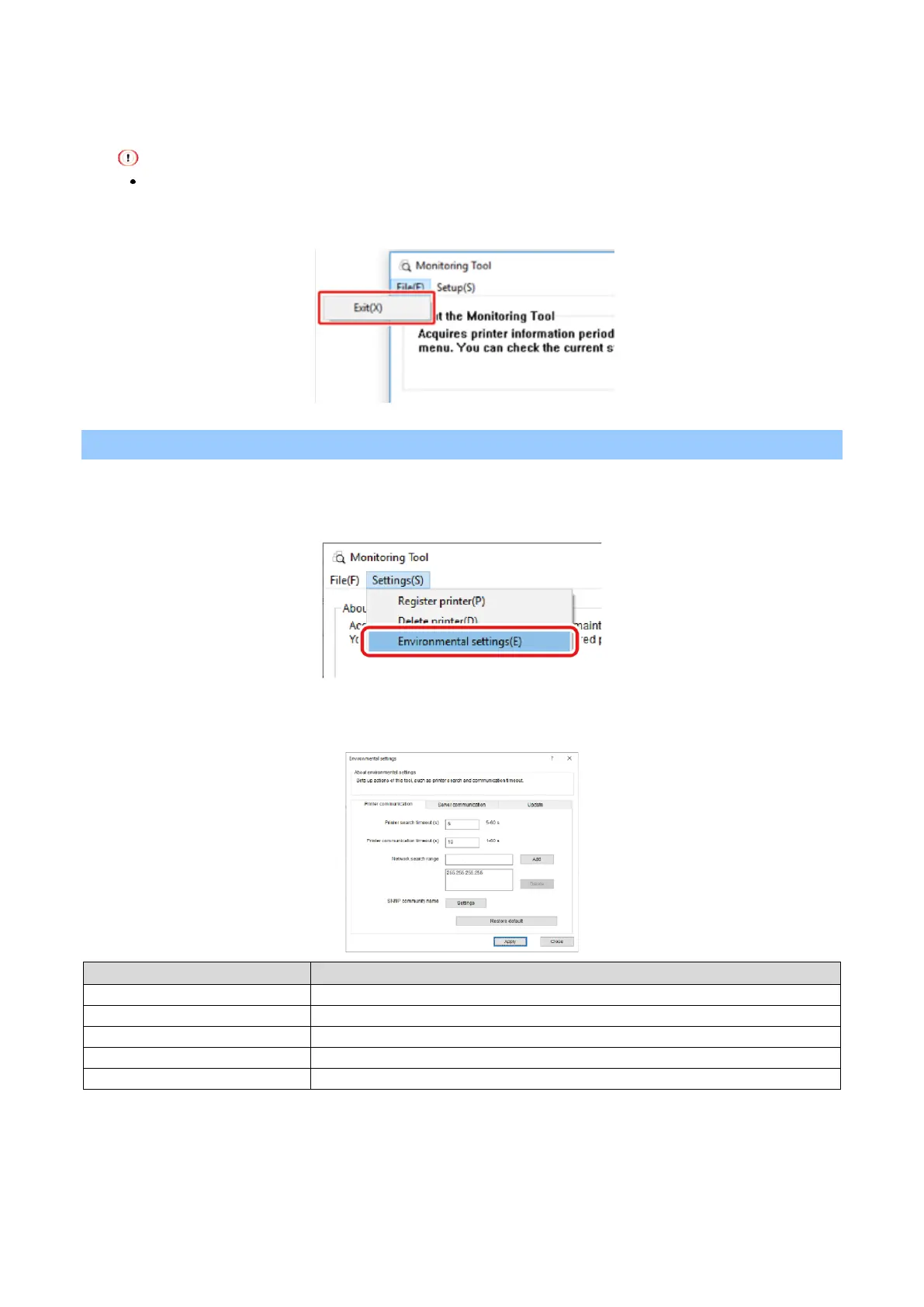
Select [Quit] from the [File] menu.
Changing settings of Monitoring Tool
1
Select [Start] - [Printronix] - [Monitoring Tool] to start the Monitoring Tool.
2
Select [Environmental settings] from the [Settings] menu.
3
Set the values in each tab, and click [Apply].
[Printer Communication] tab















 To Next Page