- 223 -
Admin Setup
This function is available when you log in as an administrator of this machine.
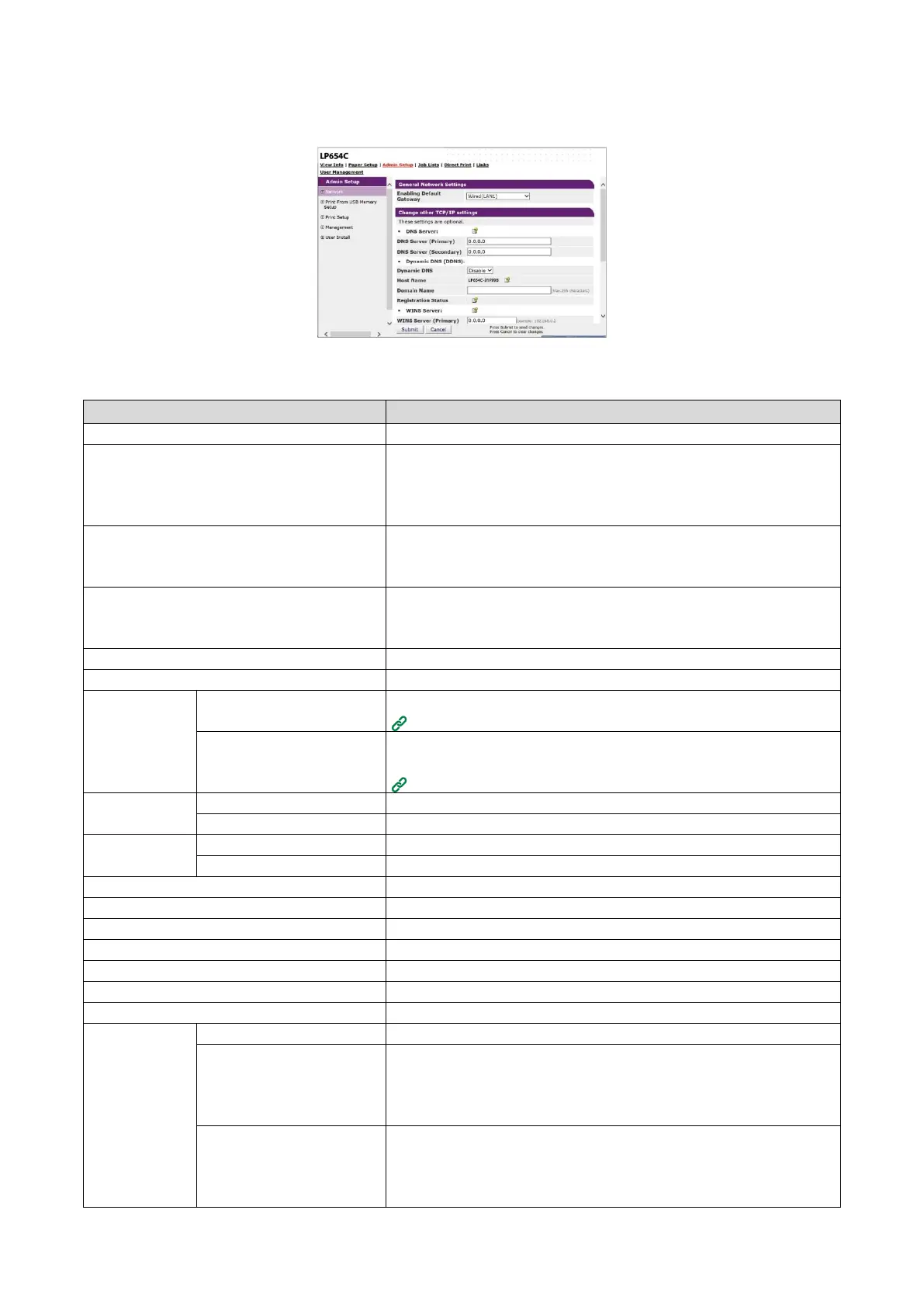
Network
Sets the connection method of the network.
Sets the standard wired LAN connection.
You can disable the Energy Efficient Ethernet (EEE) function of the
wired network (LAN1) by setting [Energy Efficient Ethernet] included in
this item to [Disable].
Wireless(Infrastructure) Setting
Sets the wireless LAN (infrastructure) connection.
Displayed when the wireless LAN module is installed and [Extended
Network] is set to [Wireless].
Wireless(AP Mode) Setting
Sets the wireless LAN (AP mode) connection.
Displayed when the wireless LAN module is installed and [Extended
Network] is set to [Wireless].
Sets the information about NetBIOS over TCP.
Sets the information about the mail server.
Sets the reception of mails.
Setting E-mail receiving (Web page)
Sets the function to receive notifications by email when an error has
occurred in this machine.
Notifying errors via e-mail
Sets the information about SNMP.
Sets the information about Trap of SNMP.
Sets the information about IPP printing.
Sets the information about authentication.
Sets the information about Windows Rally.
Sets the information related to IEEE802.1X/EAP.
Sets the information about the secure protocol server.
Sets the information about the LDAP server.
Sets the information about the cloud connection.
Sets the information about proxy.
Stops network protocols and network services that you do not use.
Restricts access by TCP/IP. Controls access from outside the company.
However, this function requires knowledge about the IP address. This
machine may be denied from access to network due to serious
problems depending on settings.
Restricts access by the MAC address. Controls access from outside the
company. However, this function requires knowledge about the MAC
address. This machine may be denied from access to network due to
serious problems depending on settings.















 To Next Page