- 53 -
2
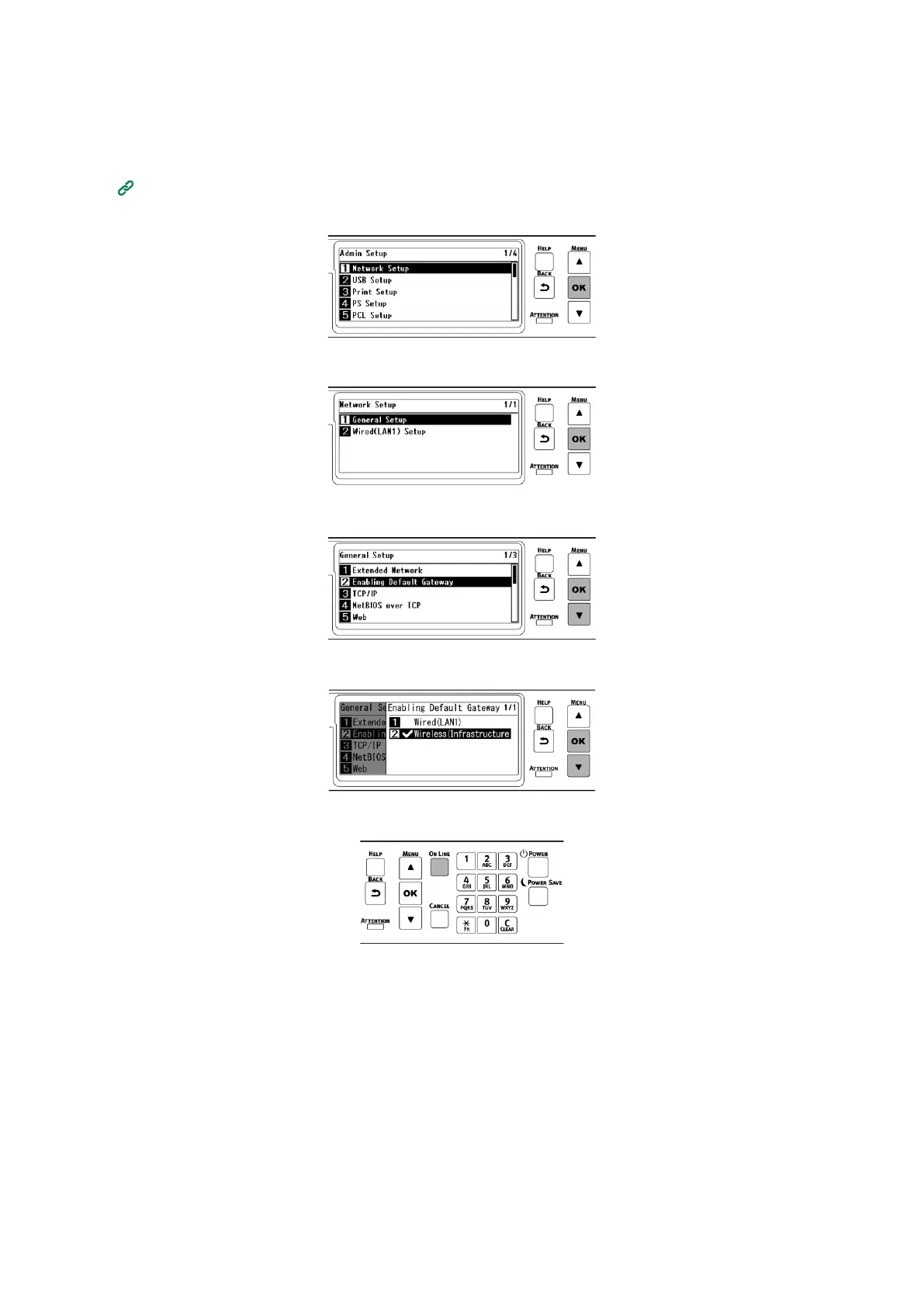
Press the scroll button ▼ on the operator panel several times to select [Admin Setup], and
press «OK».
3
Input the admin password using the numeric keypad, and press «OK».
4
Check that [Network Setup] is selected, and press «OK».
5
Check that [General Setup] is selected, and press «OK».
6
Press ▼ to select [Enabling Default Gateway], and press «OK».
7
Press ▼ to select [Wireless(Infrastructure)], and press «OK».
8
Press «ON LINE» to return to the standby screen.
6. Checking the connection from a PC
Check the IP address of the device, and access it from a PC by using the Web browser.















 To Next Page