1
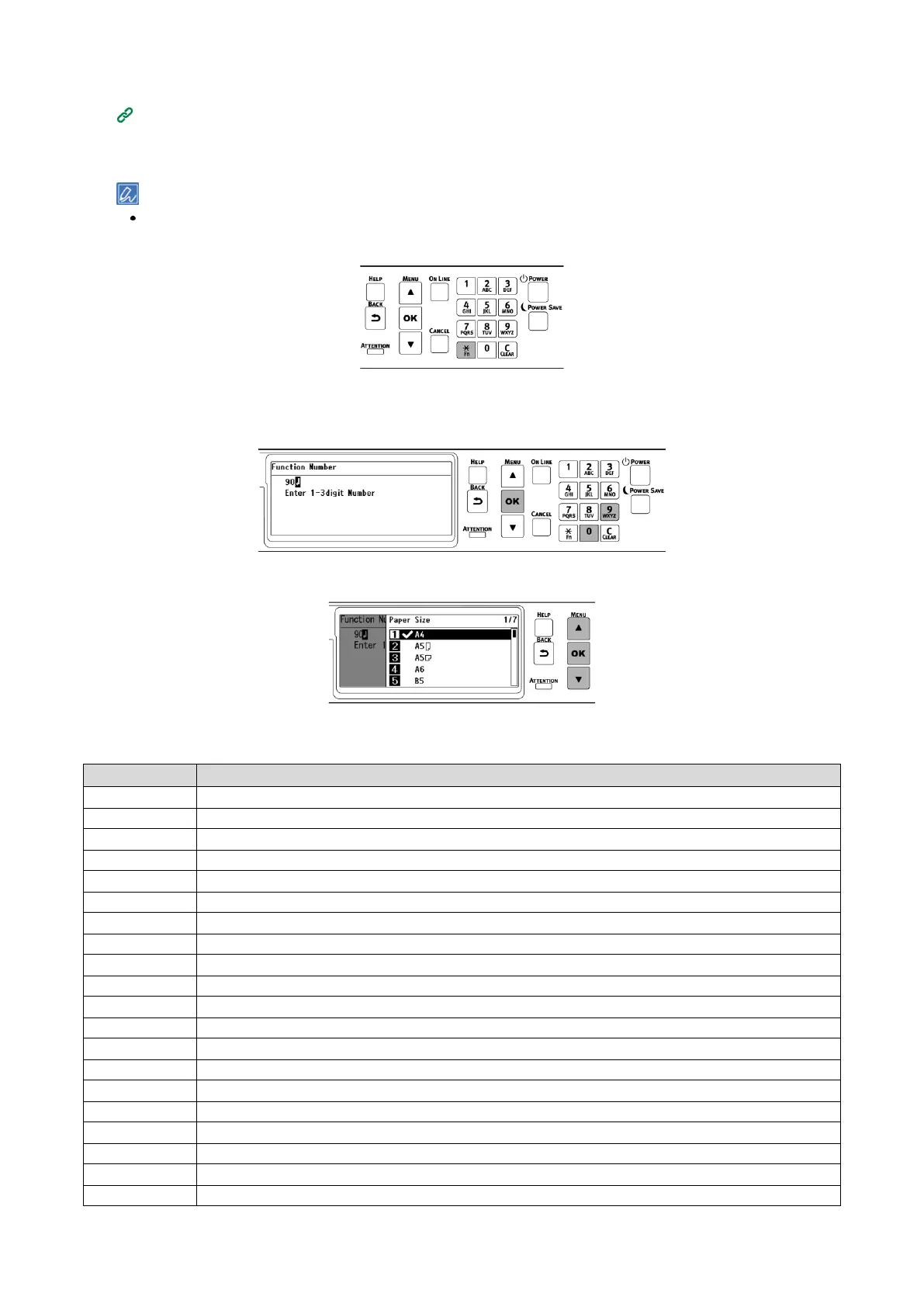
Check that "Ready To Print" appears on the display.
If the machine is in the power save mode, press «POWER SAVE» to restore.
2
Press «Fn» on the operator panel.
3
Since it will be a function number screen, input the number of the menu you want to display
using the numeric keypad, and press «OK».
4
When the menu is displayed, check or change the settings.
Function Number List















 To Next Page