Device Manual CANlink wireless
Operation
PROEMION GmbH | Phone: +49 661 9490-600 | Fax: +49 661 9490-666 | info@proemion.com | proemion.com | Version 1.0 106
© 2016RM MICHAELIDES● VX.X ● Device Manual CANlink 5000 series © 2016RM MICHAELIDES● VX.X ● Device Manual CANlink 5000 series © 2016 PROEMION GMBH > 1.0 EN > Device Manual CANlink wireless 3000 series
In the CANopen specifications you can find a description of how to change the CAN
identifier.
5.2.3 Boot-Up message
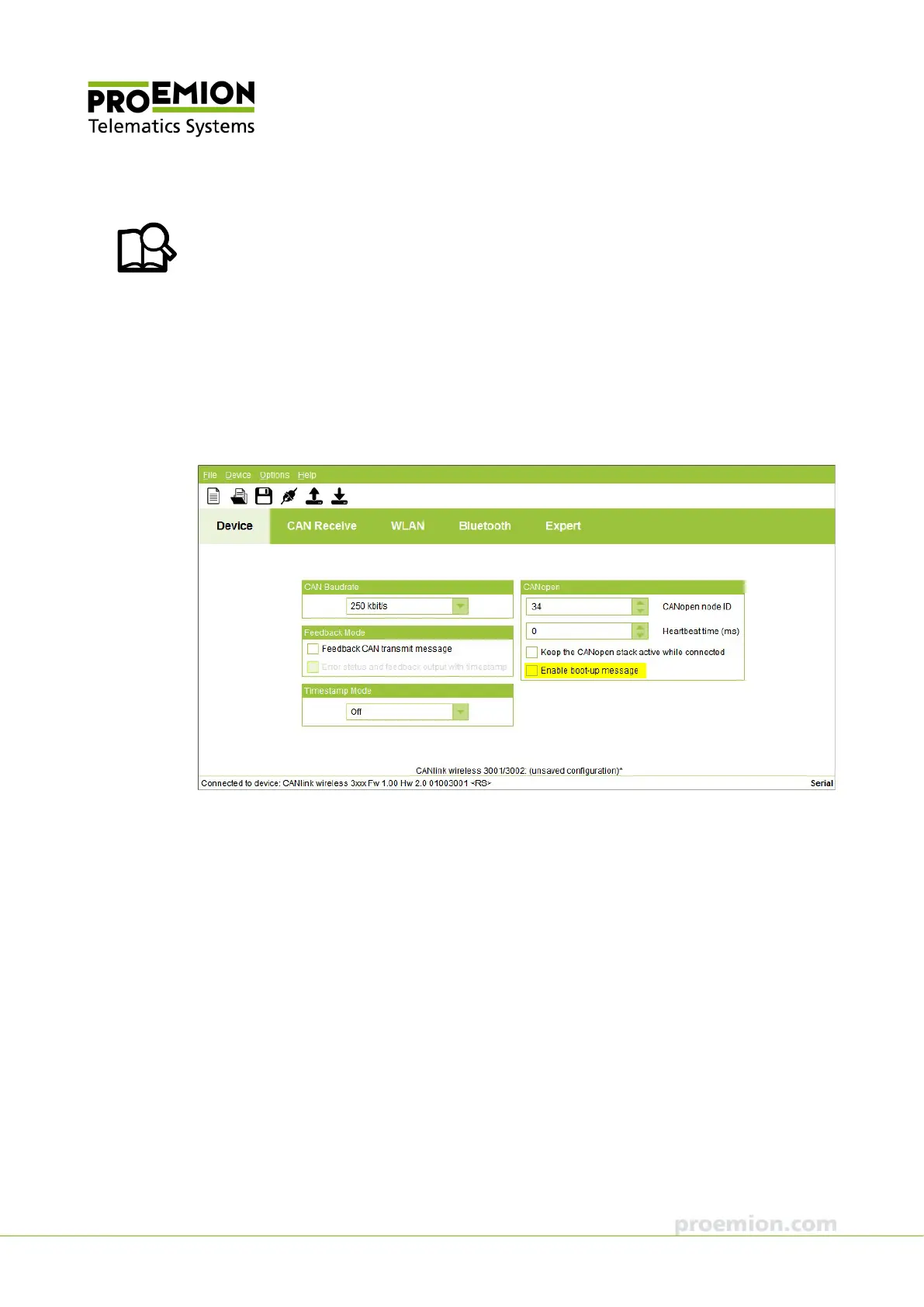
Directly after startup, the device can transmit a CANopen boot-up message with its own node
ID.
In the CAN
OPEN field, check the ENABLE BOOT-UP MESSAGE box to enable the function.
When this function is enabled, the device expects an acknowledge message from another bus
participant. If no acknowledge message is received, for instance while no other bus participant
is active, the LED changes to error mode (constant red).



 To Next Page