Device Manual CANlink wireless
About the device
PROEMION GmbH | Phone: +49 661 9490-600 | Fax: +49 661 9490-666 | info@proemion.com | proemion.com | Version 1.0 11
© 2016RM MICHAELIDES● VX.X ● Device Manual CANlink 5000 series © 2016RM MICHAELIDES● VX.X ● Device Manual CANlink 5000 series © 2016 PROEMION GMBH > 1.0 EN > Device Manual CANlink wireless 3000 series
1.2 Device functions
The available model variants differ in the external antenna connector.
With the device, you can transmit and receive CAN data via a WLAN or Bluetooth connection. It
can also be used as a CAN-CAN Bridge or a CAN-Wireless Interface. You can find the WLAN
standards and Bluetooth profiles supported in chapter Interfaces.
CAN-CAN Bridge:
The CAN-CAN Bridge replaces a CAN cable and transmits the CAN data between two CANlink
wireless devices.
CAN-Wireless Interface:
The CAN-Wireless Interface transmits CAN data to other WLAN or Bluetooth-capable devices on
which CAN data is logged and evaluated.
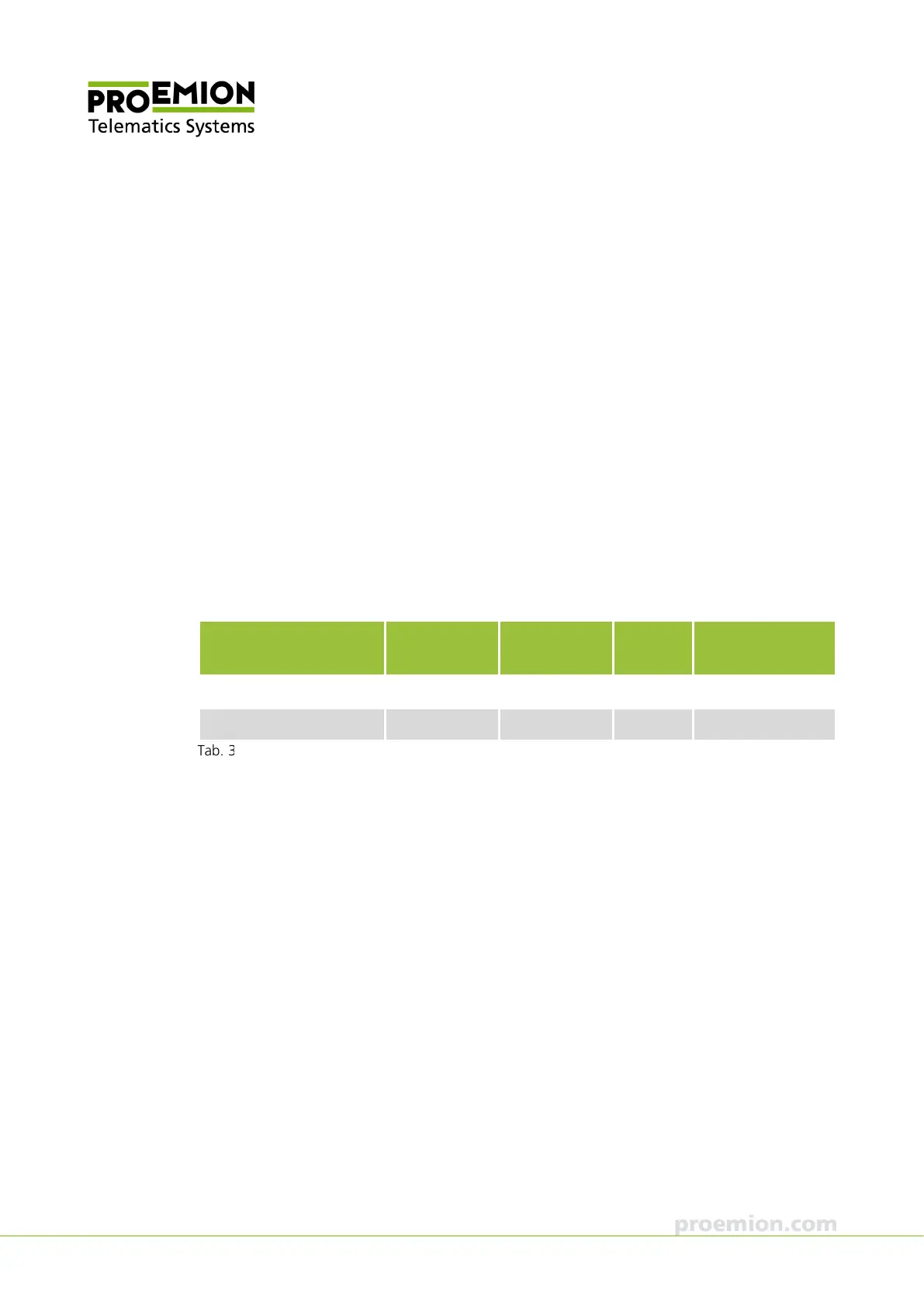
1.2.1 Available models
Model CAN
Interface
Antenna WLAN Bluetooth
CANlink wireless 3001 1 internal Yes Yes
CANlink wireless 3002 1 external Yes Yes
Available models
1.2.2 Scope of supply
> CANlink wireless 3xxx
> General product information



 To Next Page