Device Manual CANlink wireless
Getting started
PROEMION GmbH | Phone: +49 661 9490-600 | Fax: +49 661 9490-666 | info@proemion.com | proemion.com | Version 1.0 67
© 2016RM MICHAELIDES● VX.X ● Device Manual CANlink 5000 series © 2016RM MICHAELIDES● VX.X ● Device Manual CANlink 5000 series © 2016 PROEMION GMBH > 1.0 EN > Device Manual CANlink wireless 3000 series
4.5 Operation as a CAN-WLAN Interface
Use as a CAN-WLAN Interface enables wireless transmission of CAN data to other WLAN-
capable devices such as PCs, smartphones, or tablets on which the CAN data can be logged and
evaluated.
The device can be integrated in an available network infrastructure (infrastructure mode). As a
mini access point, the device can function as a WLAN access point in infrastructure mode,
providing a WLAN for other WLAN-capable devices. In this case the CANlink wireless provides
the network parameters via a DHCP server.
Bidirectional data transfer starts as soon as the software has created a connection with the
device. We recommend using RM CAN-Device Monitor or RM Tools Dashboard for visualization
and evaluation of the data received. Alternatively, you can use software you program yourself.
4.5.1 Configuring a CAN-WLAN Interface
The device can be integrated into an existing infrastructure. Configure the device accordingly.
Please note that you need a WLAN router for this. To configure the CAN-WLAN Interface, you
need administrator authorization for the router.
1. Connect the device to the PC. See chapter Connecting the device with a PC via
RS232.
2. Start the CANlink wireless Configurator on the PC.
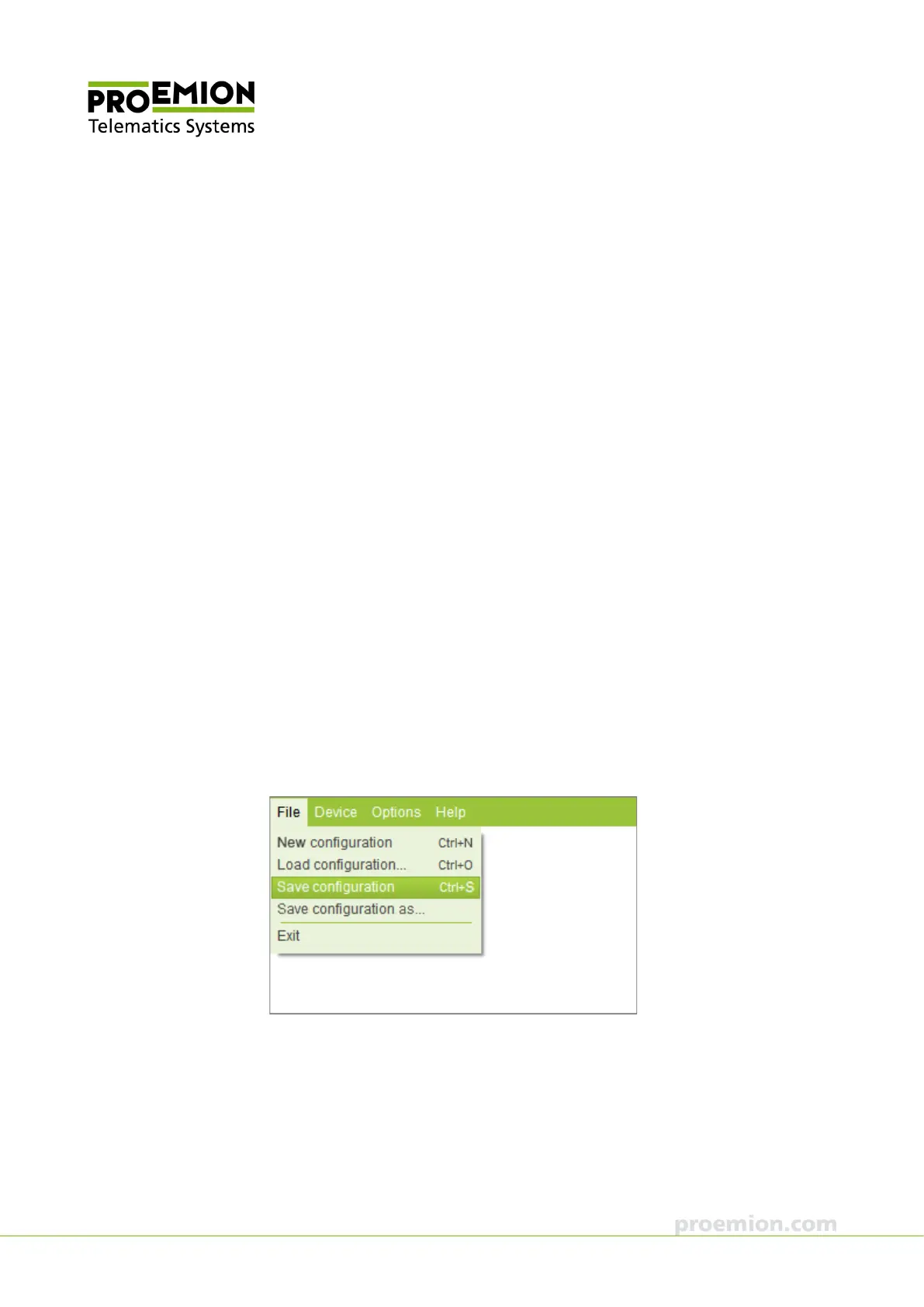
3. Choose F
ILE → SAVE CONFIGURATION from the menu.
4. Save the configuration to a file.



 To Next Page