Device Manual CANlink wireless
Getting started
PROEMION GmbH | Phone: +49 661 9490-600 | Fax: +49 661 9490-666 | info@proemion.com | proemion.com | Version 1.0 41
© 2016RM MICHAELIDES● VX.X ● Device Manual CANlink 5000 series © 2016RM MICHAELIDES● VX.X ● Device Manual CANlink 5000 series © 2016 PROEMION GMBH > 1.0 EN > Device Manual CANlink wireless 3000 series
4.2.6 Saving the device configuration
The device is delivered with factory settings consisting of a basic configuration with device-
specific settings.
First save the currently active configuration before altering the device configuration.
1. Connect the device to the PC. See chapter Connecting the device with a PC via
RS232.
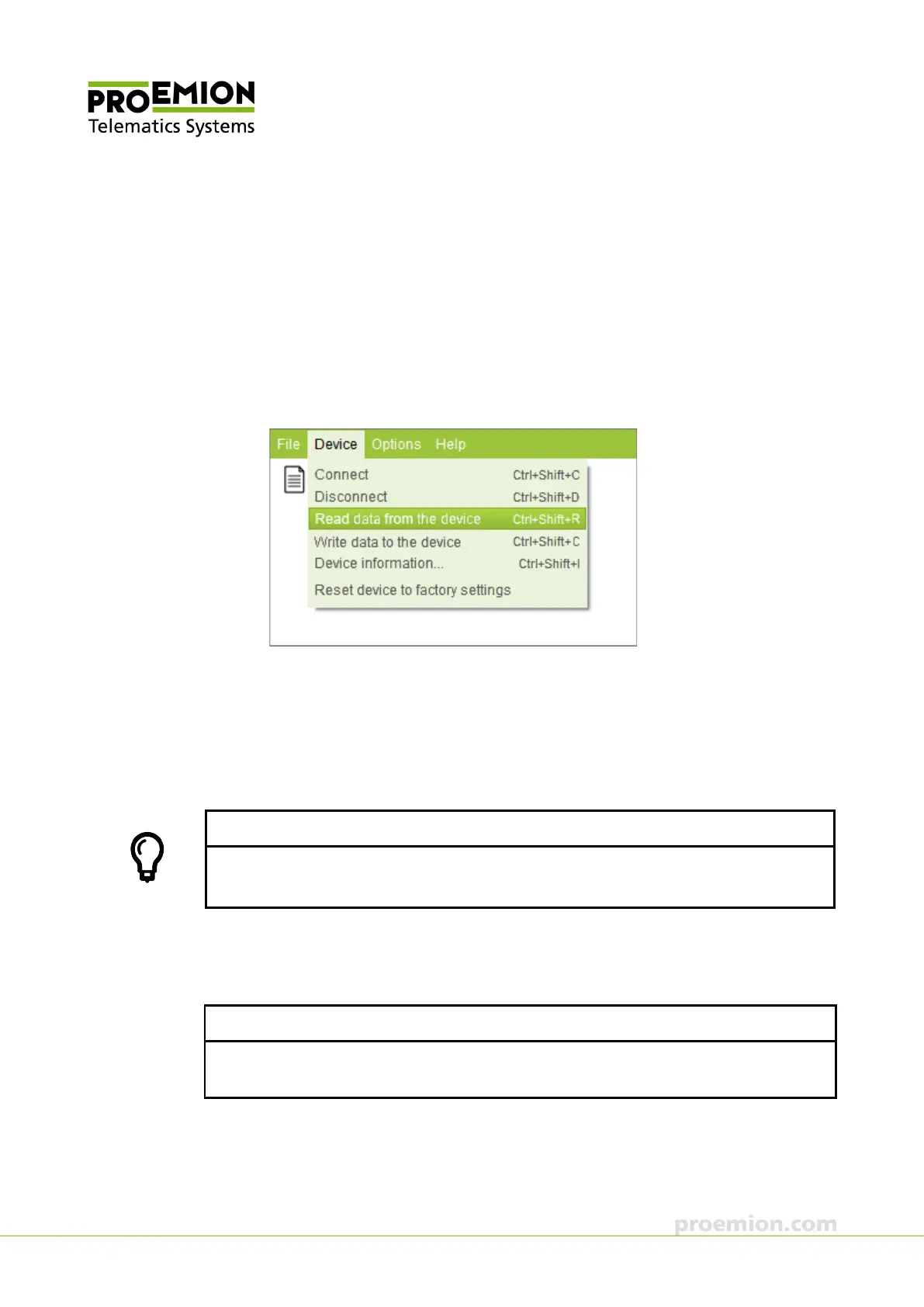
2. Choose D
EVICE → READ DATA FROM THE DEVICE from the menu.
The configuration from the device is loaded.
3. Choose H
ELP → CREATE SUPPORT ARCHIVE from the menu.
This opens Windows File Explorer.
4. Enter an unequivocal file name for the backup file of the original device
configuration.
TIP
Use a clear file name including the current date and the serial number of the device, e.g.
BACKUP_YYYY_MM_DD_SNXXXXXXX
5. Click the S
AVE button.
This saves a backup file of the original device configuration.
NOTICE
In the event of a malfunction, include the backup file in an attachment to your support
inquiry.



 To Next Page