Device Manual CANlink wireless
Functionality and features
PROEMION GmbH | Phone: +49 661 9490-600 | Fax: +49 661 9490-666 | info@proemion.com | proemion.com | Version 1.0 21
© 2016RM MICHAELIDES● VX.X ● Device Manual CANlink 5000 series © 2016RM MICHAELIDES● VX.X ● Device Manual CANlink 5000 series © 2016 PROEMION GMBH > 1.0 EN > Device Manual CANlink wireless 3000 series
3 Functionality and features
This chapter provides information on device functionality and features. It describes in detail the
operating modes, connectors, cables, pin assignments, interfaces, and indicator elements.
3.1 Functions
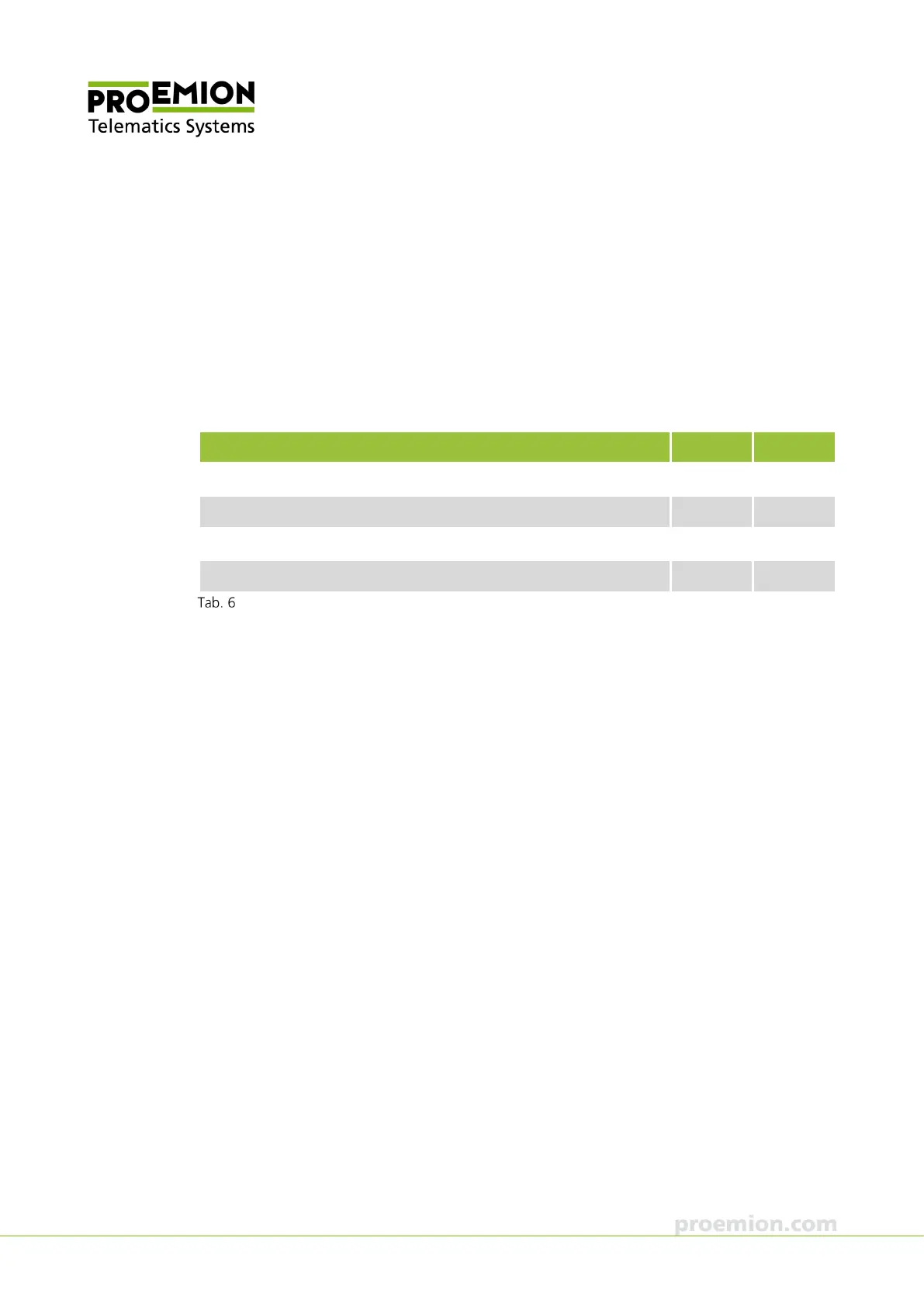
Function 3001 3002
CAN-Bluetooth Interface Yes Yes
CAN-CAN-Bluetooth Bridge Yes Yes
CAN-WLAN Interface Yes Yes
CAN-CAN-WLAN Bridge Yes Yes
Functions
3.1.1 CAN-Bluetooth Interface
In operation as a CAN-Bluetooth Interface, CAN data is transmitted wirelessly to other
Bluetooth-capable devices such as PCs, smartphones, or tablets.
3.1.2 CAN-CAN-Bluetooth Bridge
In operation as a CAN-CAN-Bluetooth Bridge, CAN data is transmitted wirelessly between two
CANlink wireless devices via a Bluetooth connection. The CAN-CAN-Bluetooth Bridge acts as a
substitute for CAN cables, e.g. in drag chains or remote control units.



 To Next Page