Device Manual CANlink wireless
Functionality and features
PROEMION GmbH | Phone: +49 661 9490-600 | Fax: +49 661 9490-666 | info@proemion.com | proemion.com | Version 1.0 23
© 2016RM MICHAELIDES● VX.X ● Device Manual CANlink 5000 series © 2016RM MICHAELIDES● VX.X ● Device Manual CANlink 5000 series © 2016 PROEMION GMBH > 1.0 EN > Device Manual CANlink wireless 3000 series
WLAN FREQUENCIES AND CHANNELS
The device's radio module features automatic domain recognition and supports the following
regulatory domains: WORLD, ETSI, FCC.
If it does not detect ETSI or FCC, the radio module uses WORLD as the default.
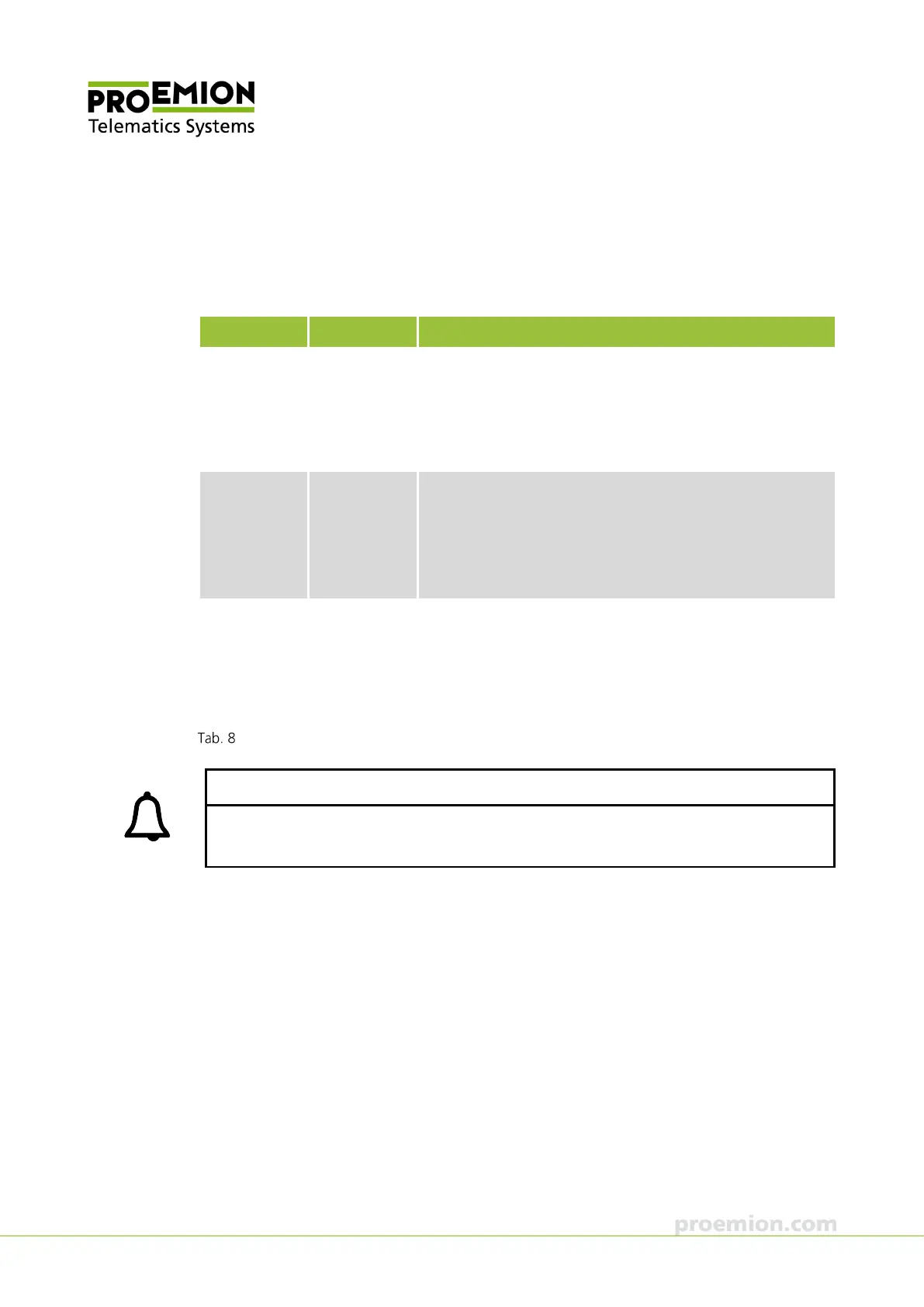
Name Band TX channel
World 2.4 Ghz
U-NII-1
U-NII-2
U-NII-2e
U-NII-3
1, 2, 3, 4, 5, 6, 7, 8, 9, 10, 11
36, 40, 44, 48
52, 56, 60, 64
100, 104, 108, 112, 116, 132, 136, 140
-
ETSI 2.4 Ghz
U-NII-1
U-NII-2
U-NII-2e
U-NII-3
1, 2, 3, 4, 5, 6, 7, 8, 9, 10, 11, 12, 13
36, 40, 44, 48
52, 56, 60, 64
100, 104, 108, 112, 116, 120, 124, 128, 132, 136, 140
149, 153, 157, 161, 165
FCC 2.4 Ghz
U-NII-1
U-NII-2
U-NII-2e
U-NII-3
1, 2, 3, 4, 5, 6, 7, 8, 9, 10, 11
36, 40, 44, 48
52, 56, 60, 64
100, 104, 108, 112, 116, 1132, 136, 140
149, 153, 157, 161, 165
Regulatory domains
INFORMATION
When the WLAN is using a channel that is not available in the recognized domain, it is
possible that the communication may not work.
3.1.4 CAN-CAN-WLAN Bridge
In operation as a CAN-CAN-WLAN Bridge, CAN data is transmitted wirelessly between two
CANlink wireless devices via a WLAN connection. The CAN-CAN-WLAN Bridge acts as a
substitute for CAN cables, e.g. in drag chains or remote control units.



 To Next Page