Device Manual CANlink wireless
Operation
PROEMION GmbH | Phone: +49 661 9490-600 | Fax: +49 661 9490-666 | info@proemion.com | proemion.com | Version 1.0 89
© 2016RM MICHAELIDES● VX.X ● Device Manual CANlink 5000 series © 2016RM MICHAELIDES● VX.X ● Device Manual CANlink 5000 series © 2016 PROEMION GMBH > 1.0 EN > Device Manual CANlink wireless 3000 series
5.1.1 User interface
The program starts without a loaded configuration and without a connection to the
CANlink wireless.
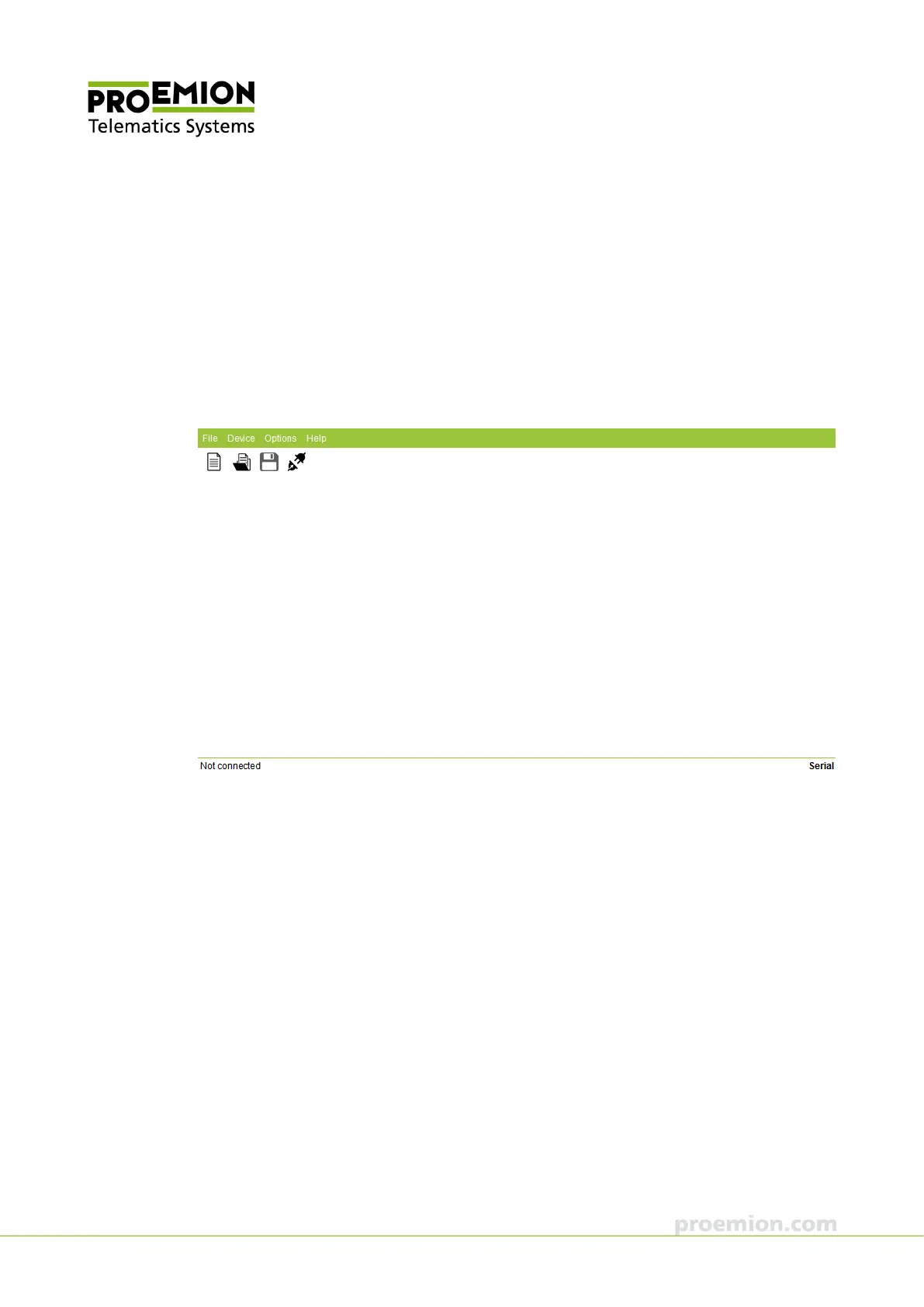
The start screen displays the menu, the toolbar, and a status bar at the bottom.
The status bar shows the connection status (Not connected, Connected with device name, Busy)
on the left, and the used interface on the right.
In the status bar, click on the used interface to open the communication parameters.



 To Next Page