Device Manual CANlink wireless
Functionality and features
PROEMION GmbH | Phone: +49 661 9490-600 | Fax: +49 661 9490-666 | info@proemion.com | proemion.com | Version 1.0 26
© 2016RM MICHAELIDES● VX.X ● Device Manual CANlink 5000 series © 2016RM MICHAELIDES● VX.X ● Device Manual CANlink 5000 series © 2016 PROEMION GMBH > 1.0 EN > Device Manual CANlink wireless 3000 series
3.2.3 RF antenna
Using the RP-SMA antenna connector, connect the device (model variant 3002) with an RF
antenna to receive WLAN Bluetooth signals.
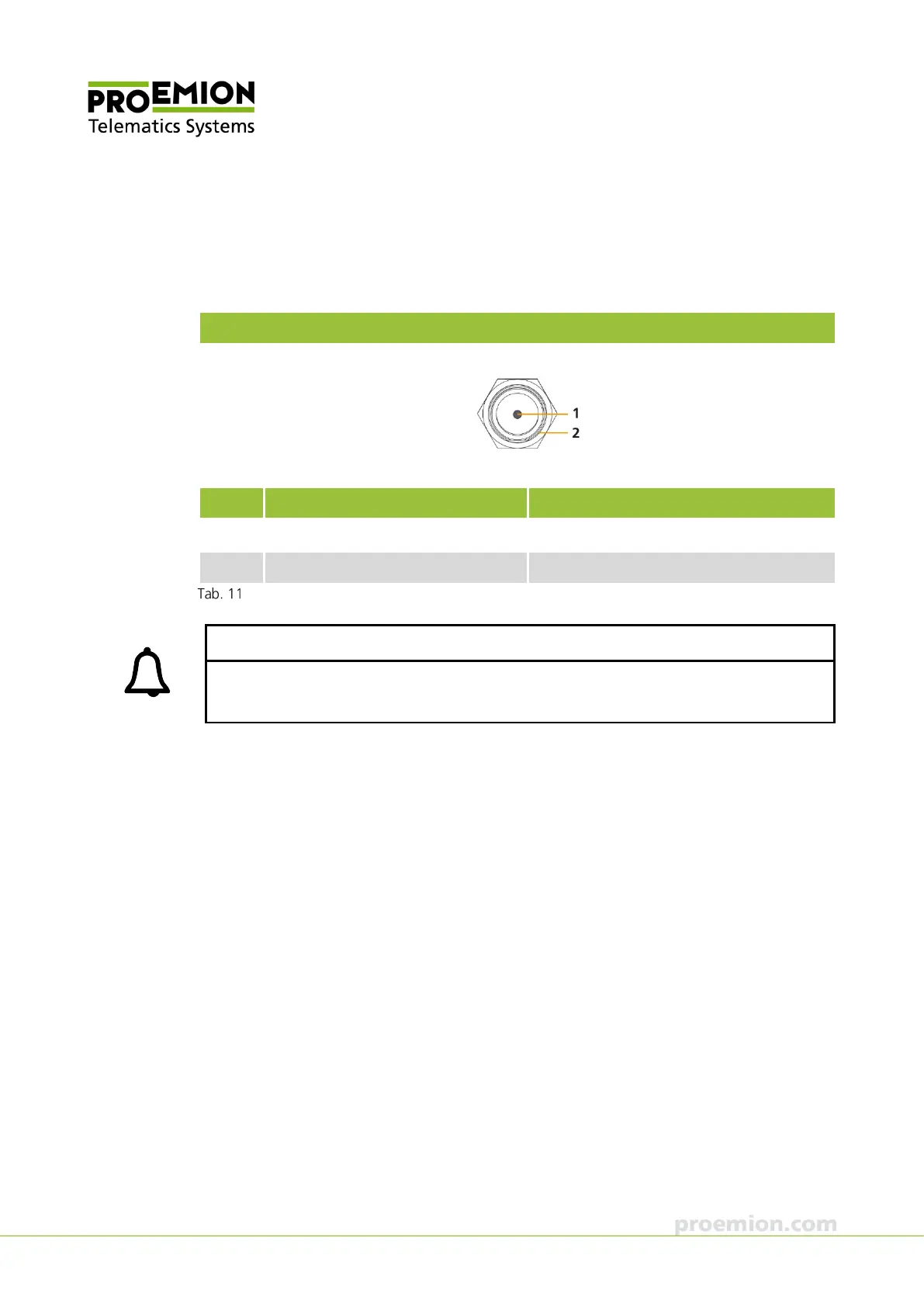
RF antenna connector, type RP-SMA socket for model variant 3002
Pin Designation Description
1 Signal WLAN or Bluetooth signal
2 Ground Shielding/ housing
Connector assignment for RF antenna, model variant 3002
INFORMATION
With model variant 3001, the RP-SMA antenna connector is replaced by an integrated
antenna at the same position.



 To Next Page