Device Manual CANlink wireless
Getting started
PROEMION GmbH | Phone: +49 661 9490-600 | Fax: +49 661 9490-666 | info@proemion.com | proemion.com | Version 1.0 80
© 2016RM MICHAELIDES● VX.X ● Device Manual CANlink 5000 series © 2016RM MICHAELIDES● VX.X ● Device Manual CANlink 5000 series © 2016 PROEMION GMBH > 1.0 EN > Device Manual CANlink wireless 3000 series
4.6 Operation as a CAN-CAN-WLAN Bridge
Use as a CAN-CAN-WLAN Bridge enables wireless transmission of CAN data between two CAN
bus systems. In this case, two CANlink wireless devices replace the CAN cable.
After switching on, a connection is automatically established between a configured master and
a slave device. Data is exchanged bidirectionally as soon as the connection between the two
devices has been established.
4.6.1 Configuring a CAN-CAN-WLAN Bridge
To be able to use two devices as a CAN-CAN-WLAN Bridge, one must be configured as the
slave and the other as the master. Operation as a CAN-CAN-WLAN Bridge is only possible in
infrastructure mode.
INFORMATION
Save the configuration of your device before making alterations.
See chapter Saving the device configuration.
CONFIGURATION OF A CAN-CAN-WLAN BRIDGE SLAVE
1. Connect the device to the PC. See chapter Connecting the device with a PC via
RS232.
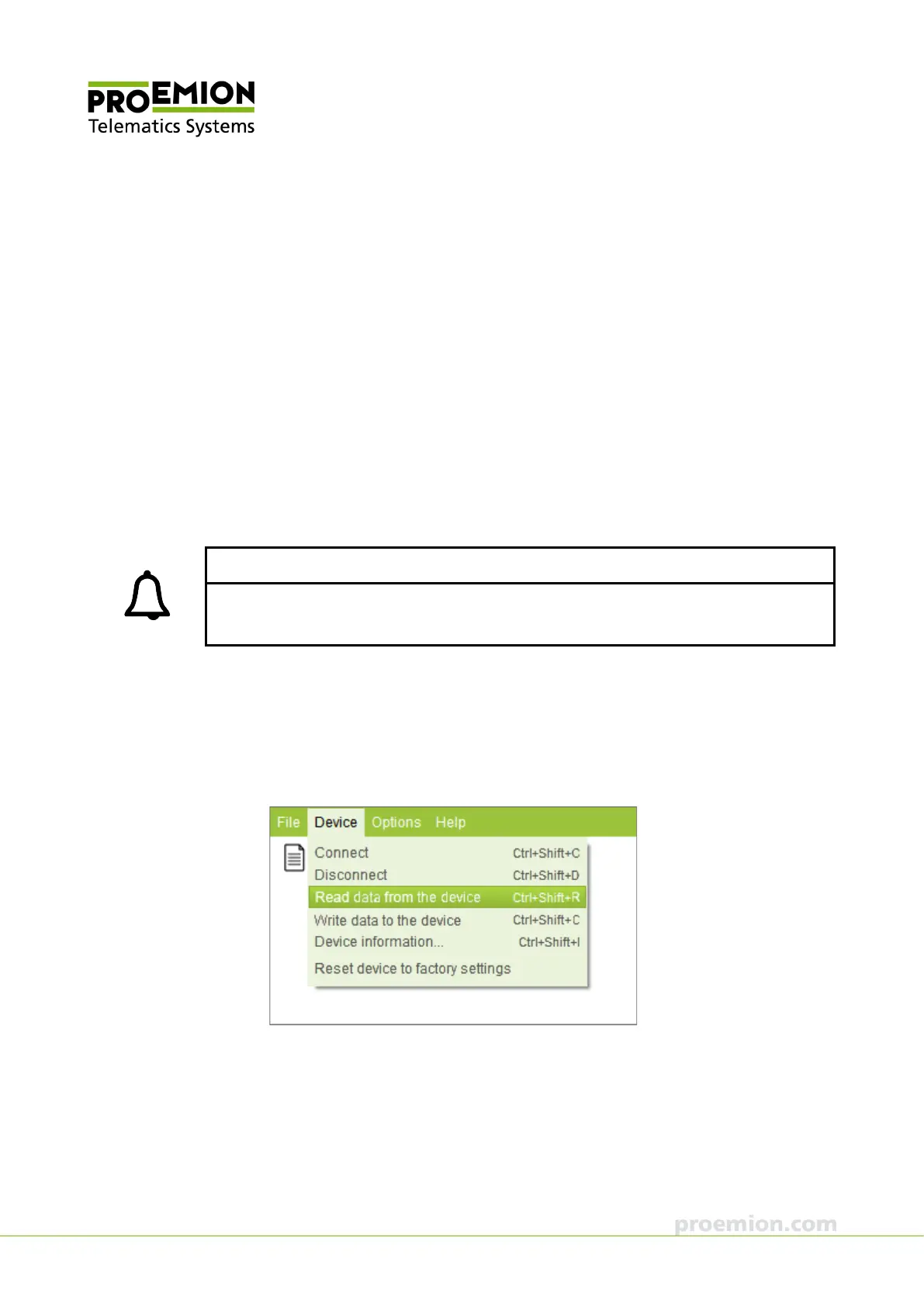
2. Choose D
EVICE → READ DATA FROM THE DEVICE from the menu.
This loads the installed configuration from the device.



 To Next Page