Device Manual CANlink wireless
Functionality and features
PROEMION GmbH | Phone: +49 661 9490-600 | Fax: +49 661 9490-666 | info@proemion.com | proemion.com | Version 1.0 30
© 2016RM MICHAELIDES● VX.X ● Device Manual CANlink 5000 series © 2016RM MICHAELIDES● VX.X ● Device Manual CANlink 5000 series © 2016 PROEMION GMBH > 1.0 EN > Device Manual CANlink wireless 3000 series
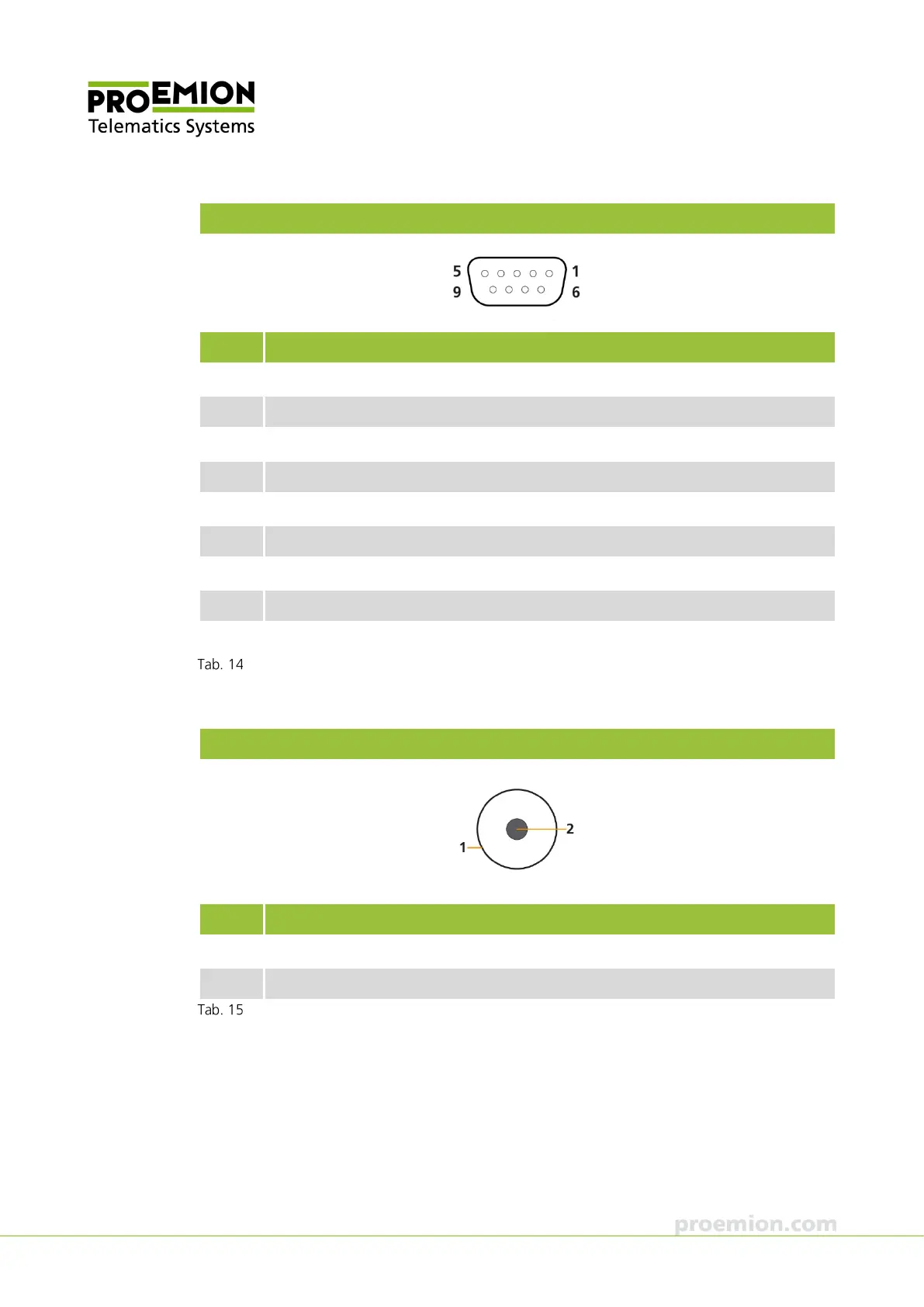
D-sub 9-pin connector, female
Pin Designation
1 not assigned
2 CAN-Low
3 not assigned
4 not assigned
5 not assigned
6 Ground (-)
7 CAN-High
8 not assigned
9 VCC (+)
CAN cable M12 5-pin/D-Sub/Power terminal 15 ON, D-Sub connector
Power connector, low-voltage coupling (1.3/3.5 mm)
Pin Designation
1 Ground (-)
2 VCC (+)
CAN cable M12 5-pin/D-Sub/Power terminal 15 ON, power connector



 To Next Page