Device Manual CANlink wireless
Getting started
PROEMION GmbH | Phone: +49 661 9490-600 | Fax: +49 661 9490-666 | info@proemion.com | proemion.com | Version 1.0 36
© 2016RM MICHAELIDES● VX.X ● Device Manual CANlink 5000 series © 2016RM MICHAELIDES● VX.X ● Device Manual CANlink 5000 series © 2016 PROEMION GMBH > 1.0 EN > Device Manual CANlink wireless 3000 series
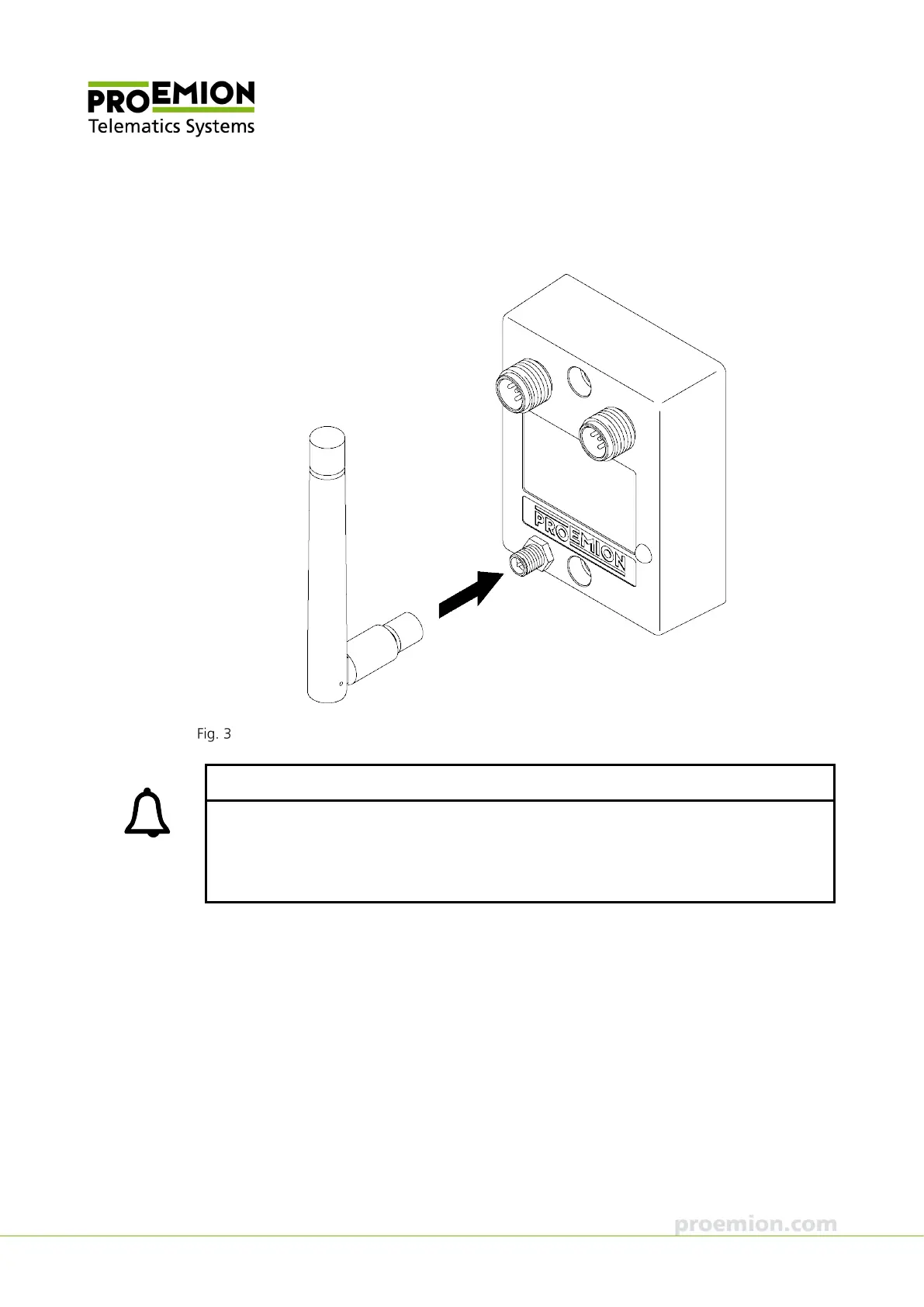
1. Connect the RF antenna to the RP-SMA connector of the device (model variant
3002).
Connecting the RF antenna to the CANlink wireless 3002
INFORMATION
Loss of FCC certification possible.
Only use antennas which are approved for the frequency range used.
Only use antennas which do not cancel the WLAN or the Bluetooth qualification.
Keep the end of the antenna away from metal components to avoid detuning.



 To Next Page