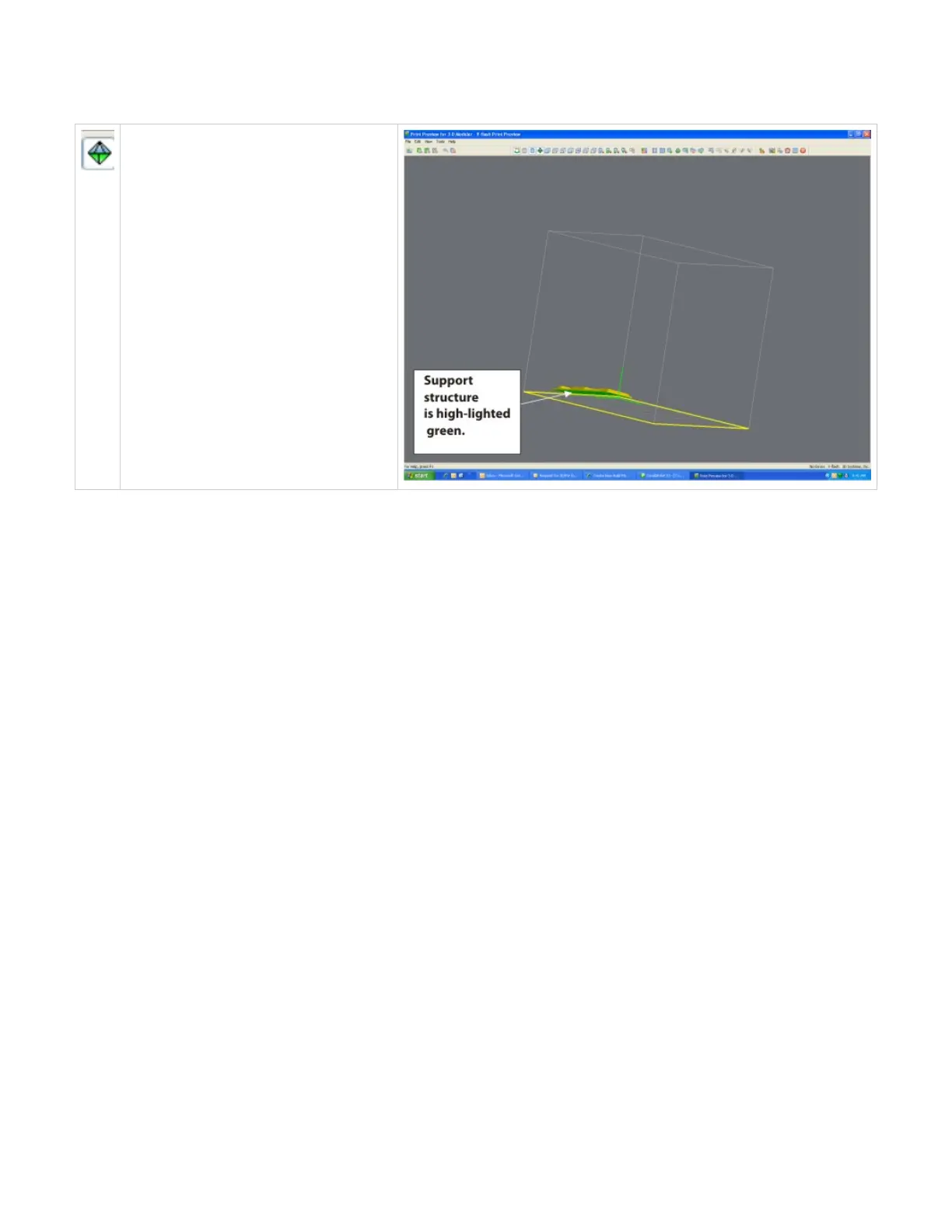
Display Support Creation Surface
Select the part and click on the Display Support
Creation Surface to identify where the supports
are placed on the part. The support structure
will be high-lighted green. Use the trackball to
rotate the platform to view structure.
Click here to return to Print Preview Browser



 To Next Page