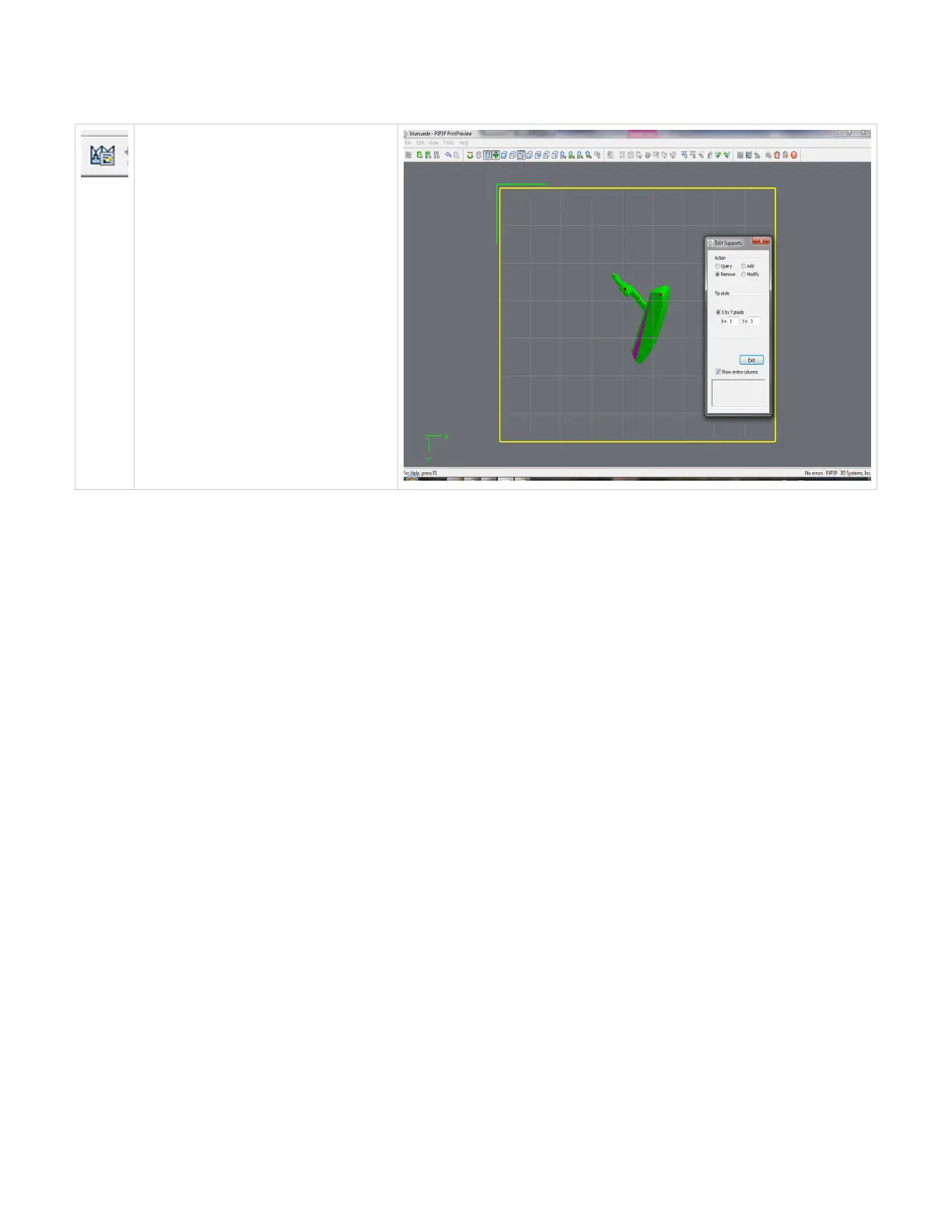
Edit Supports
To edit supports, the part must be in the top
or bottom view. Click on the edit support, a
dialog box will appear; the existing support
structure will appear. You can not delete
automatic generated support structures but
you can add more to the print in the X,Y axis.
to remove the support structure you created,
select Remove in the dialog box, and click on
the structure to be removed. Once
completed, click on exit.
Click here to return to Print Preview Browser



 To Next Page