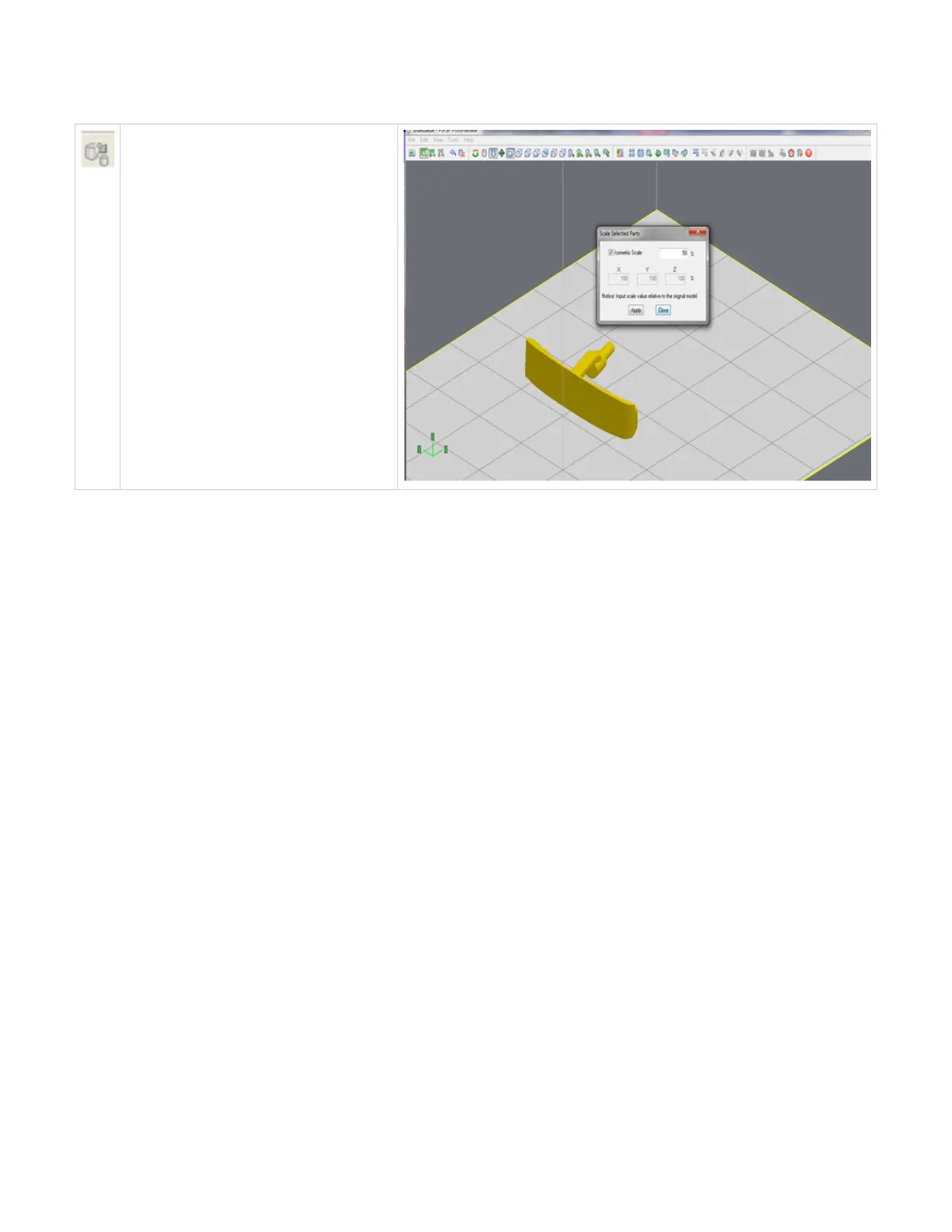
Scale
Parts can be scaled by percentages, eith
isometric meaning all axes get the same scale
factor or differently in each axis. Select one or
several parts and click on the scale icon; the
dialog box appears. Enter a scale value, then
click the apply. Scale values are absolute. A
value of 100% always returns the object to its
original scale; 200% is always twice the size of
the original.
Click here to return to Print Preview Browser



 To Next Page