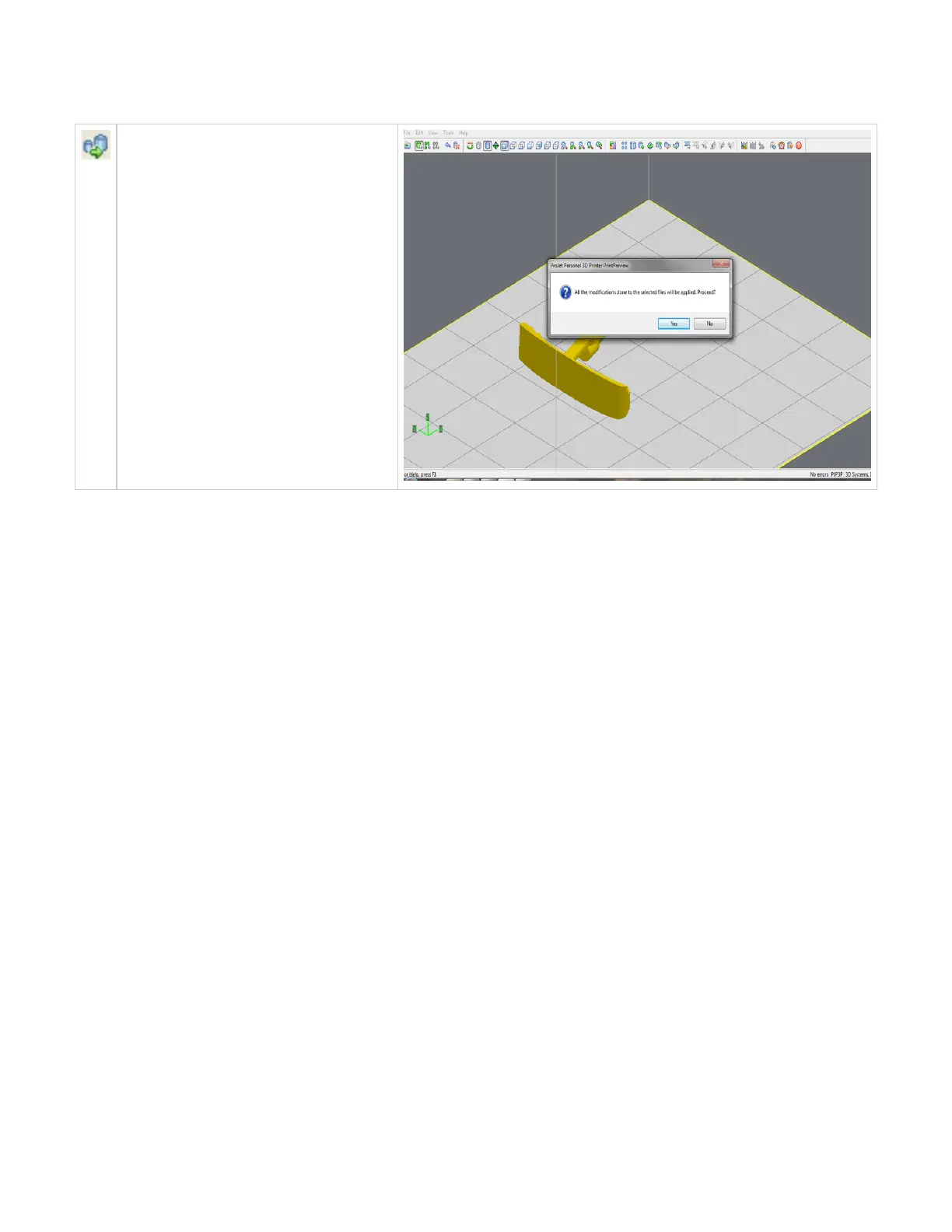
Scale inch to mm
The parts unit can be changed from inch to
millimeters by multiplying 25.4 to the part
measurement. Select the part and click Scale
inch to mm icon. A dialog box will ask if you
want to proceed with the modifications; select
"Yes" to proceed with the parts unit changes or
select "No" to discontinue.
Click here to return to Print Preview Browser



 To Next Page