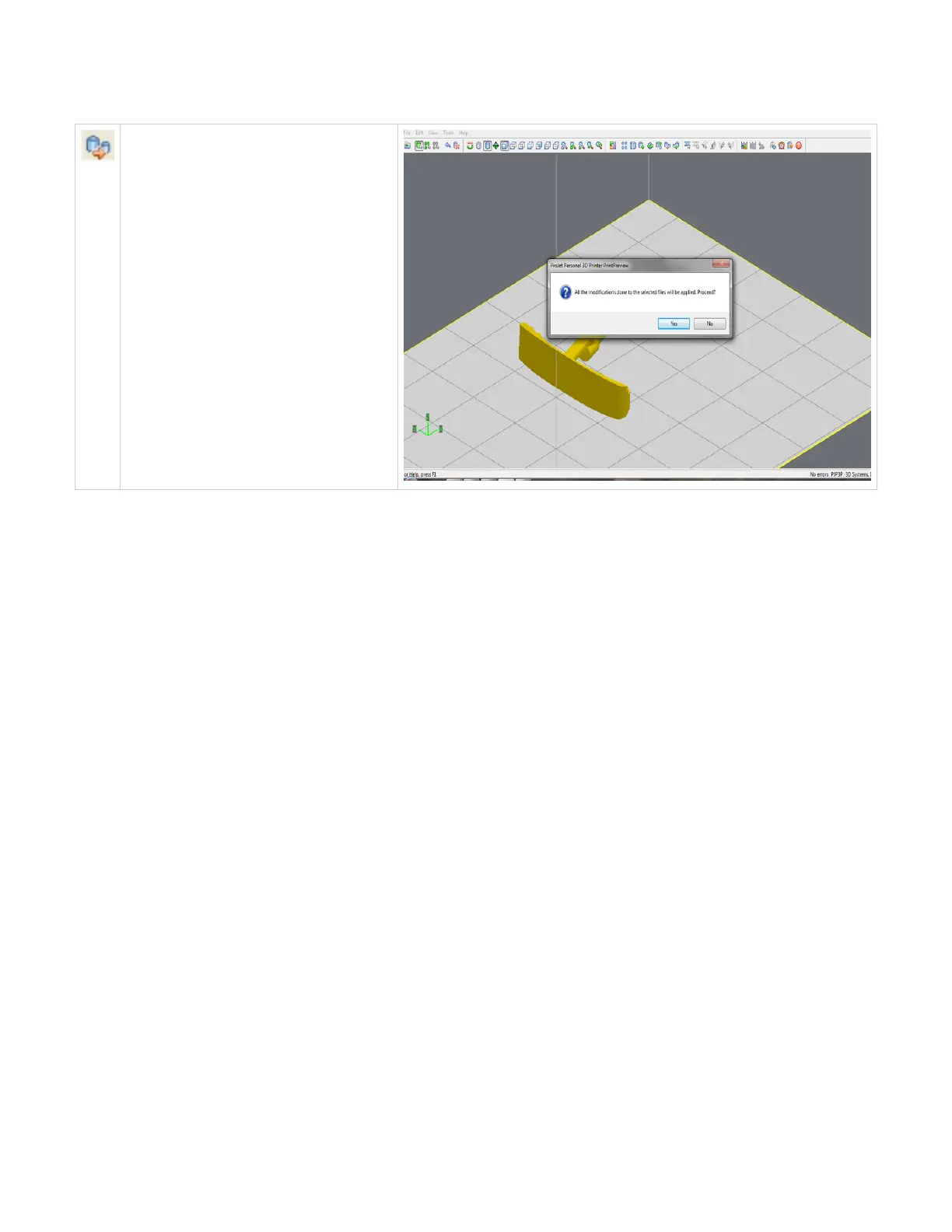
Scale mm to inch
The parts unit can be changed from millimeters
to inch by dividing 25.4 into the part
measurement. Select the part and click Scale to
inch icon. A dialog box will ask if you want to
proceed with the modifications; select "Yes" to
proceed with the parts unit changes or select
"No" to discontinue.
Click here to return to Print Preview Browser



 To Next Page