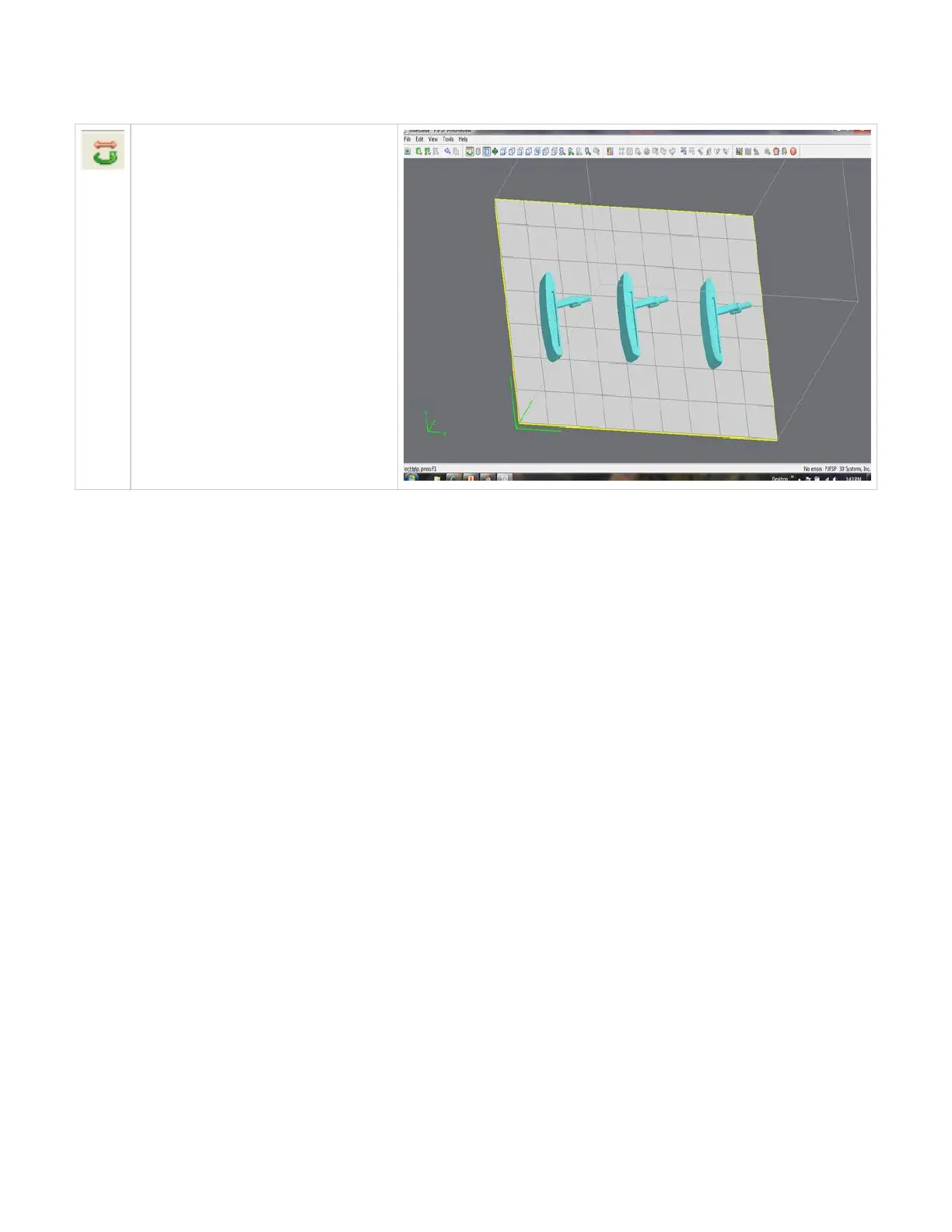
Trackball View
Use the trackball view to change the platform
viewing area. Normal dragging (with the left
mouse button pressed down) rotates the
viewing area. When using the right mouse
button, the build envelope can be dragged
around within the viewing area.
Click here to return to Print Preview Browser



 To Next Page