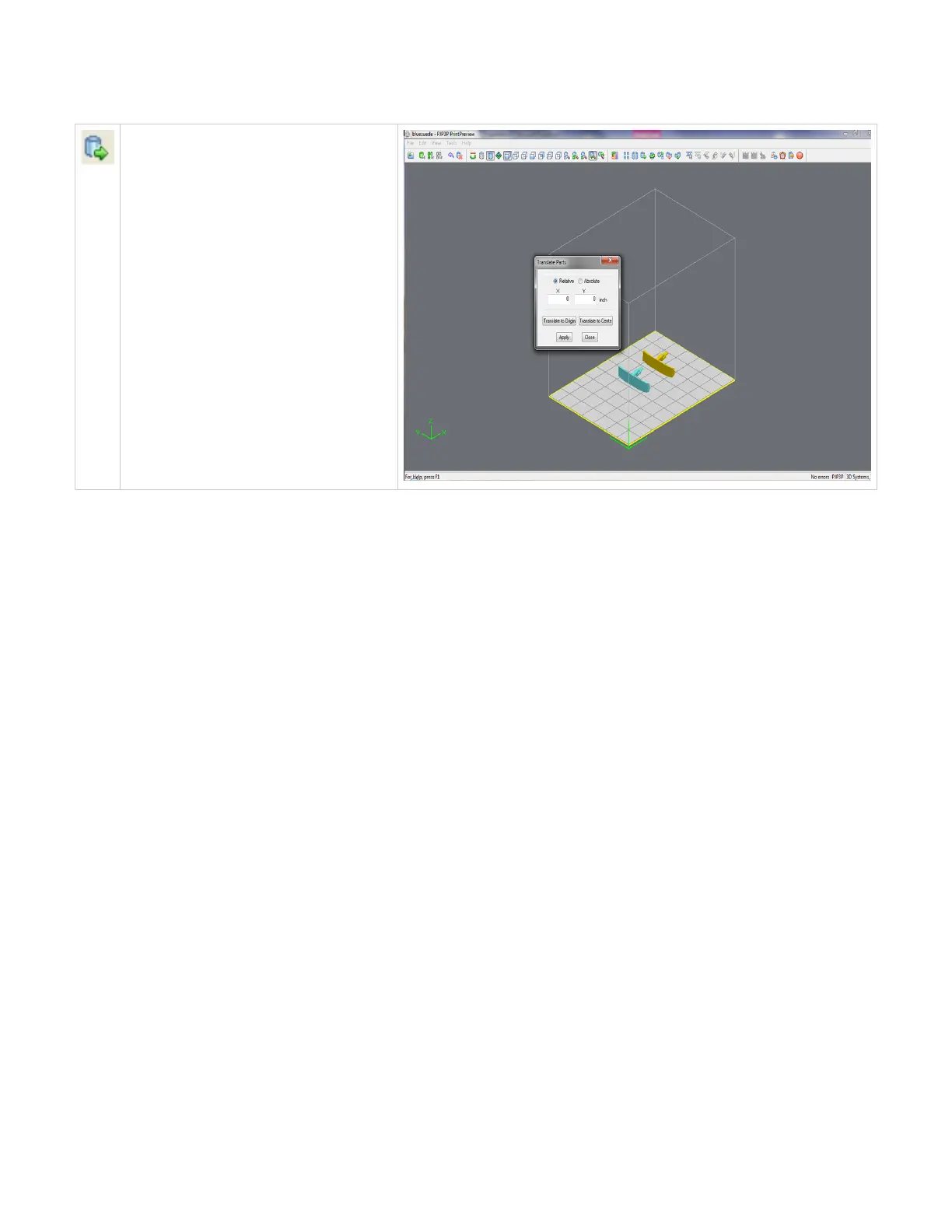
Translate
Use the translate part dialog box to move parts
by entering inch values. The dialog box allows
relative movement (parts are moved from their
current location in specified X and Y axis) as
well as absolute (parts are specified in the
specified X,Y coordinates).
Click here to return to Print Preview Browser



 To Next Page