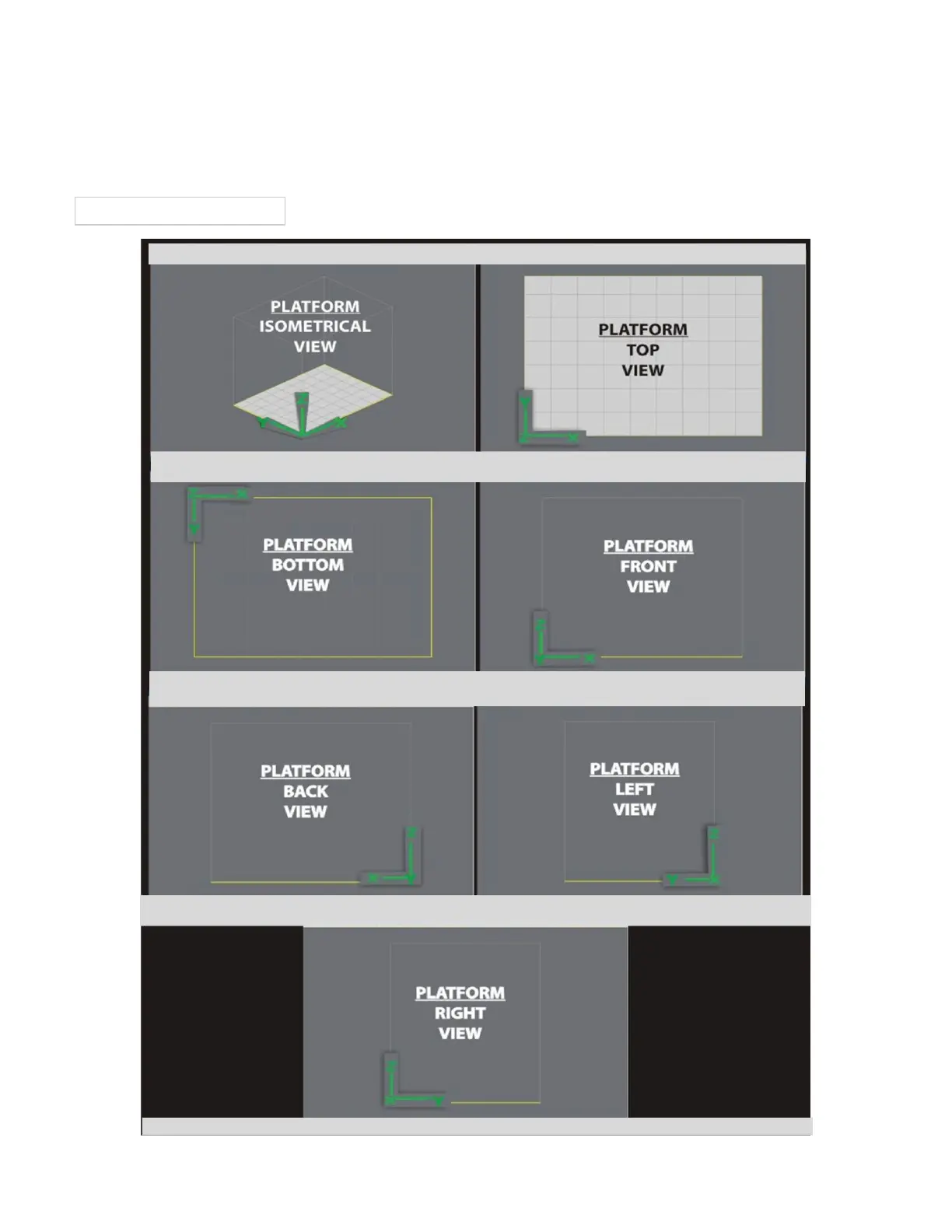
System Coordinates
The system uses X, Y, and Z coordinates to place STL files in the build area.
The diagram shows how the coordinate axes are arranged. Note that the Y axis, rather than the X, is the one that faces you, and the Z axis
increases as the print platform is . Also note that the 0,0,0 location is the upper left corner of the build pad.lowered
Print Envelope X,Y,Z Coordinates



 To Next Page