MVI56-PDPMV1 ♦ ControlLogix Platform Configuring the MVI56-PDPMV1 Module
PROFIBUS DPV1 Master User Manual
Page 111 of 251 ProSoft Technology, Inc.
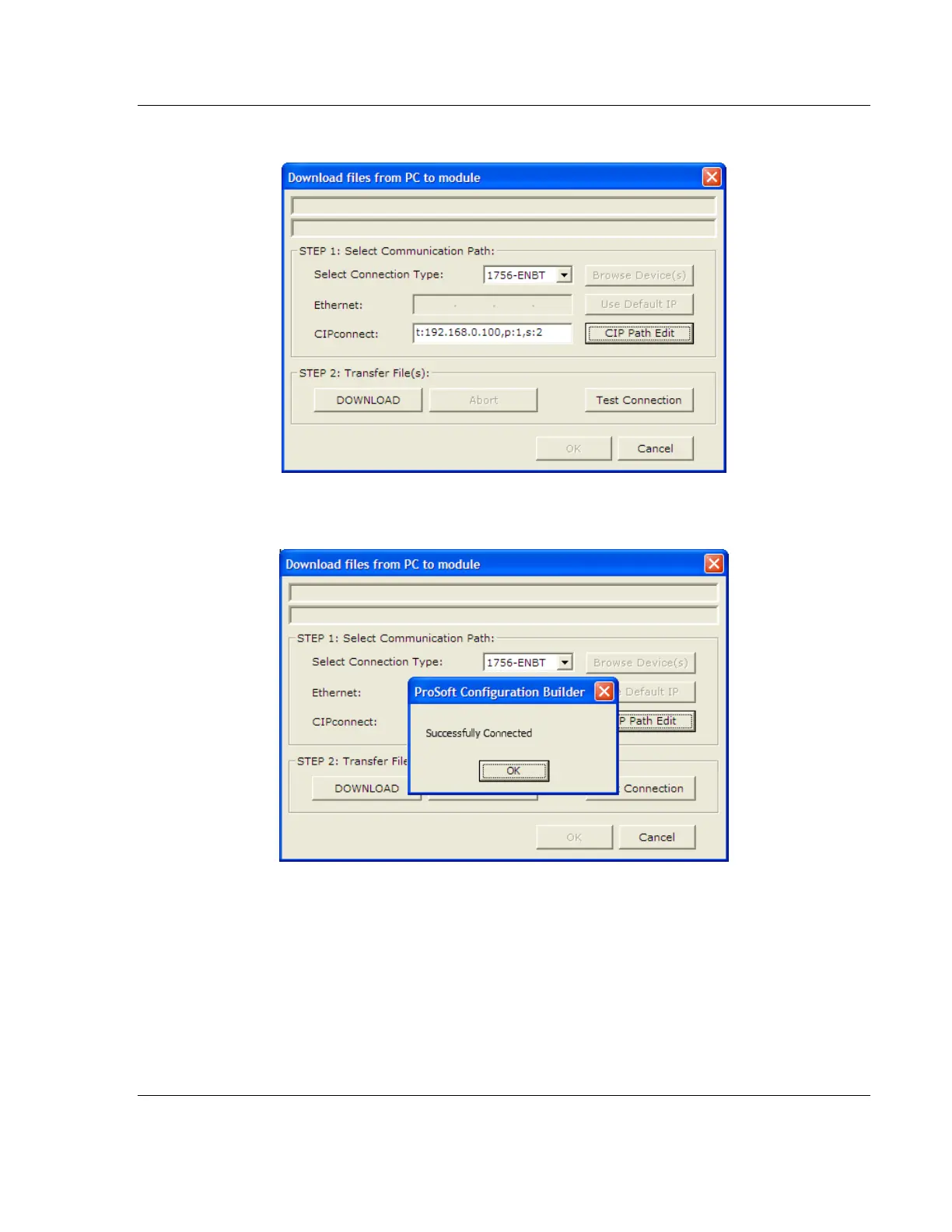
3 Check the new path in the CIPconnect text box.
4 Click TEST CONNECTION to verify that the physical path is available. The
following message should be displayed upon success.



 To Next Page