MVI56-PDPMV1 ♦ ControlLogix Platform Reference
PROFIBUS DPV1 Master User Manual
Page 217 of 251 ProSoft Technology, Inc.
Connecting the comDTM to the Master to Establish Communication
Note: The features described in this section require the current version of PROFIBUS comDTM.
You can always download the newest version from www.prosoft-technology.com.
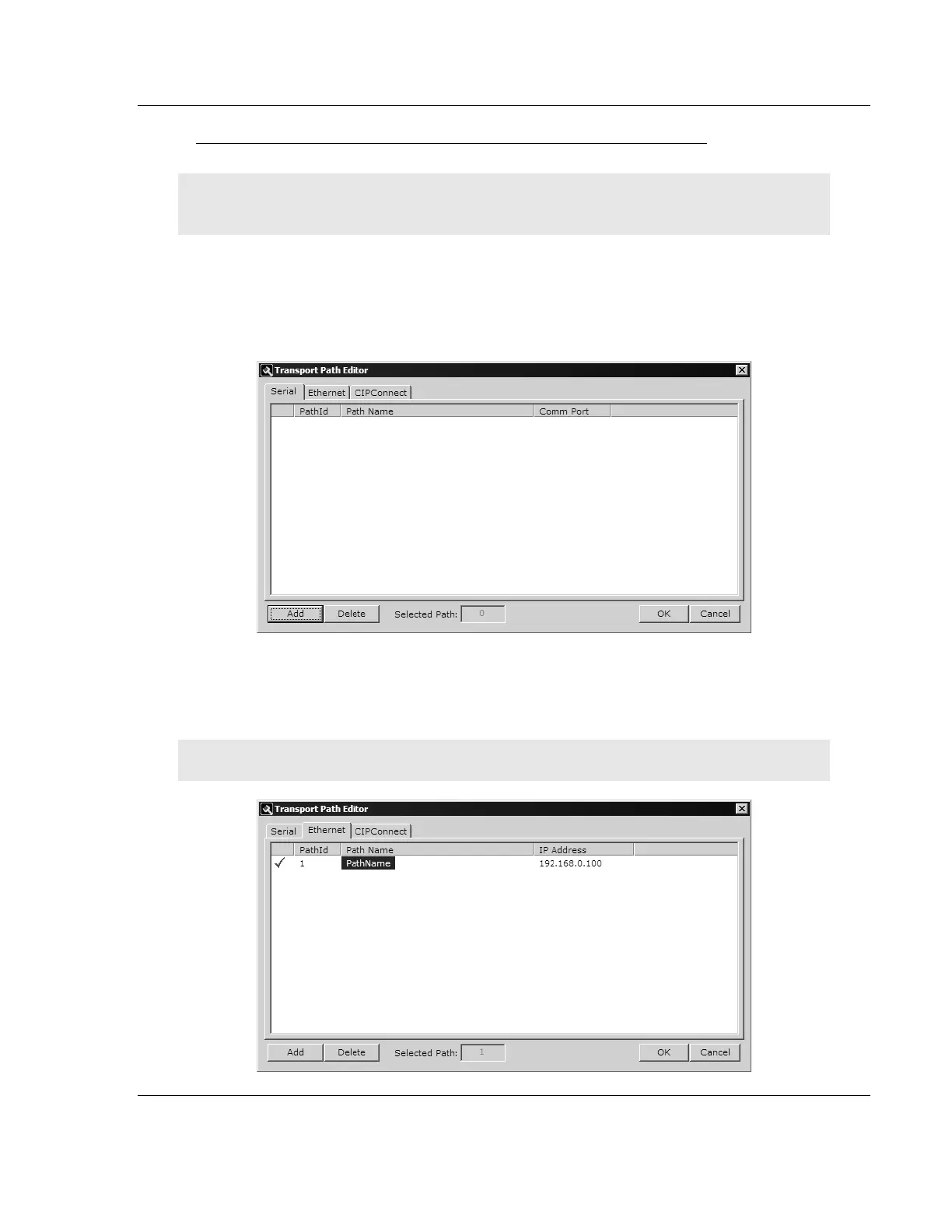
1 From the Windows START button, navigate to PROGRAMS > PROSOFT
TECHNOLOGY, and then choose PROSOFT TRANSPORT PATH EDITOR.
2 If you have not created a communication path, click the ADD button. If you
have already created a path, skip to step 5.
3 For PTQ-PDPMV1 and ProLinx-PDPMV1 users: Select the ETHERNET tab,
and enter the IP Address of the module or gateway. Enter a descriptive path
name.
Note: Do not include the underscore ( _ ) for the path name.



 To Next Page