Reference MVI56-PDPMV1 ♦ ControlLogix Platform
User Manual PROFIBUS DPV1 Master
Page 218 of 251 ProSoft Technology, Inc.
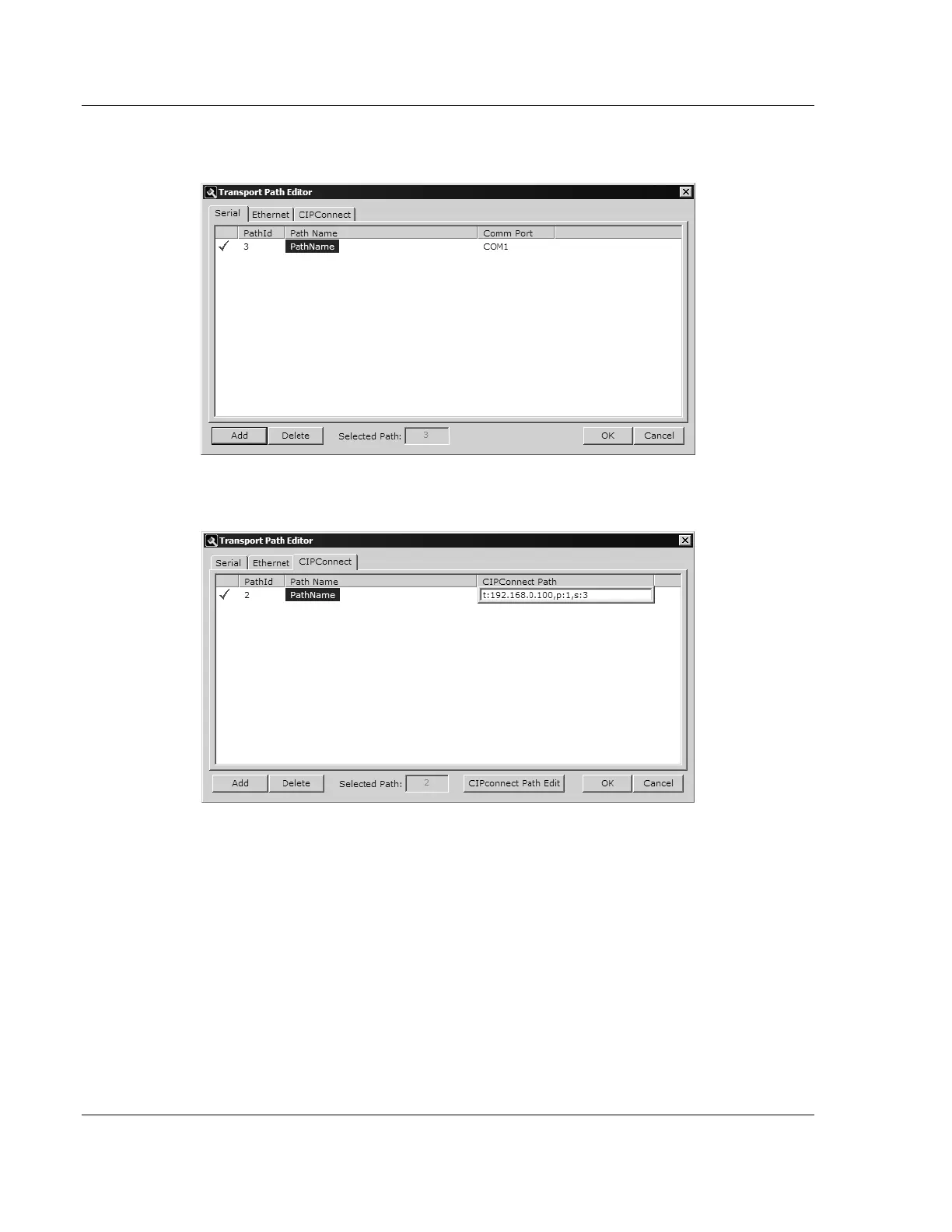
For MVI-PDPMV1 users: Select the SERIAL tab and enter the COM port
number on your PC connected to the module. Enter a descriptive path name.
For MVI56-PDPMV1 and MVI69-PDPMV1 users with CIPconnect: Select the
CIPCONNECT tab, and then click the ADD button.
Click the CIPCONNECT PATH EDIT button to define the path for this application.
The CIPconnect Path Editor allows the configuration of the path between
your PC and the MVI56-PDPMV1 or MVI69-PDPMV1 module.



 To Next Page