MVI56-PDPMV1 ♦ ControlLogix Platform Reference
PROFIBUS DPV1 Master User Manual
Page 225 of 251 ProSoft Technology, Inc.
Checking the comDTM Install Version
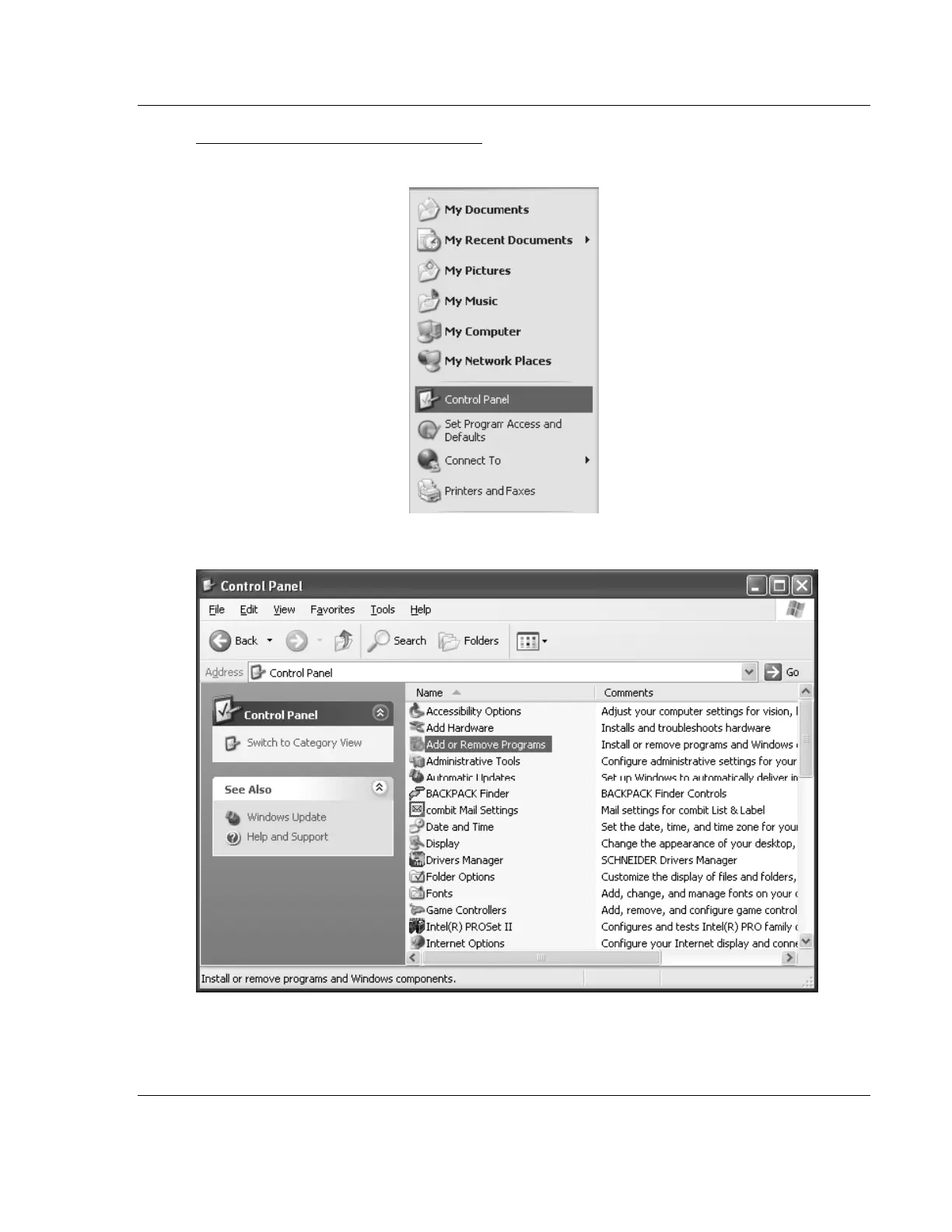
1 Click the START menu and then choose CONTROL PANEL.
2 In the list of CONTROL PANEL applets, select ADD OR REMOVE PROGRAMS.



 To Next Page