Reference MVI56-PDPMV1 ♦ ControlLogix Platform
User Manual PROFIBUS DPV1 Master
Page 226 of 251 ProSoft Technology, Inc.
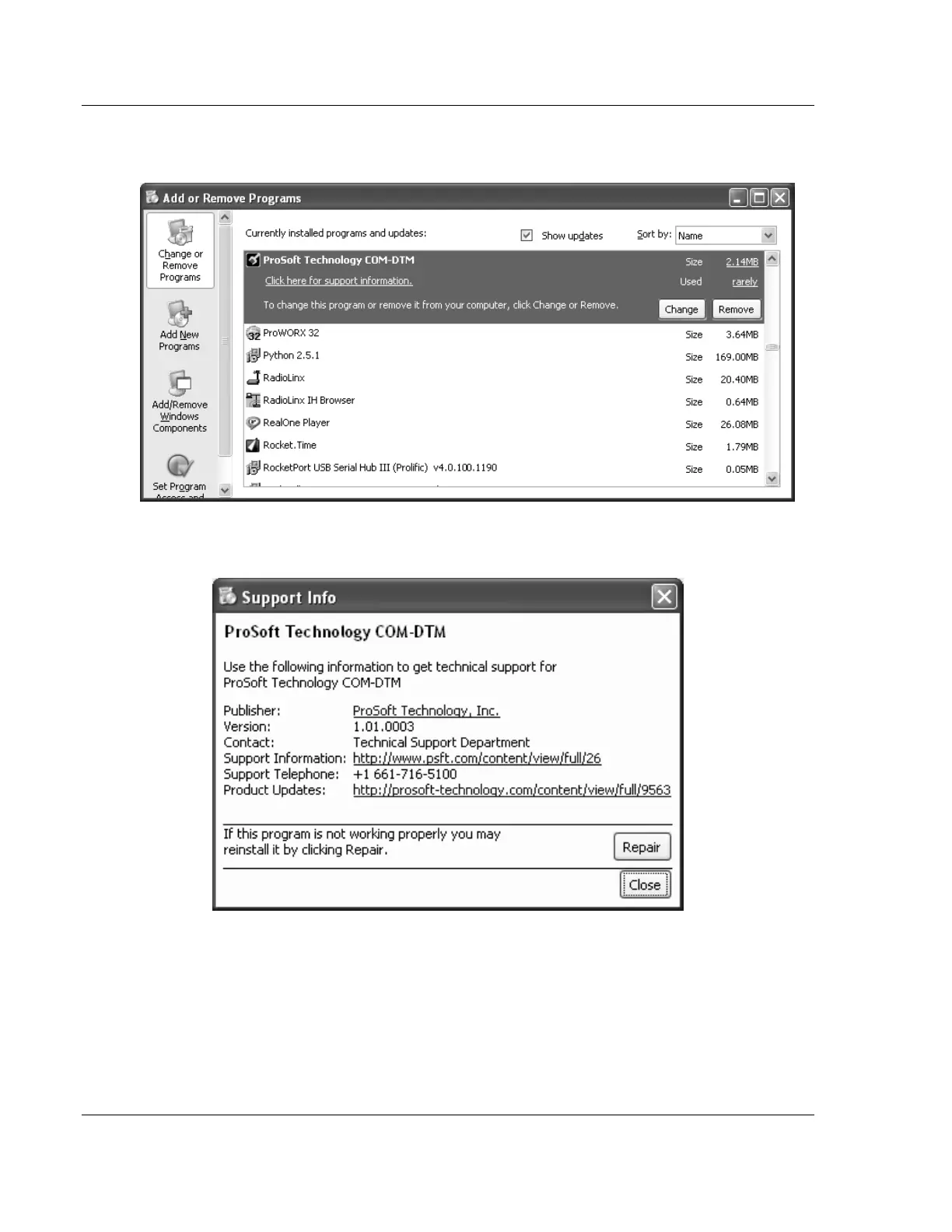
3 Select PROSOFT TECHNOLOGY COM-DTM, and then click on the link CLICK
HERE FOR SUPPORT INFORMATION.
4 You will see the comDTM Install Version in the Version field, as shown in the
following illustration (1.01.0003 for this example).



 To Next Page