Start Here MVI56-PDPMV1 ♦ ControlLogix Platform
User Manual PROFIBUS DPV1 Master
Page 28 of 251 ProSoft Technology, Inc.
Adding Multiple Modules (Optional) - Legacy
Important: If your application requires more than one MVI56-PDPMV1 module into the same
project, follow the steps below.
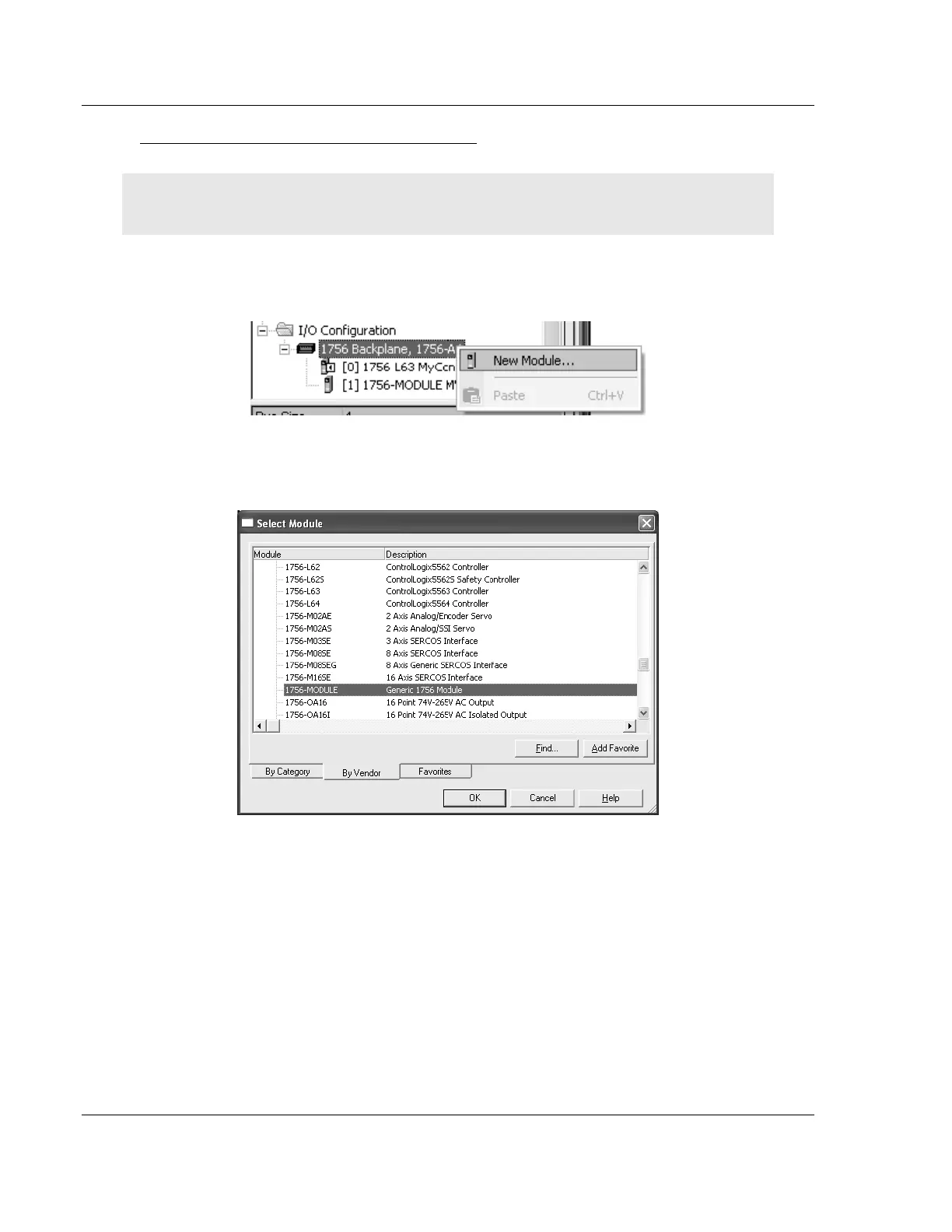
1 In the I/O Configuration folder, click the right mouse button to open a shortcut
menu, and then choose NEW MODULE.
2 Select 1756-MODULE.



 To Next Page