Start Here MVI56-PDPMV1 ♦ ControlLogix Platform
User Manual PROFIBUS DPV1 Master
Page 38 of 251 ProSoft Technology, Inc.
IMPORTANT: ControlLogix Version 16 with FLEX Mode
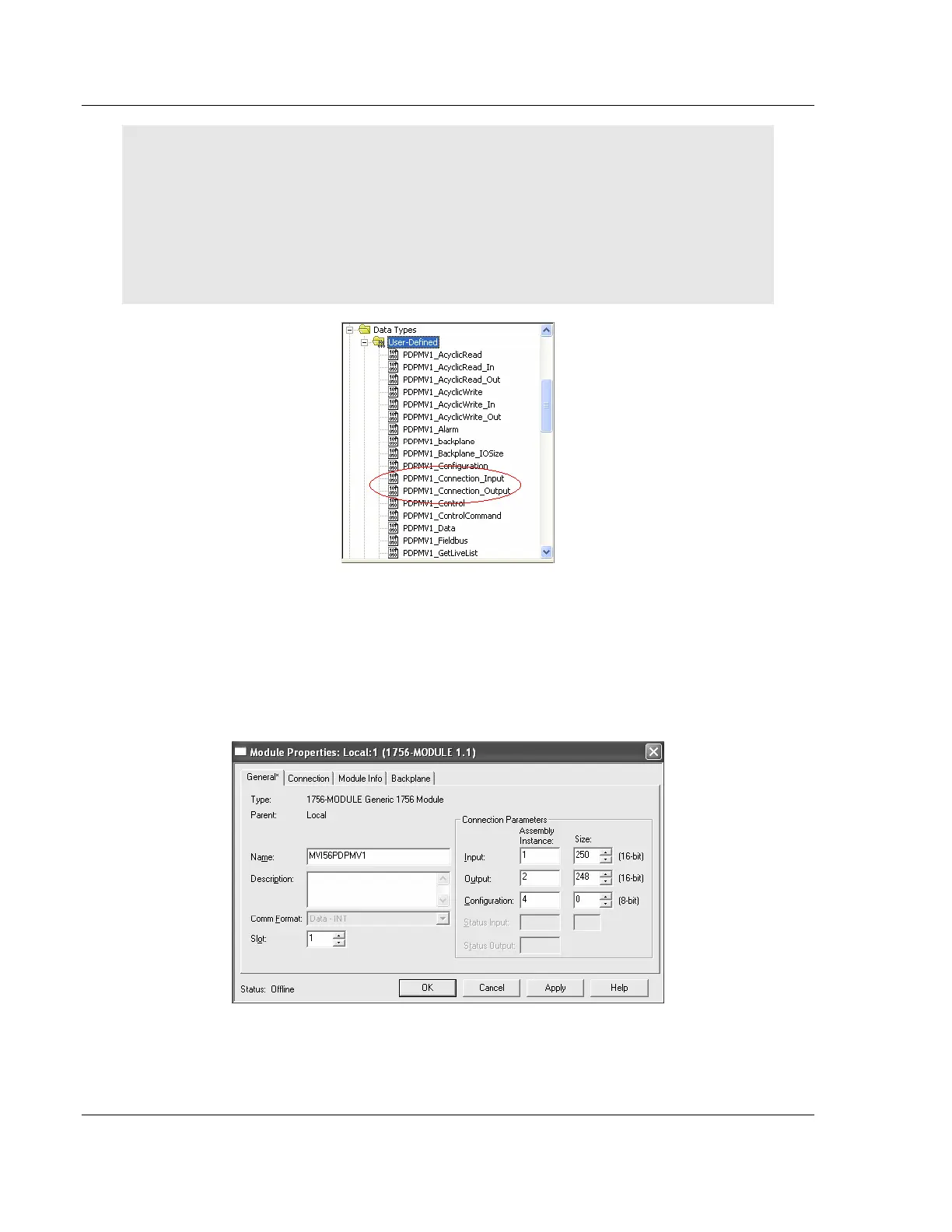
If you change the connection sizes in the module profile, you must also update the following data
types with the new sizes. The connection I/O sizes defined in the module profile must always
match the following user-defined data types:
PDPMV1_CONNECTION_INPUT
PDPMV1_CONNECTION_OUTPUT
You will also need to adjust limits in some of the ladder logic or AOI logic. For additional details,
see Adjusting the Connection Sizes for Your Application (page 40)
The array sizes must be modified (in the Data Type column) to match the
connection sizes configured in the module profile. Failure to do so will prevent
the module from establishing backplane communication with the ControlLogix
processor.
Example 1
For the following example, if the module profile is configured as:



 To Next Page