MVI56-PDPMV1 ♦ ControlLogix Platform Start Here
PROFIBUS DPV1 Master User Manual
Page 53 of 251 ProSoft Technology, Inc.
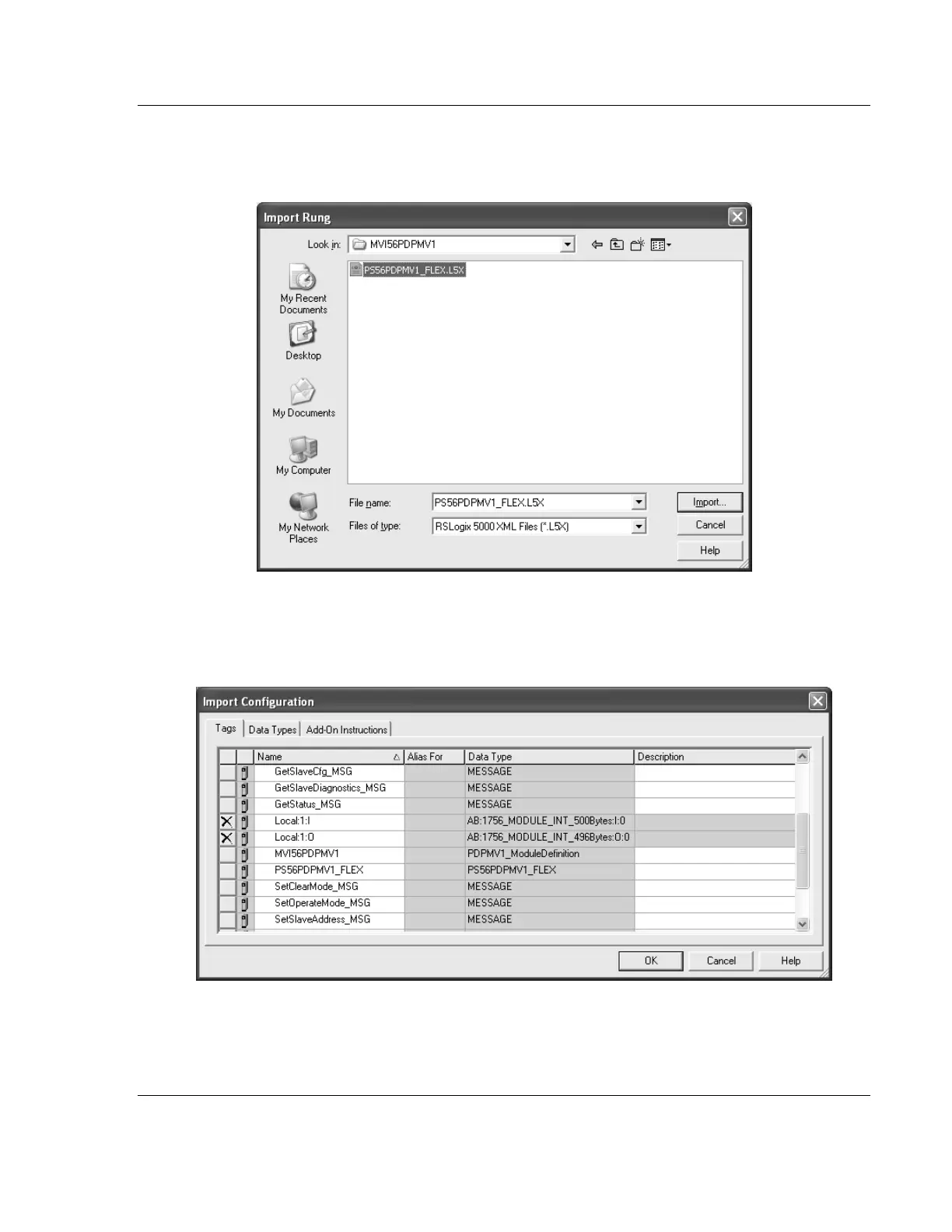
4 Select the PS56PDPMV1_FLEX_v*.L5X standard sample file, or the
MVI56PDPMV1_FLEX_AddOn_Rung_v*.L5X custom file you exported from
PCB, and click the IMPORT button.
5 The following window will be displayed showing the controller tags associated
with the project. The I/O connection parameters will be set (as default) as
LOCAL:1:I and LOCAL:1:O, which assumes that the module is located at the
local rack and Slot 1.



 To Next Page