MVI56-PDPMV1 ♦ ControlLogix Platform Start Here
PROFIBUS DPV1 Master User Manual
Page 57 of 251 ProSoft Technology, Inc.
3 Fill the module properties as required:
Enter a module identification string. Example: MVI56PDPMV1_2
Enter a description for the module. Example: ProSoft communication
module for PROFIBUS communication.
Enter the slot number in the rack where the MVI56-PDPMV1 module is
located.
Enter the number of words per backplane input block to copy from the
module to the processor. The allowable range is from 12 TO 250 words.
Each input block will reserve 8 words for general purposes (CRC, block/CIP
handshaking). The remainder is reserved for PROFIBUS input data.
Enter the number of words per backplane output block to copy from the
module to the processor. The allowable range is from 5 TO 248 words. Each
output block will reserve 5 words for general purposes (CRC and block
handshaking). The remainder is reserved for PROFIBUS output data.
Configuration
Assembly Instance
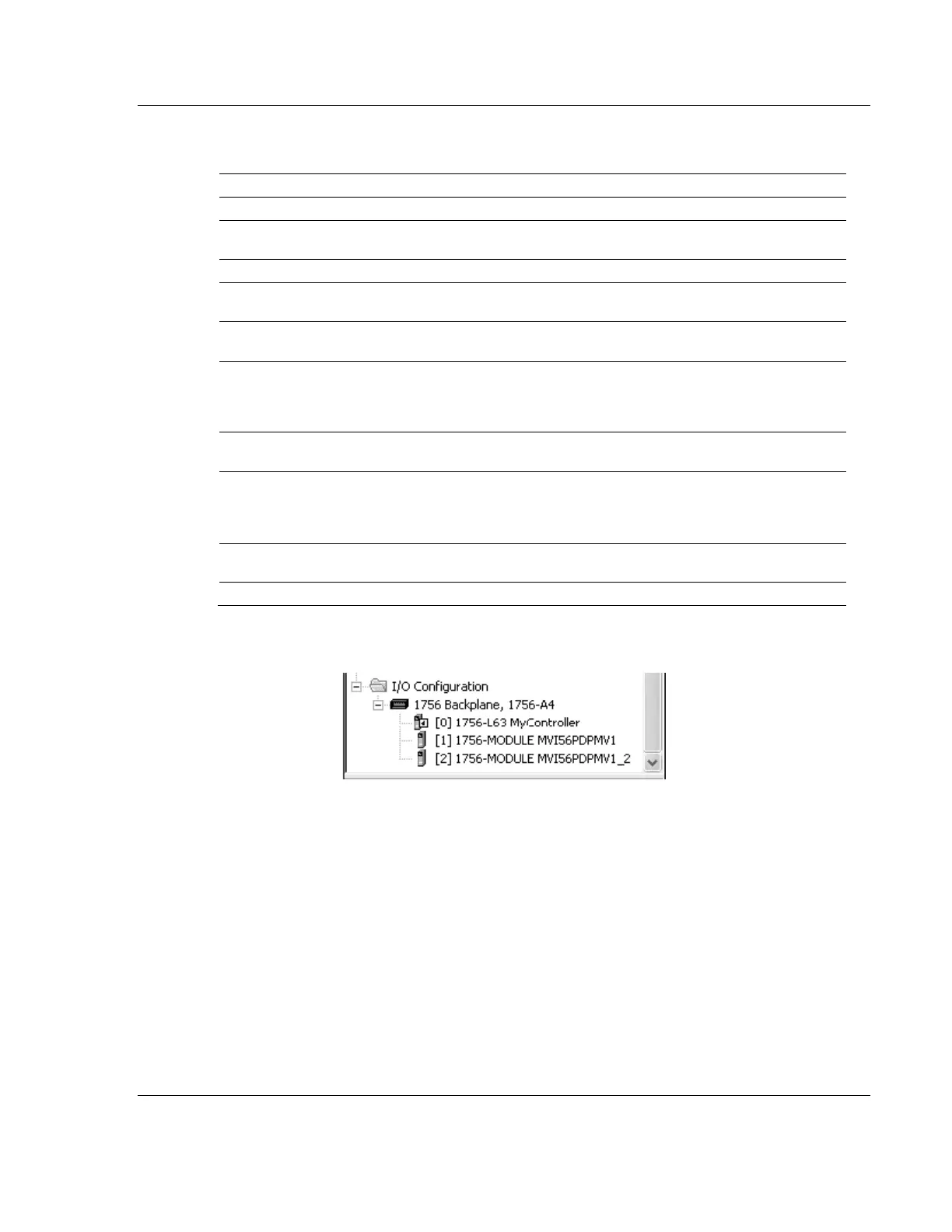
4 Click OK to confirm. The new module is now visible:
5 Expand the Tasks folder, and then expand the MainTask folder.
6 On the MainProgram folder, click the right mouse button to open a shortcut
menu. On the shortcut menu, choose NEW ROUTINE.
7 In the New Routine dialog box, enter the name and description of your
routine, and then click OK.



 To Next Page