Start Here MVI56-PDPMV1 ♦ ControlLogix Platform
User Manual PROFIBUS DPV1 Master
Page 64 of 251 ProSoft Technology, Inc.
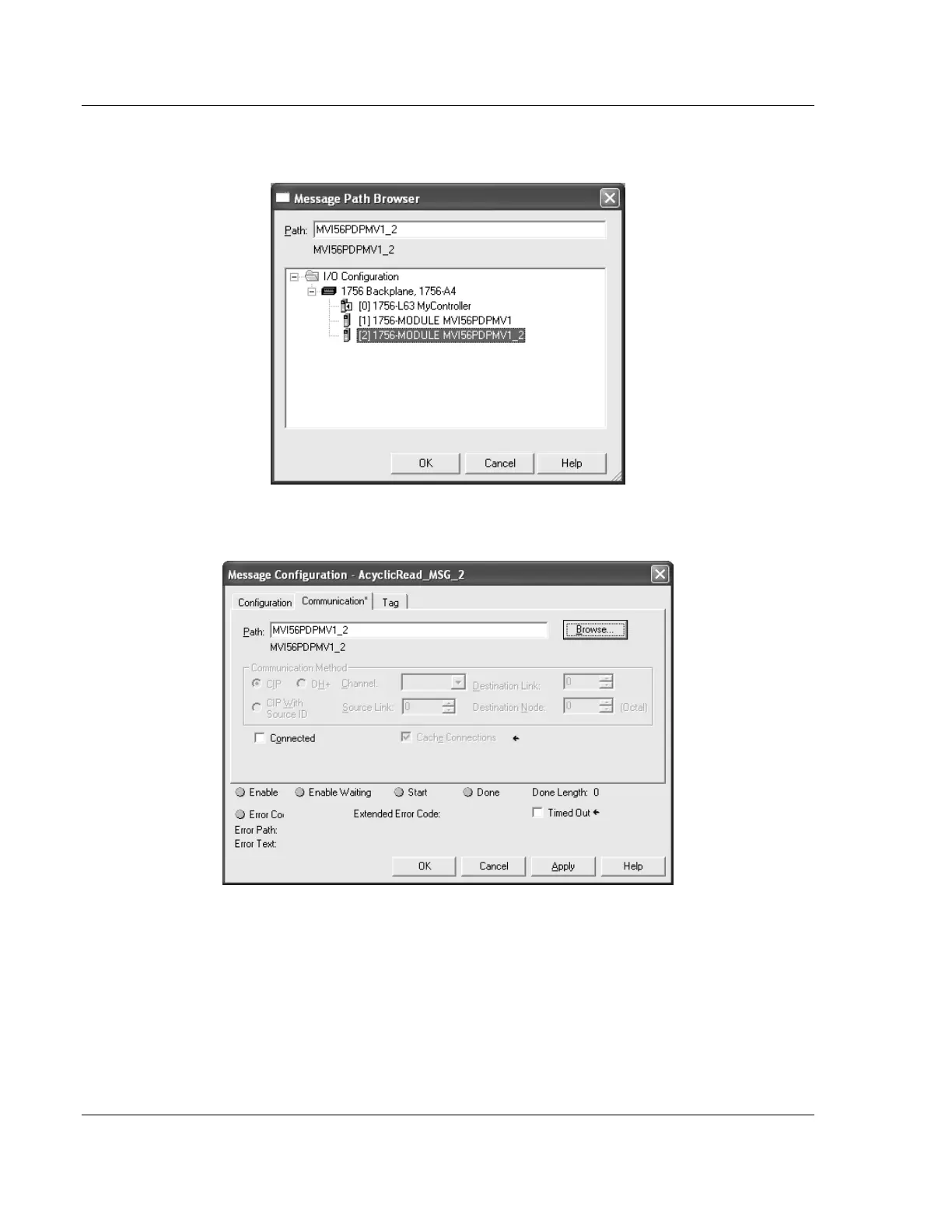
16 Select the BROWSE button and select the correct module to be associated to
the MESSAGE instruction. Click OK to confirm.
17 Click OK to confirm the MESSAGE configuration. Repeat this procedure for
every MESSAGE tag associated to the Add-On Instruction.



 To Next Page