MVI56-PDPMV1 ♦ ControlLogix Platform Start Here
PROFIBUS DPV1 Master User Manual
Page 75 of 251 ProSoft Technology, Inc.
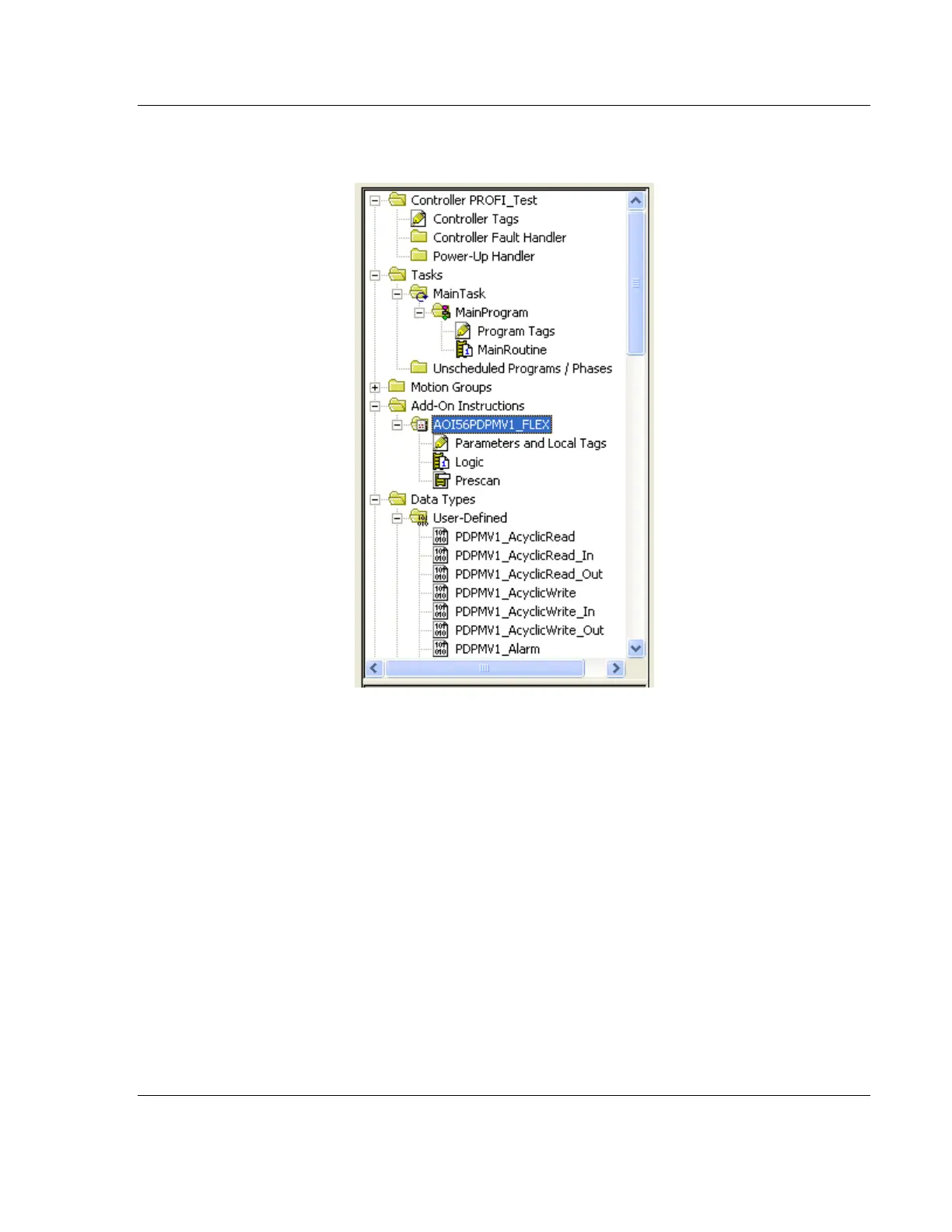
3 Go to the Add-On Instructions folder in the project tree. DELETE the
"AOI56PDPMV1_FLEX" AOI that was created by the original import.
4 Go to the Data Types folder, to the User-Defined sub-folder. DELETE the
following user-defined data types in the following order:
a) PDPMV1_Connection_Input
b) PDPMV1_Connection_Output
c) PDPMV1_PBInF
d) PDPMV1_PBOutF
e) PDPMV1_ModuleDefinition
f) PDPMV1_UTIL
g) PDPMV1_Configuration
h) PDPMV1_Backplane_IOSize
i) PDPMV1_PROFIBUS_IOSize
j) PDPMV1_Status
k) PDPMV1_StatusControl
l) PDPMV1_Module



 To Next Page