Configuring the MVI56-PDPMV1 Module MVI56-PDPMV1 ♦ ControlLogix Platform
User Manual PROFIBUS DPV1 Master
Page 86 of 251 ProSoft Technology, Inc.
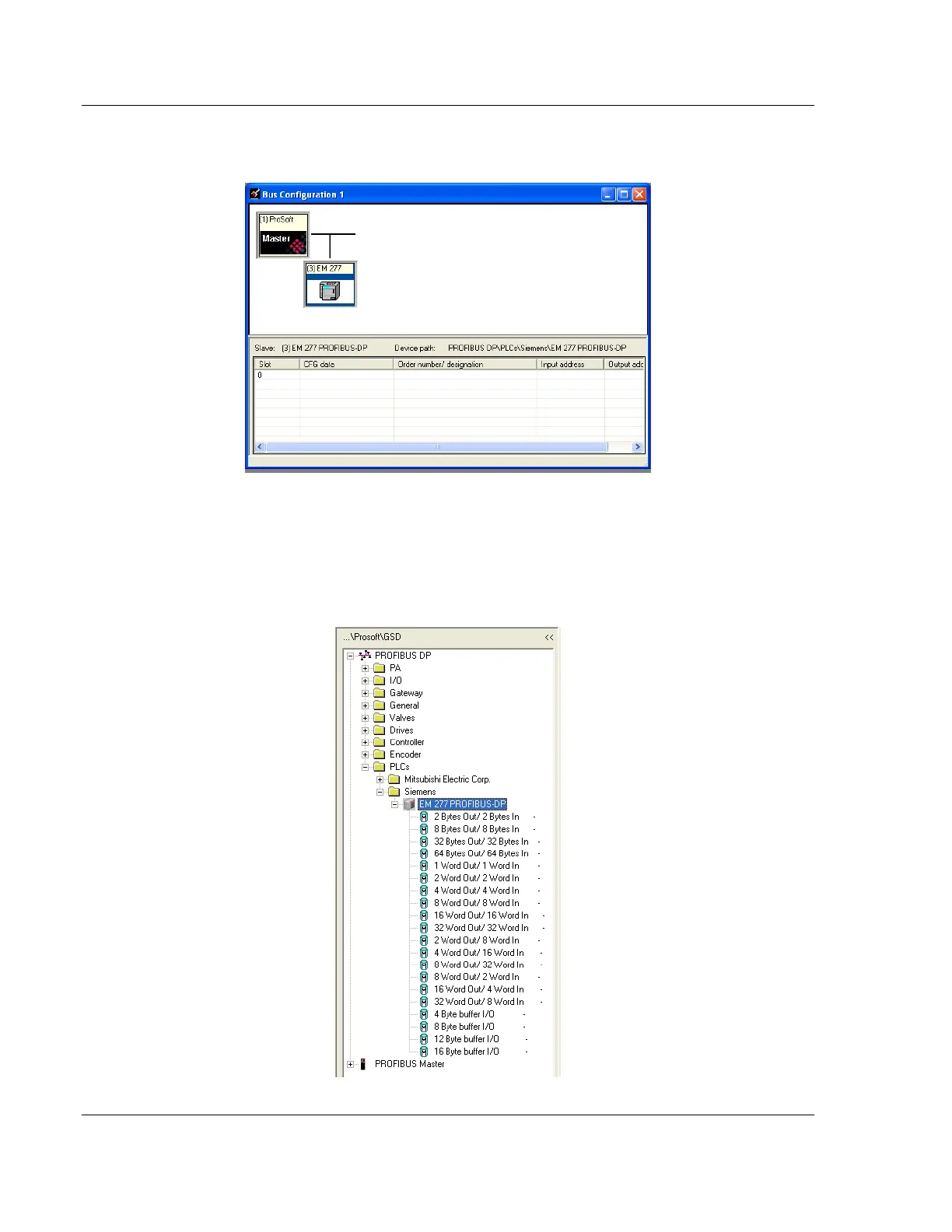
3 Drag the slave icon into the Bus Configuration window. This action adds the
slave device and connects it to the Master in a network relationship.
4 In the tree view, click the plus sign [+] to expand the slave device you added.
This action opens a list of device configuration values. The following
illustration shows the possible input/output configuration values for a Siemens
EM 277 PLC Slave. The selections available for other devices will be
different, so you should review the specifications for the product you are
installing in order to determine the correct values to use.



 To Next Page