Configuring the MVI56-PDPMV1 Module MVI56-PDPMV1 ♦ ControlLogix Platform
User Manual PROFIBUS DPV1 Master
Page 90 of 251 ProSoft Technology, Inc.
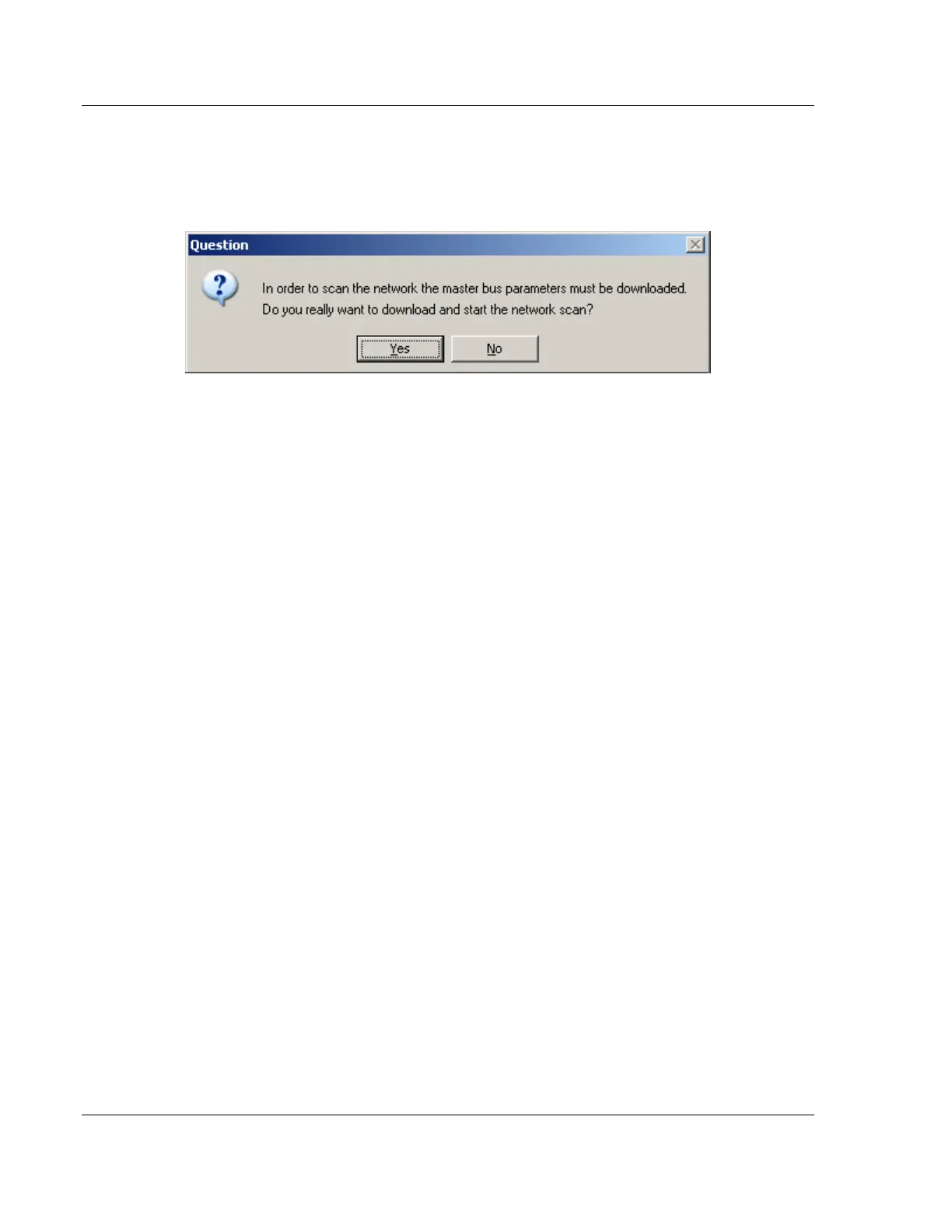
When a network scan is initiated, the PROFIBUS Master Configuration window
will download the Master bus parameters (baudrate etc.).
When the download is completed, the PROFIBUS Master Configuration window
will initialize the Master to operate as a Class 2 Master only. In this mode it is
possible to initialize the Master even if the database does not contain any slaves.
After successful initialization, the PROFIBUS Master Configuration window will
issue the following mailboxes in order to gather information about the connected
slaves:
1 1. Send FB_APPL_GET_LIVE_LIST in order to detect connected slaves,
2 2. Send FB_APPL_GET_SLAVE_DIAG (external request) to all devices
identified as slaves according to the Live list.
3 3. Send FB_APPL_GET_SLAVE_CONFIG to all devices identified as slaves
according to the Live list.



 To Next Page