MVI56-PDPMV1 ♦ ControlLogix Platform Configuring the MVI56-PDPMV1 Module
PROFIBUS DPV1 Master User Manual
Page 89 of 251 ProSoft Technology, Inc.
Using The Autoscan Feature
The concept of Automatic network scanning means that the user can instruct the
Bus Configuration window to automatically gather information about slaves that
are connected to the network. When the scan is completed the user can adopt
the detected slaves to the bus configuration and download to the Master.
This is a quick way to get a network up and running. However, one should be
aware that it is not guaranteed that any particular slave will enter data exchange
since the user parameter data might not match. This is especially obvious if no
associated GSD-file is found during the network scan, this means that no user
parameter data would be sent to the slave.
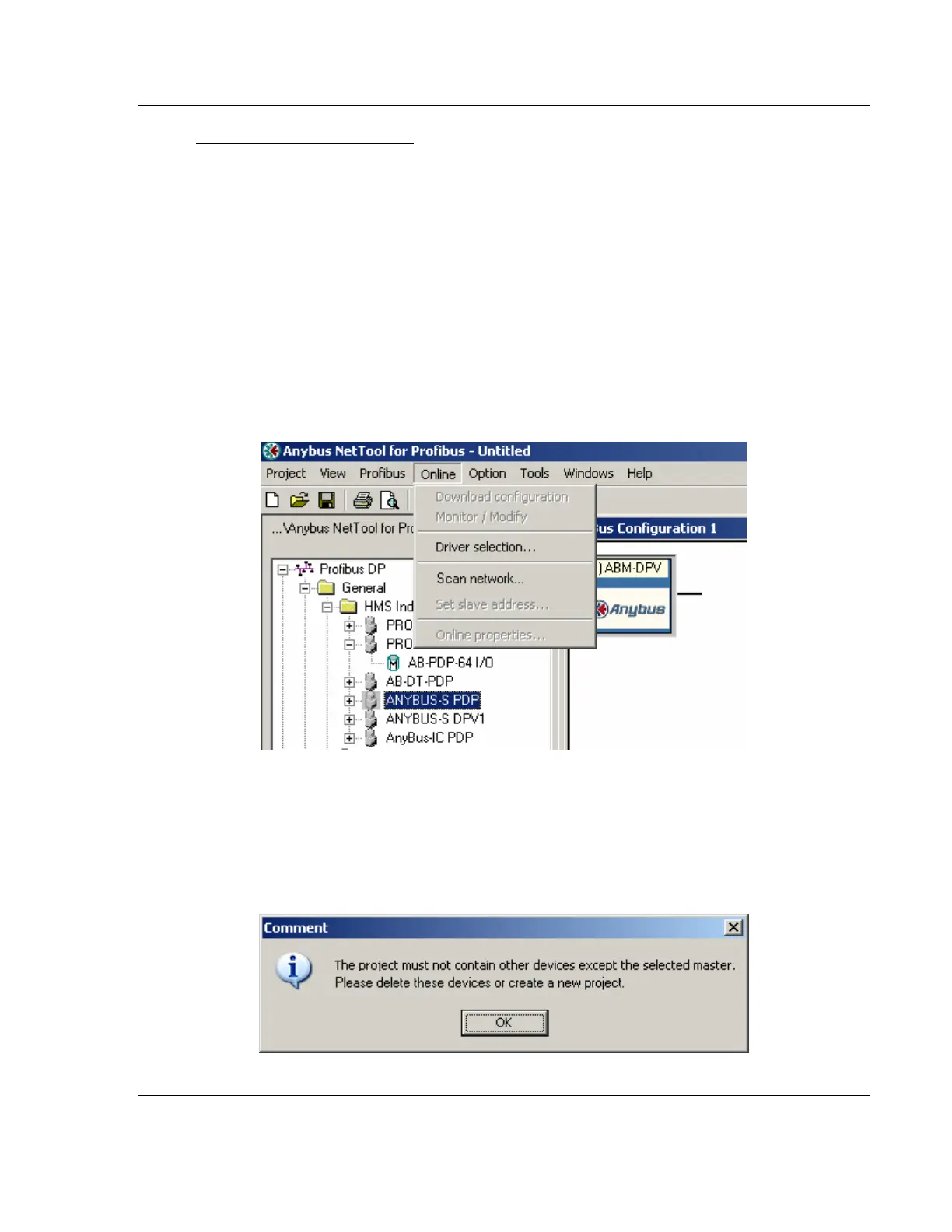
NETWORK SCAN is selectable from the Online menu as well as from the drop-
down menu for the MASTER icon.
The only prerequisite for scanning the network is that the project consists of a
Master with no slaves assigned to it. If a network scan is initiated and the project
already contains slaves, a message window similar to the one below will appear.
When the window is closed the network scan will be omitted.



 To Next Page