MVI56-PDPMV1 ♦ ControlLogix Platform Configuring the MVI56-PDPMV1 Module
PROFIBUS DPV1 Master User Manual
Page 93 of 251 ProSoft Technology, Inc.
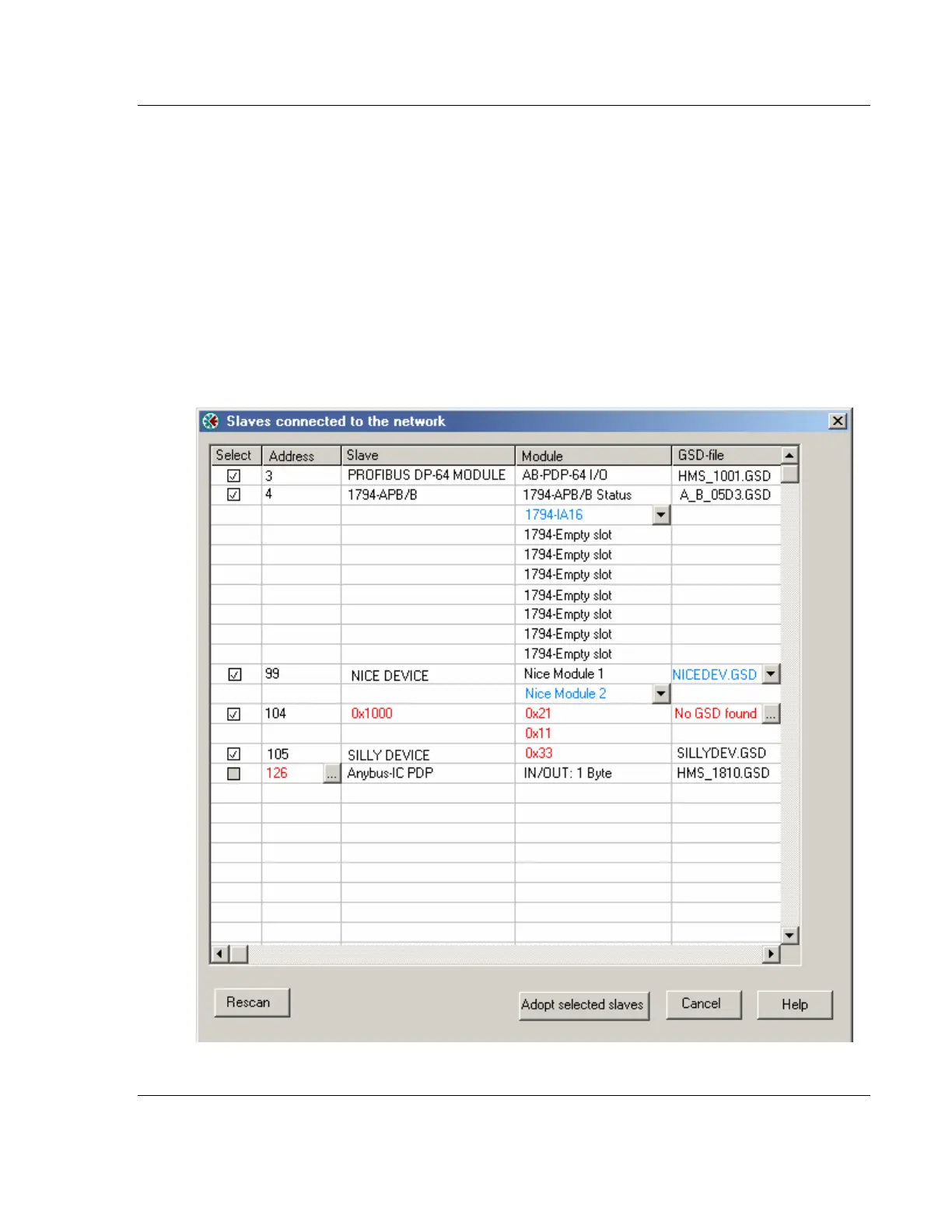
Address
In this column the node address of the slaves will be displayed. Found slaves
should be listed in ascending order according to their node addresses.
Special address 126 -Set Slave address:
If a slave with node address 126 is detected during the network scan, the
PROFIBUS Master Configuration window will display the address in red color. It
will not be possible for the user to adopt the slave to the configuration since it is
not allowed to exchange data with devices having this address. The check box in
the Select column will be grayed out.



 To Next Page