Configuring the MVI56-PDPMV1 Module MVI56-PDPMV1 ♦ ControlLogix Platform
User Manual PROFIBUS DPV1 Master
Page 94 of 251 ProSoft Technology, Inc.
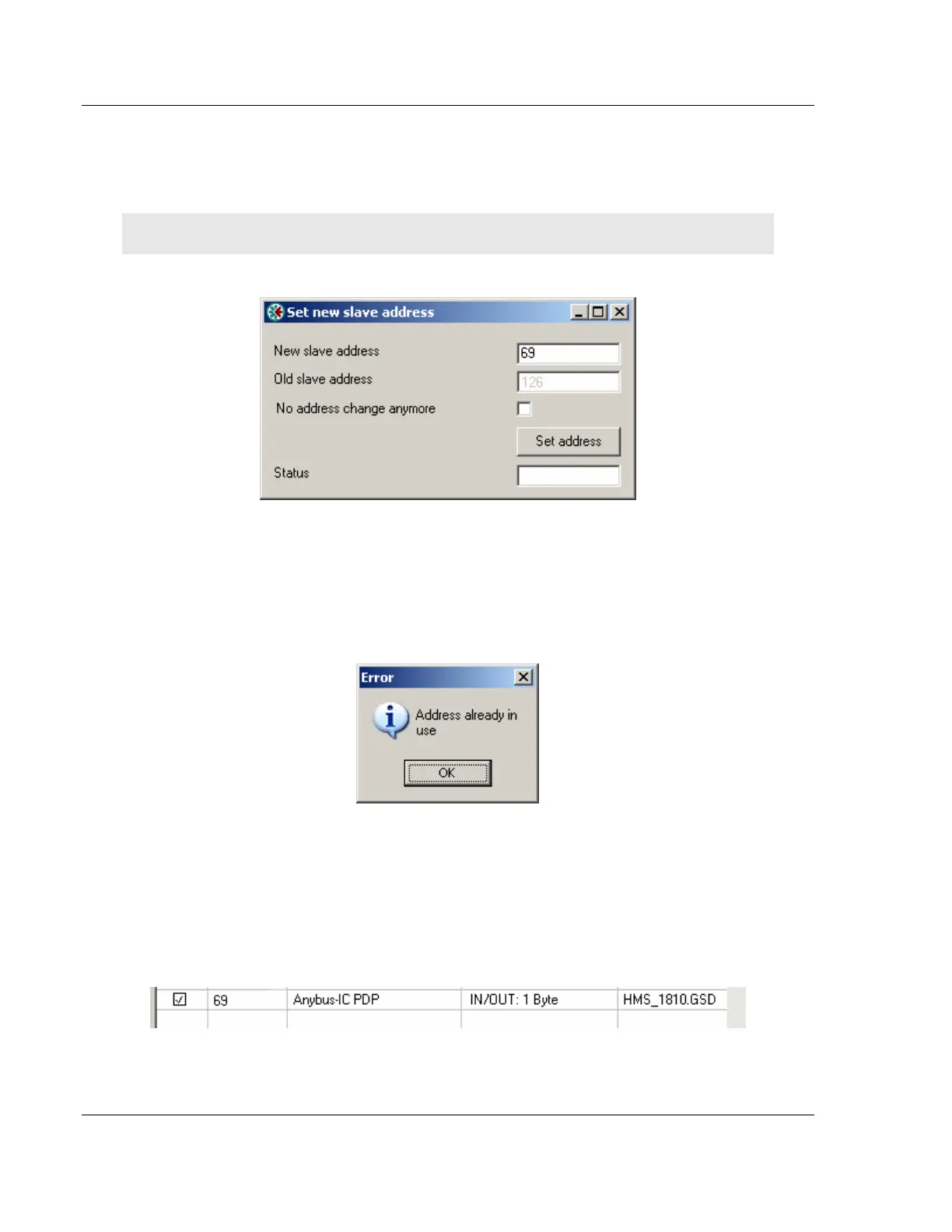
To be able to adopt a slave with address 126 the user must first assign a valid
address by clicking the icon next to the node address. By doing so the Set Slave
Address dialog box is started.
Note: The Old slave address is preset to a value of 126 that is not editable (grayed out).
The PROFIBUS Master Configuration window will prevent the user from selecting
a New slave address that is already occupied by another device; this includes
detected Master stations as well. If the user selects an occupied address, a
message similar to the one shown here will open.
When an address has been successfully assigned, the PROFIBUS Master
Configuration window will update the Network scan window as shown here. The
node address will be updated to the one that the user selected in the Set Slave
dialog box. The check box in the Select column will be marked allowing the user
to adopt the slave to the configuration.



 To Next Page